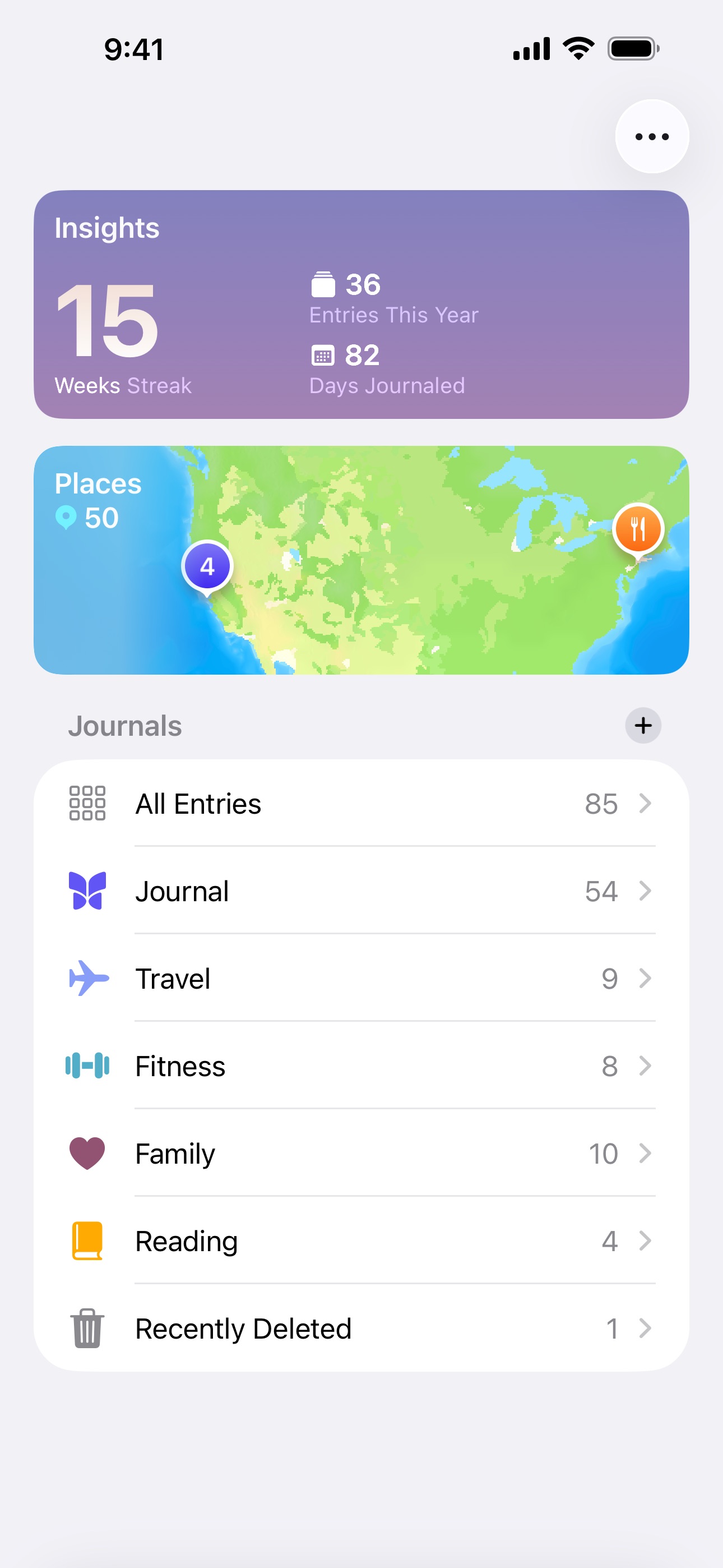
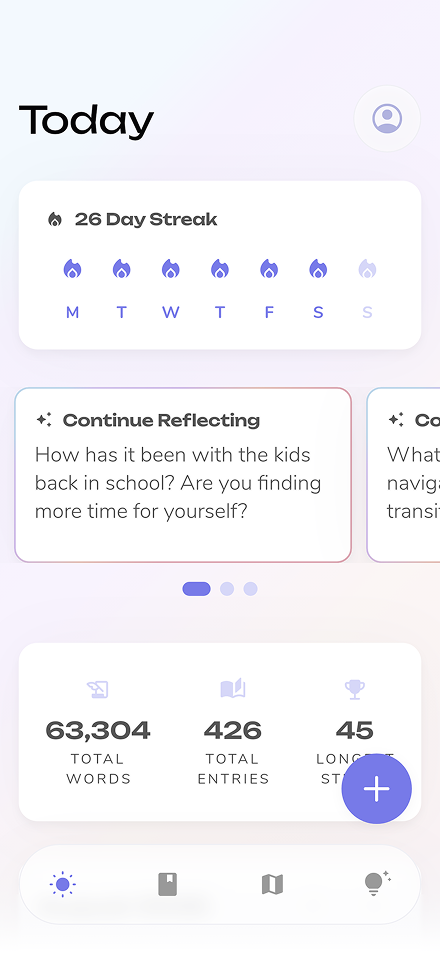
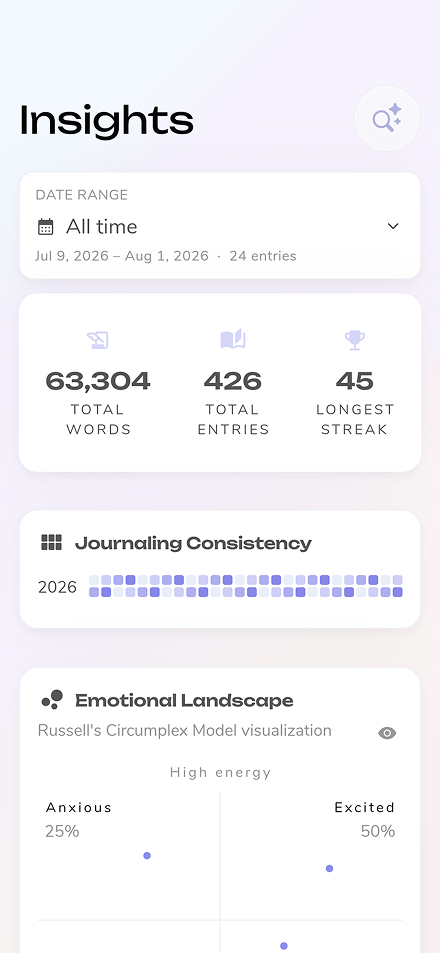
Apple Journal is the built-in journaling app that ships with every iPhone running iOS 17.2 or later. Since September 2025 it also runs natively on iPad (iPadOS 26) and Mac (macOS Tahoe 26). It uses on-device intelligence to surface personalized writing suggestions based on your recent photos, workouts, music, locations, and interactions — making it easy to start an entry without staring at a blank page. Entries support text, photos, videos, audio recordings, and location tags. The app is designed to be simple and private, with data stored on-device and synced via iCloud with end-to-end encryption. It is Apple-only, though: there is no Android, Windows, or web version, so your journal never leaves the Apple ecosystem. And while it lacks advanced features like AI coaching, guided programs, or mood tracking, its tight integration with Apple's platforms makes it a frictionless option for casual journaling.
See how
Apple Journal
stacks up against other popular journaling apps in detailed side-by-side comparisons.
Yes, Apple Journal is completely free with no in-app purchases or premium tier. It comes pre-installed on iPhone (iOS 17.2 or later), iPad (iPadOS 26 or later), and Mac (macOS Tahoe 26 or later). It does require Apple hardware, though — there is no Android, Windows, or web version available.
Yes. Apple Journal came to iPad with iPadOS 26 and to Mac with macOS Tahoe 26 in September 2025, so it now runs on iPhone, iPad, and Mac, with entries syncing across all three via iCloud with end-to-end encryption. It is Apple-only, though — there is no Android, Windows, or web app — so you cannot open your journal on a non-Apple device.
Apple Journal has very limited export options. There is no built-in way to export all your entries at once in a standard format like PDF or plain text. This means your journal data is essentially locked within the Apple ecosystem, which is a significant consideration if data portability is important to you.