Apple JournalvsGrid Diary
A side-by-side comparison of two leading journaling apps to help you find the best journal for your needs.
Disclosure: We built Reflection, so we're not neutral. With that said, we've done our best to keep this comparison fair and accurate to help you find the best app for you.
Quick Recommendation
You want a simple, free journaling app built right into your iPhone with smart suggestions based on your photos, workouts, music, and locations — no extra download needed.
You prefer structured, prompt-based journaling in a visual grid format over free-form writing.
A Closer Look
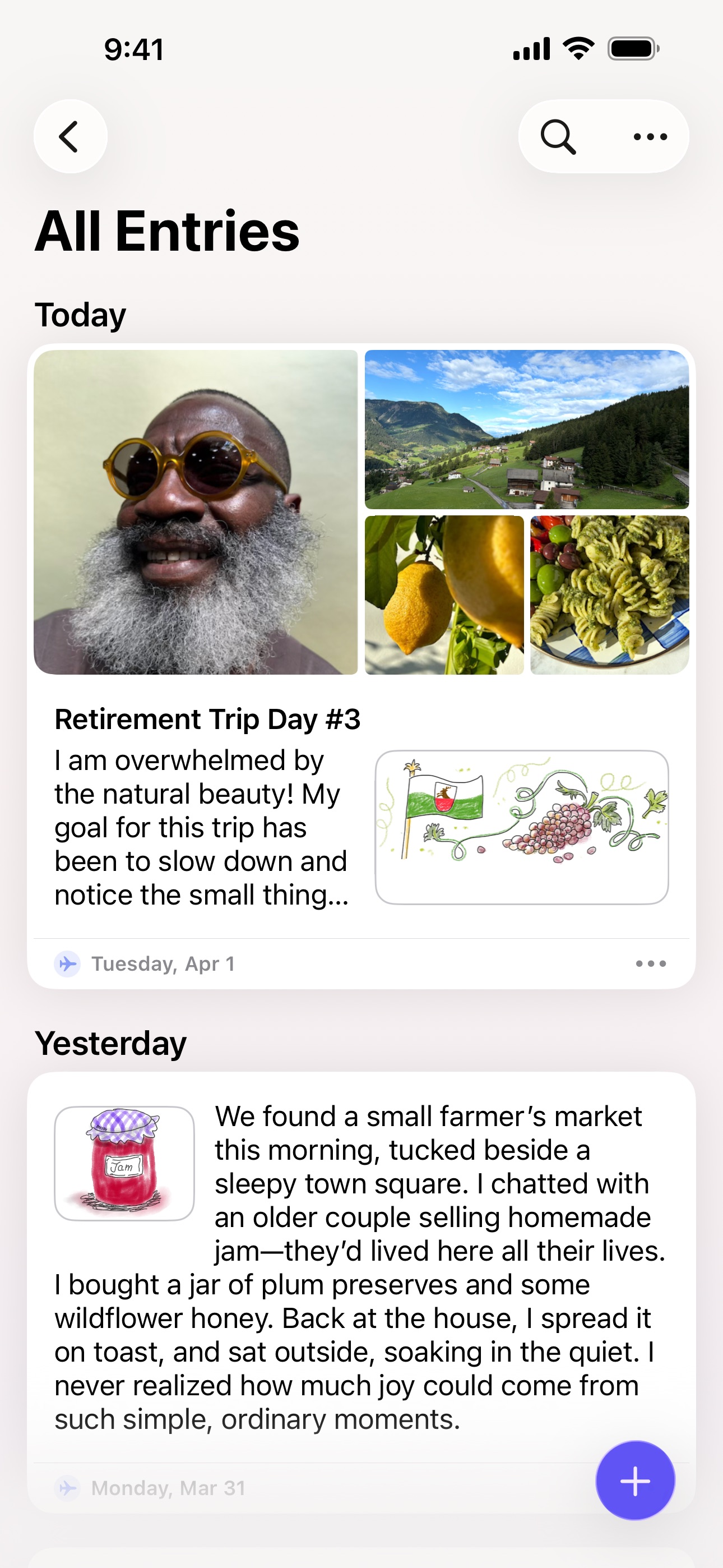
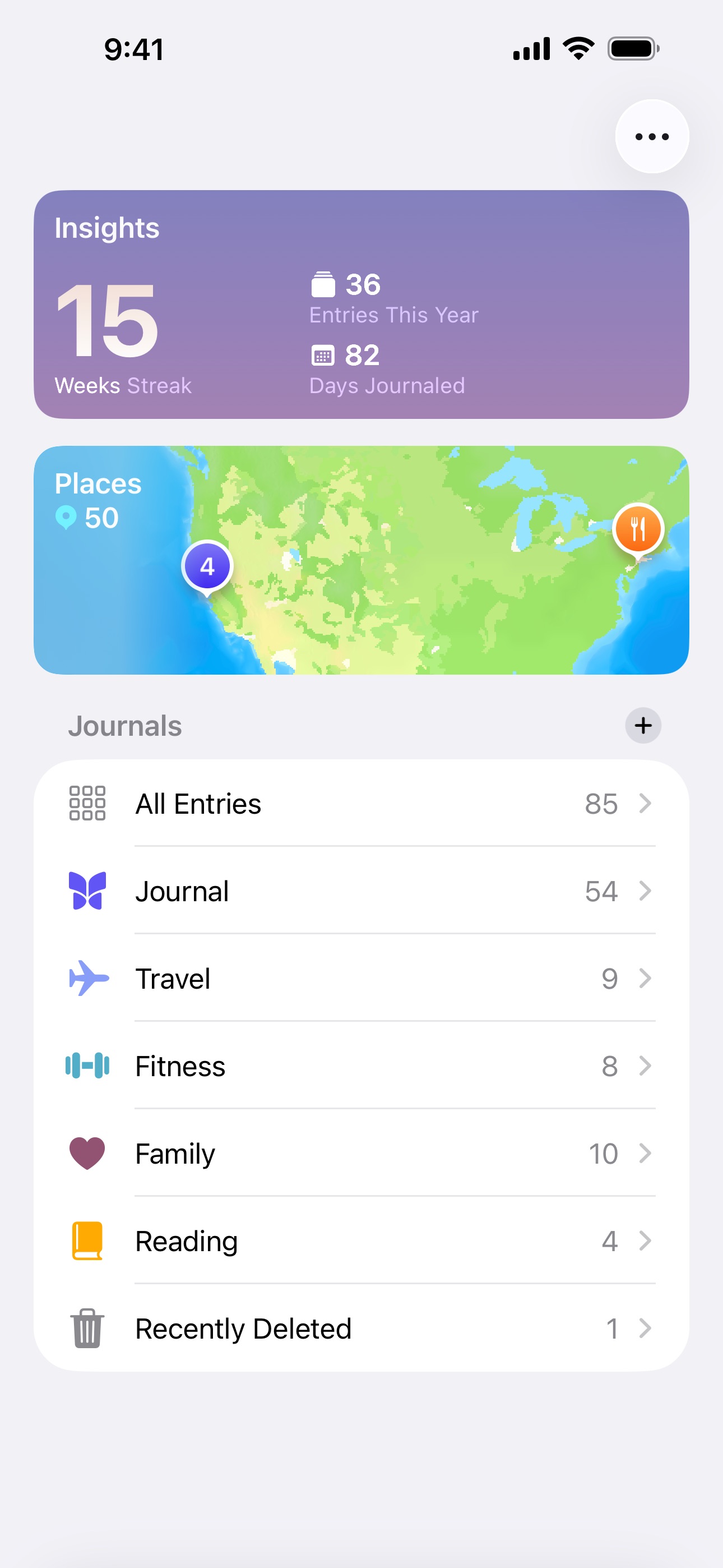
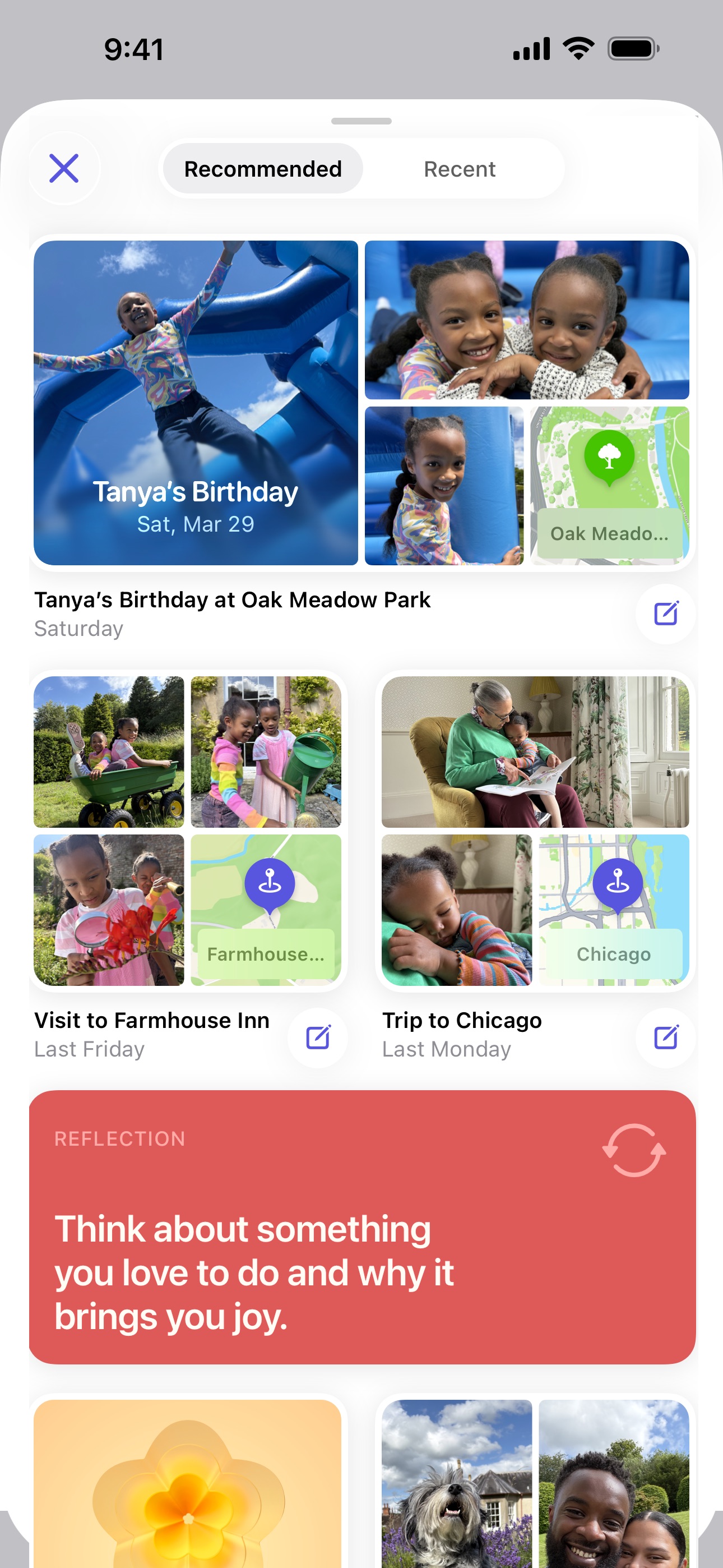
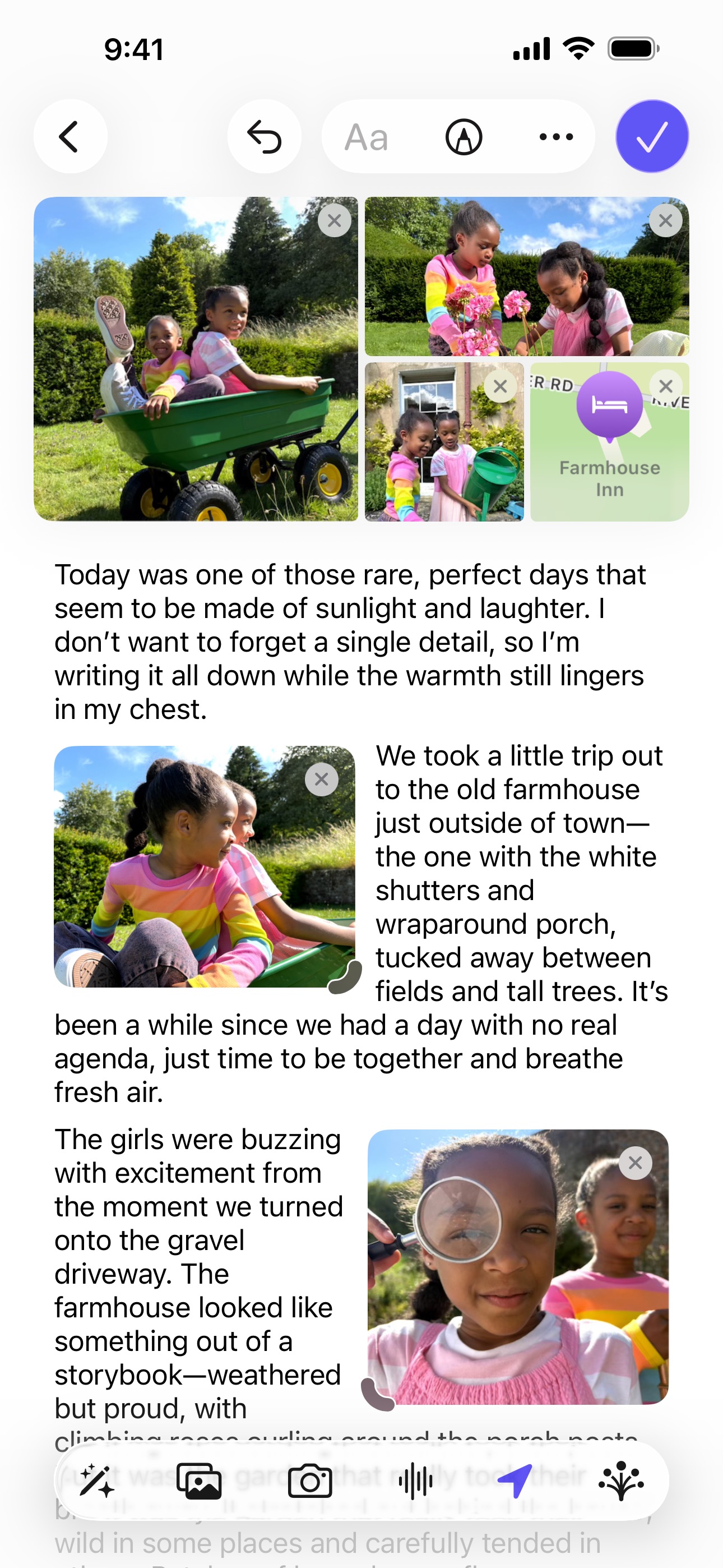
Apple Journal is the built-in journaling app that ships with every iPhone running iOS 17.2 or later. Since September 2025 it also runs natively on iPad (iPadOS 26) and Mac (macOS Tahoe 26). It uses on-device intelligence to surface personalized writing suggestions based on your recent photos, workouts, music, locations, and interactions — making it easy to start an entry without staring at a blank page. Entries support text, photos, videos, audio recordings, and location tags. The app is designed to be simple and private, with data stored on-device and synced via iCloud with end-to-end encryption. It is Apple-only, though: there is no Android, Windows, or web version, so your journal never leaves the Apple ecosystem. And while it lacks advanced features like AI coaching, guided programs, or mood tracking, its tight integration with Apple's platforms makes it a frictionless option for casual journaling.
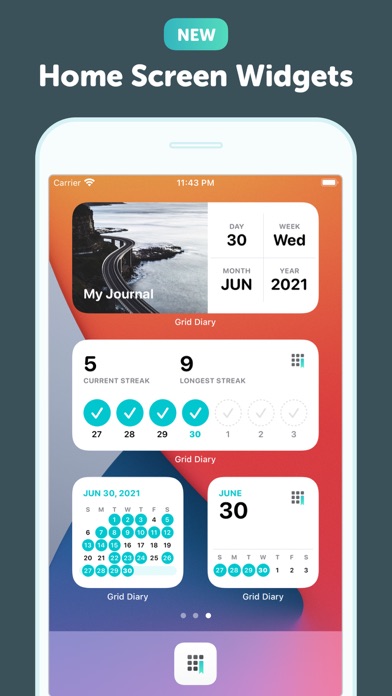
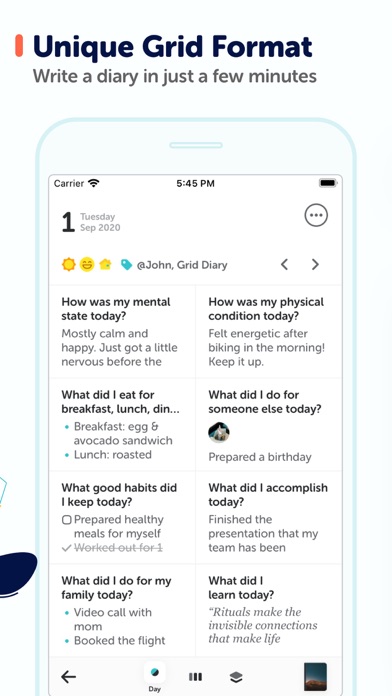
Grid Diary takes a unique approach to journaling by presenting a grid of customizable prompt boxes rather than a blank page. Default prompts include questions like 'What am I grateful for?' and 'What did I get done today?' but you can customize them to fit your routine. The structured format makes it easy to maintain consistency and review entries at a glance. The app also integrates with calendar and health apps and includes goal tracking features, making it a good option for people who prefer answering specific questions over free-form writing.


Feature Comparison
Apple Journal offers daily prompts (via journaling suggestions), a free tier — it's completely free with no premium subscription — and, since September 2025, native apps for iPhone, iPad, and Mac. However, it lacks AI-powered insights, real-time voice coaching, enhanced voice transcription, a guide library, personalized prompts, and export options. It is also Apple-only: there is no Android, Windows, or web version, so your journal is tied to Apple hardware. The feature comparison below shows Apple Journal as a simple, private, no-cost option that leverages deep Apple integration, but doesn't offer the deeper AI coaching, guided programs, or true cross-platform flexibility found in more full-featured journaling apps.
Grid Diary offers daily prompts, export options, and a free tier, with a unique grid-based format that structures your journaling around specific questions. It lacks AI-powered insights, voice coaching, voice transcription, a guide library, personalized prompts, and multi-platform support. The feature comparison below shows Grid Diary as a focused, structured journaling tool that keeps things simple but doesn't offer the AI-driven depth of newer apps.
Frequently Asked Questions
.svg)

Yes, Apple Journal is completely free with no in-app purchases or premium tier. It comes pre-installed on iPhone (iOS 17.2 or later), iPad (iPadOS 26 or later), and Mac (macOS Tahoe 26 or later). It does require Apple hardware, though — there is no Android, Windows, or web version available.
Instead of a blank page, Grid Diary presents a customizable grid of prompt boxes that you fill in each day. This structured format makes it easier to maintain consistency and review entries at a glance.
Yes. Apple Journal came to iPad with iPadOS 26 and to Mac with macOS Tahoe 26 in September 2025, so it now runs on iPhone, iPad, and Mac, with entries syncing across all three via iCloud with end-to-end encryption. It is Apple-only, though — there is no Android, Windows, or web app — so you cannot open your journal on a non-Apple device.
Yes. While Grid Diary comes with default prompts like 'What am I grateful for?' and 'What did I accomplish today?', you can fully customize the grid to match your personal journaling routine.
Apple Journal has very limited export options. There is no built-in way to export all your entries at once in a standard format like PDF or plain text. This means your journal data is essentially locked within the Apple ecosystem, which is a significant consideration if data portability is important to you.
Grid Diary is currently available on iOS and the web. There is no Android app at this time.
The latest from our blog