Day OnevsJourney
A side-by-side comparison of two leading journaling apps to help you find the best journal for your needs.
Disclosure: We built Reflection, so we're not neutral. With that said, we've done our best to keep this comparison fair and accurate to help you find the best app for you.
Quick Recommendation
You want a multimedia diary for capturing life moments with photos, videos, and rich metadata.
You want the broadest platform support with rich media entries, guided coaching, and the ability to export your journal as an ePub ebook.
A Closer Look
Day One is one of the most established digital journal apps, focused on capturing everyday moments in a rich multimedia format. You can add photos, videos, audio recordings, and drawings to your entries, and the app automatically logs metadata like weather, location, and music. Features like On This Day, map views, and timeline browsing make it easy to revisit memories. Day One also supports multiple journals, tags, and templates for organizing your entries, and offers end-to-end encryption for premium subscribers.


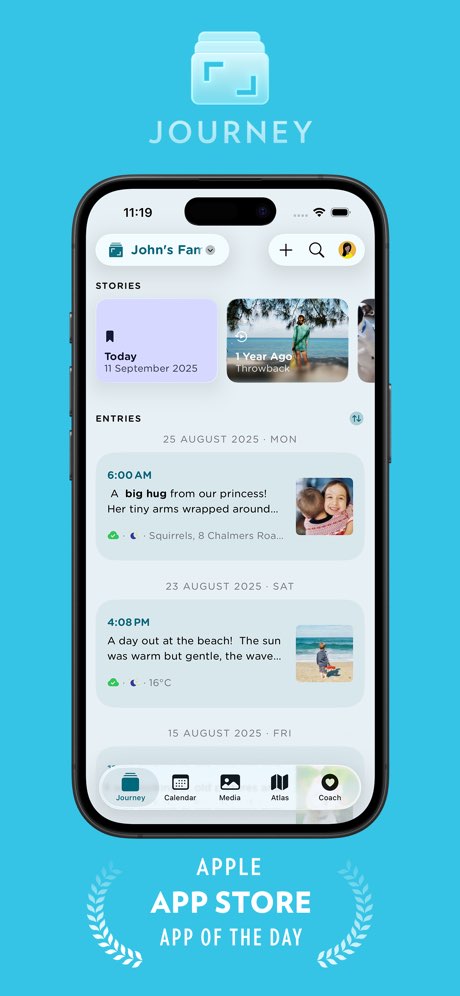
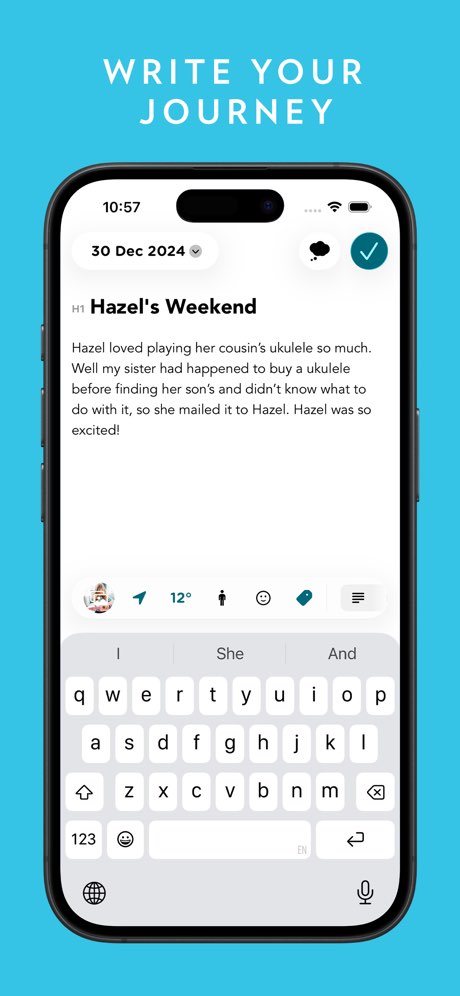
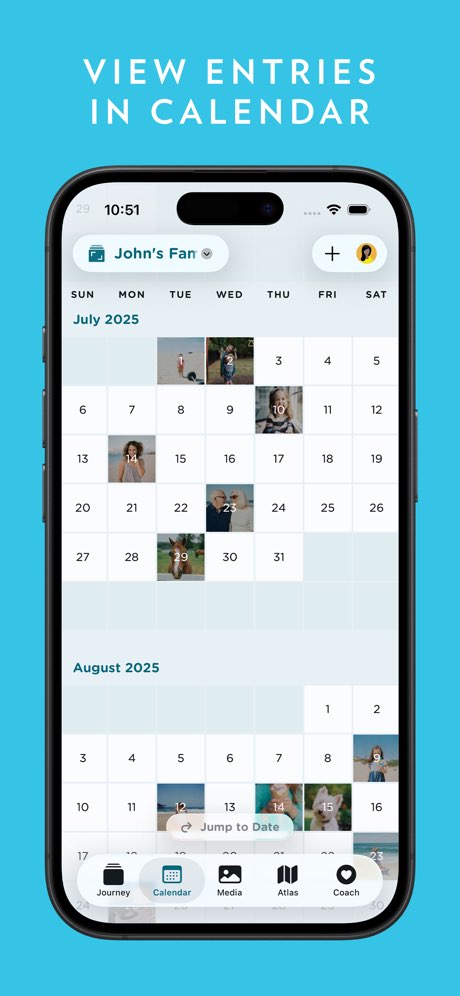
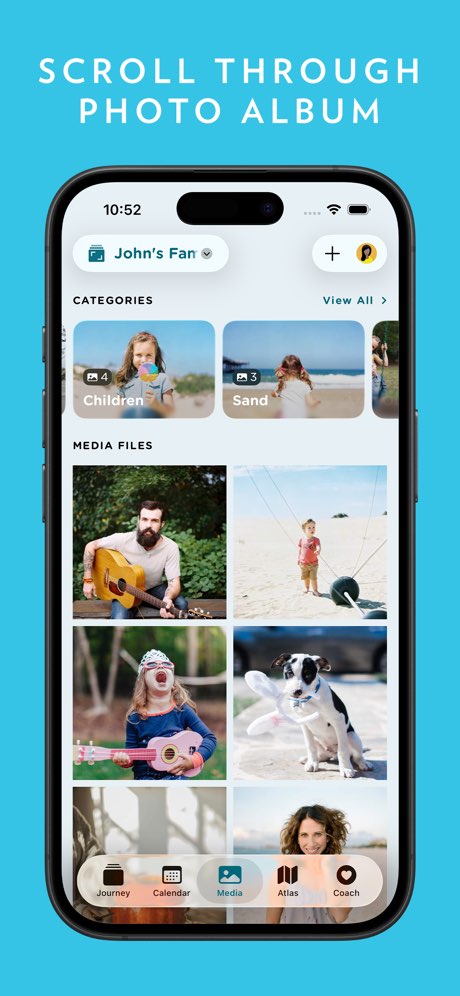
Journey is a feature-rich, cross-platform journaling app that supports text, photos, videos, and audio entries with automatic weather and location tagging. It offers guided journaling coach programs on topics like self-care, gratitude, and personal growth, and can import data from connected services like Google Fit, Fitbit, Strava, and calendar apps. Entries can be viewed in timeline, calendar, atlas map, or photo gallery views. Journey also supports end-to-end encryption and multiple export formats including ePub, making it easy to keep your data portable.
Feature Comparison
Day One offers voice transcription, daily prompts, multi-platform support, export options, and a free tier. However, it lacks AI-powered insights, real-time voice coaching, a guide library, and personalized prompts. Day One excels as a polished multimedia journal for capturing life moments, but if you're looking for AI-driven self-reflection or guided personal growth, the feature comparison below shows where it falls short.
Journey is a well-rounded journaling app with strong cross-platform support, a guide library, daily prompts, and solid export options. It includes a free tier and works across all major devices. However, Journey doesn't offer AI-powered insights, real-time voice coaching, enhanced voice transcription, or personalized prompts that adapt to your writing. If you're looking for a reliable, media-rich journal with broad platform support, Journey covers the basics well.
Frequently Asked Questions
.svg)

Day One offers a free plan with one journal and limited entries. The premium plan ($34.99/year on iOS or $24.99/year on Android) unlocks unlimited journals, entries, audio recording, and video attachments.
Journey is available on iOS, Android, macOS, Windows, the web, and Chrome OS, making it one of the most widely available journaling apps across devices.
Day One is available on iOS, Android, macOS, Windows, and the web, with an Apple Watch companion app. It syncs across all devices through your Day One account.
Yes. Journey can automatically import data from connected services including Google Fit, Fitbit, Strava, and your calendar, adding context to your journal entries.
Yes. Day One offers end-to-end encryption as an optional feature, and supports biometric locking (Face ID/Touch ID) to keep your entries secure.
Yes. Journey supports exporting your entries as an ePub ebook, along with PDF, DOCX, and plain text formats.
The latest from our blog