


Early on, a single word in one of our AI system instructions in Reflection (our AI journal and coach app) was wrong. Not broken — just slightly off, the kind of thing a product manager spots in five seconds and would normally fix before lunch. Except the prompt lived as a Dart string, compiled into the app binary, one copy per platform. Fixing it meant a code change, a PR, a build, and a trip through App Store and Play Store review. What should have taken minutes took the better part of a week, multiplied across every platform we ship: iOS, Android, web, and macOS.
That single incident is the thread this whole article pulls on. If you build with generative AI long enough, you eventually ask the same question we did: where does a prompt actually belong? In your app’s source code, next to the UI it powers? In a backend service you operate? Or somewhere else entirely — a place that isn’t your client and isn’t a server you have to maintain?
We’ve now shipped four distinct answers to that question in production, in that order. This is the story of why each one felt right at the time, exactly what broke, and why we landed on Firebase’s newest answer: server prompt templates, where the prompt itself is no longer client code at all — it’s an infrastructure artifact your app merely references by name.
If you only read the original version of this story — our first post on integrating Gemini via Vertex AI in Firebase — you saw stages one through three. This article is self-contained: it retells the full arc and then goes one step further, into the stage we’re running in production today, with a developer guide detailed enough to build it yourself.

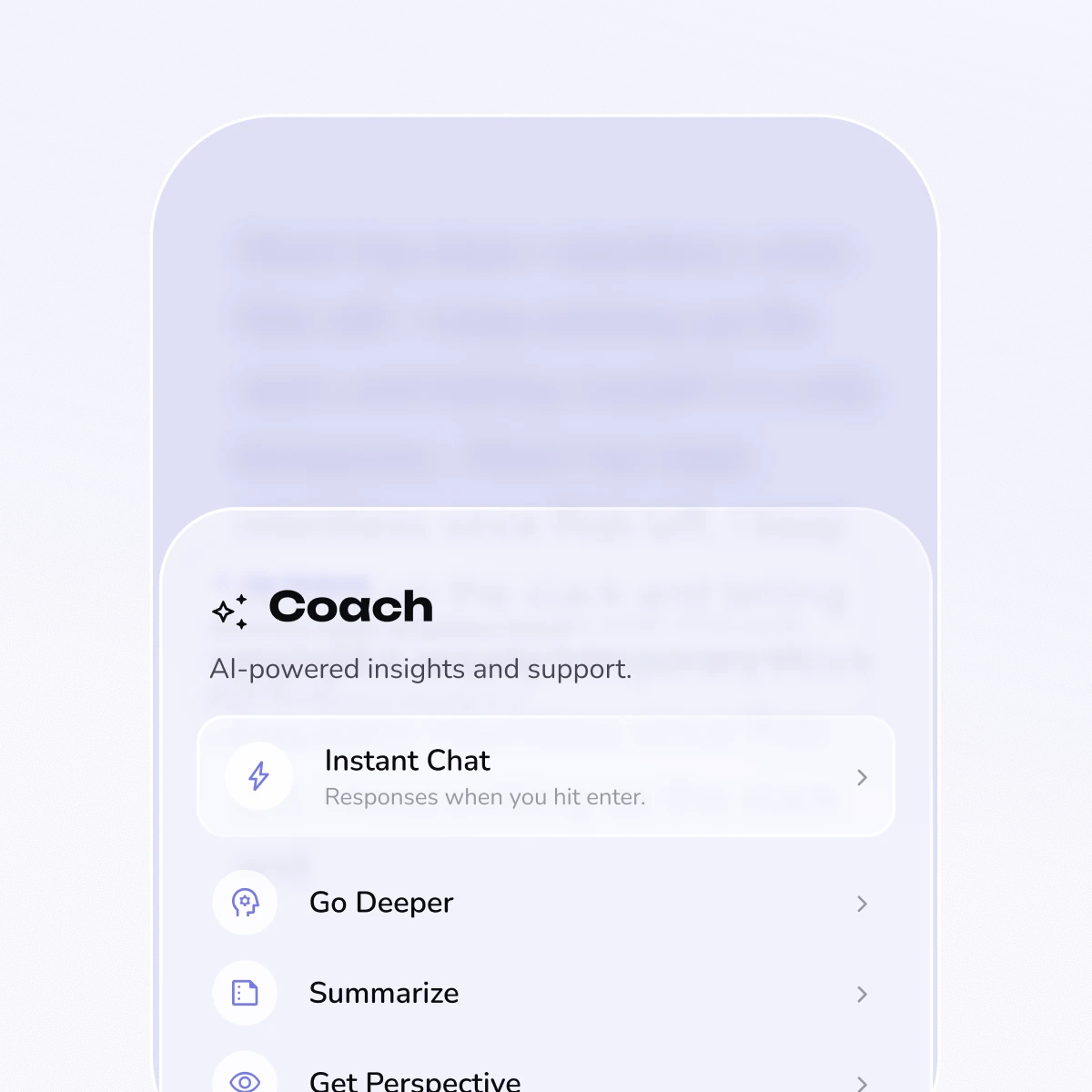
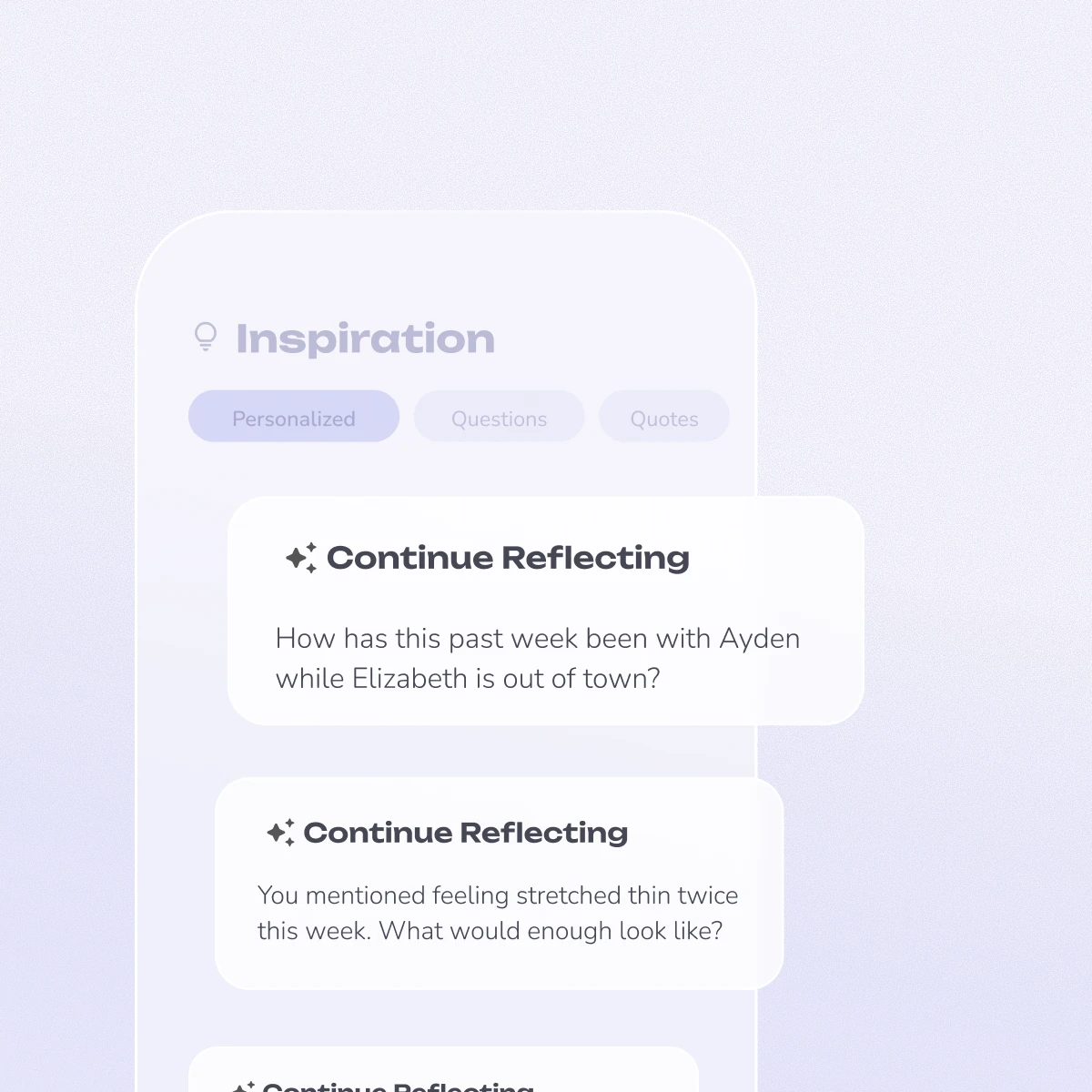
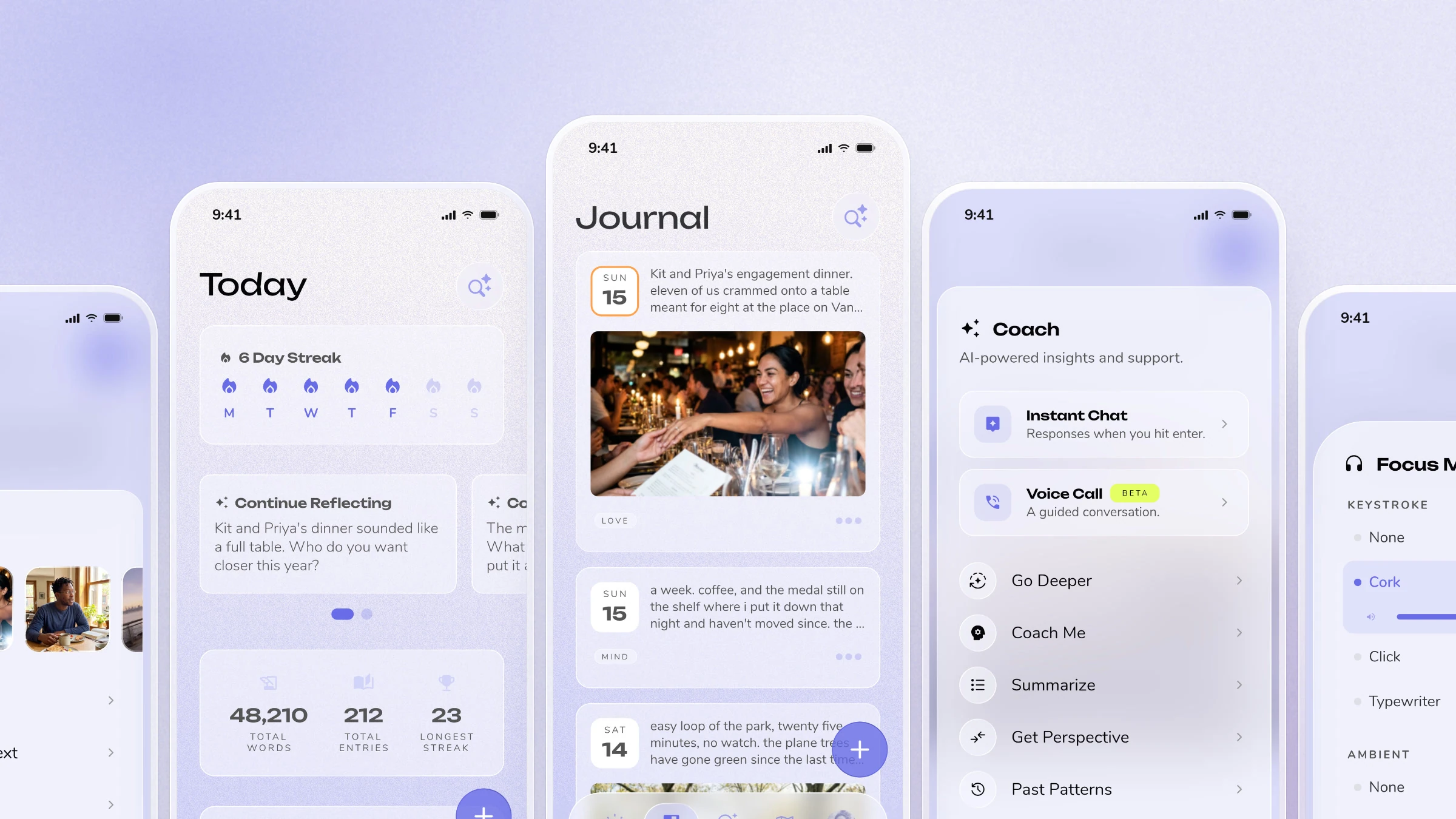
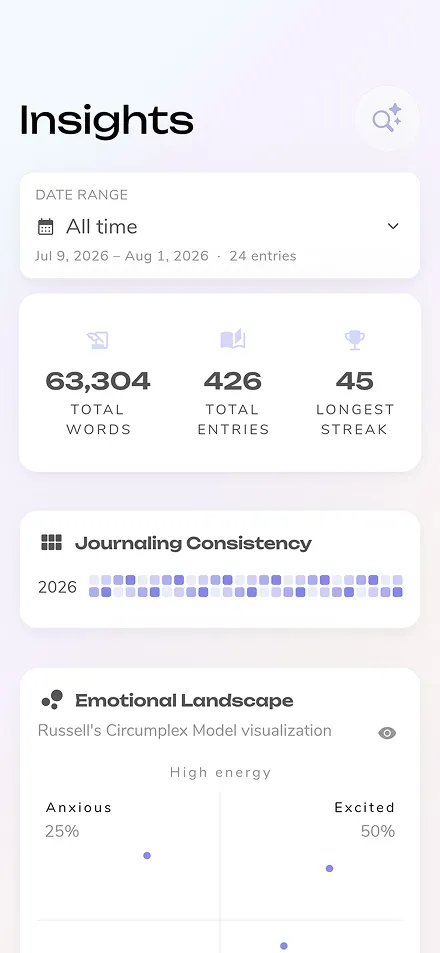
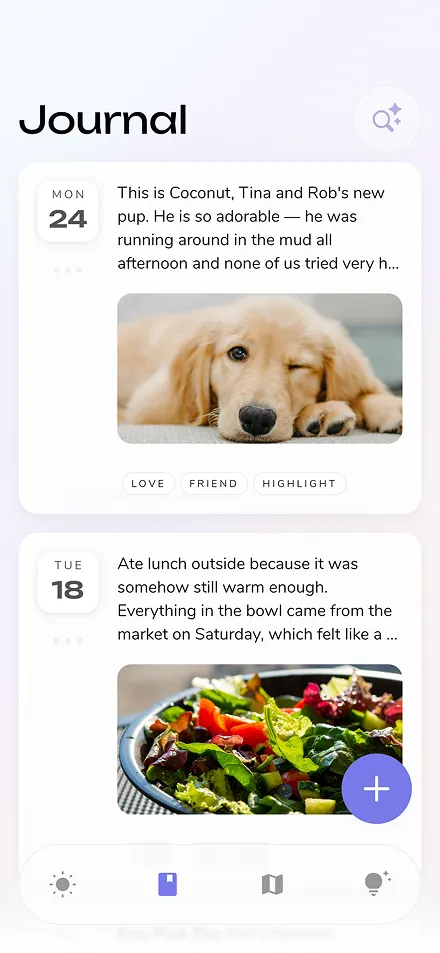
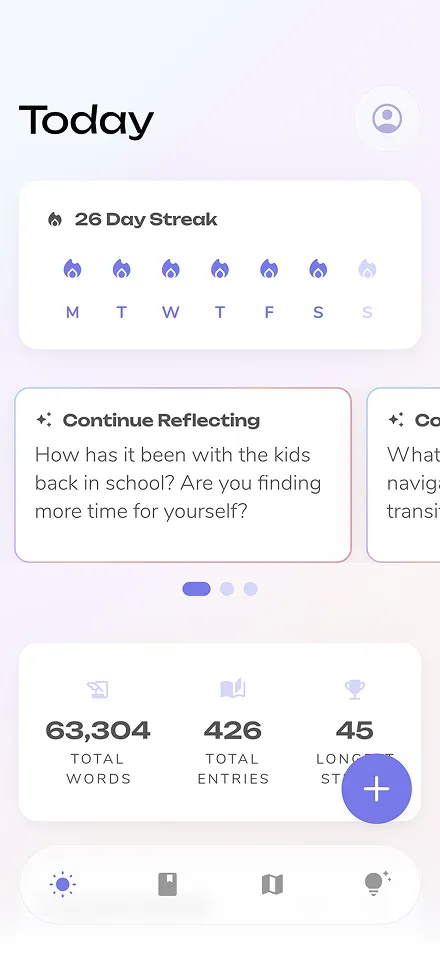
Reflection is a private journaling app with an AI coach: you write an entry, and the app asks a thoughtful follow-up question, or reflects something to you, powered by Gemini. The very first version of that feature worked exactly the way every generative-AI feature starts: a hardcoded prompt string, sitting in a Dart file, formatted with String.replaceAll calls to slot in the user's entry text and a bit of context.
This got us to a demo faster than anything else could have. There’s no infrastructure to stand up, no round trip to design, no schema to agree on. You write the prompt, you call the model, you ship.
The cost showed up the moment the product needed to change:
None of this is a surprise in hindsight. It’s the correct first move anyway — you don’t build versioning and remote configuration for a feature you haven’t validated yet. But it’s the reason the next three stages exist.
The obvious fix for “prompts are stuck in the binary” is to stop putting them in the binary. So we moved prompt handling to a backend service (at the time, built on Flowise) that owned the prompt text, called whichever LLM we’d configured for that step, and returned a response — this was before we’d standardized on Gemini, so the backend was deliberately model-agnostic.
This solved the problem it was designed to solve. Prompts were no longer compiled into the app; they lived on a server we controlled and could edit without an app release.
It introduced a different problem, and this one showed up on every single request. Here’s what actually happened, in order, every time someone tapped in for a follow-up question:
app → our backend → LLM → our backend → app
Two of those four steps are hops through infrastructure we owned, sitting on both the way in and the way out of every single request. Every AI interaction paid for that round trip, plus whatever latency our own service added on top of the model call itself. In a journaling app, where the AI feature is often the difference between “this app understood what I wrote” and “this app is just a text box,” that latency is not a nitpick — it’s the feature failing at the one moment it’s supposed to feel magical.
And it wasn’t free in the other sense either: now we had a service to run. Uptime, scaling, on-call, dependency upgrades — an entire piece of infrastructure whose only job was to sit between our app and whichever model we were calling and add delay. For a small team, that’s a real cost, not just an inconvenience.
The lesson from this stage wasn’t “server-side is wrong.” It was: the backend hop is only worth it if the backend is doing something the client genuinely can’t do itself — and for us, at the time, it wasn’t.
This is the stage that got us featured at Google I/O, and it’s the architecture our original blog post covers in depth. The short version: we removed the middle hop entirely.
Flutter app → Firebase App Check → Vertex AI in Firebase → Gemini
The client calls Gemini directly through the Firebase AI Logic SDK. Firebase App Check is the security boundary that replaces “our backend verifies the caller” — it attests that the request is coming from our real, untampered app before Google’s infrastructure will honor it. No service of ours sits in the request path at all.
To get back the “change behavior without shipping a release” capability we’d had with a backend, we used Firebase Remote Config: prompt bodies stayed compiled into the client as the offline/fallback default, but a Remote Config condition could swap in a different version of the text for a cohort of users, live, from the Firebase console. That’s how we tuned model choice, temperature, and prompt wording independently of app releases for the first time.
In hindsight, we were also asking Remote Config to do a job it was never quite designed for. Remote Config is built for small, fast-changing values — a flag, a model name, a short string — not a warehouse for paragraphs of system instructions per feature. Firebase caps the total size of every parameter value in a project at 1,000,000 characters combined (see Remote Config’s limits), and Firebase’s own guidance for genuinely large payloads points teams toward pairing Remote Config with Cloud Storage rather than stuffing more content directly into a parameter. Every prompt we added was one more feature competing for that same shared, capped budget — wedged into a system built to hold pointers and flags, not prompt bodies.
This was, genuinely, a big unlock:
But it has a structural ceiling, and it’s worth naming precisely because it’s easy to miss: Remote Config can only override a value that already has a compiled-in default. The Remote Config SDK’s whole contract is “serve the last-known-good value, and fall back to the in-app default if you have none.” That means every prompt this system manages must still exist as a Dart constant, in the binary, forever — the exact thing stage 1 taught us was a security and flexibility problem. RC-conditions can hide a prompt from most traffic behind a live toggle, but it can never delete it from the app.
We shipped this architecture, we saw real gains from it, and we kept it in production for a long time. But once you’ve felt what “no client fallback needed at all” would feel like, it’s hard not to chase it. That’s stage 4.
In late 2025, Firebase AI Logic introduced server prompt templates: a way to store the entire prompt — instructions, schema, generation config, and all — as a named, versioned resource inside Firebase itself. The client no longer sends a prompt. It sends a template ID and a handful of typed input values, and Firebase renders the actual request server-side before it ever reaches Gemini.

This is a different category of change from Remote Config, not just a bigger version of it. With RC-conditioned strings, the prompt text still had to live in the client as a fallback. With a server prompt template, the prompt text never has to exist in the client at all — not as an active value, not as a fallback, not as anything. What ships in the binary is a short string (the template ID) and a typed map of inputs.
coaching-companion-v1, coaching-companion-v2, …) and are immutable once locked — you don't edit a production template in place; you create a new version and repoint a Remote Config value to it. A bad prompt change is a one-line rollback: flip the Remote Config string back to the previous template ID. No redeploy, no new build, no waiting on app review.templateGenerativeModel() call shape is the same whether you're compiling to iOS, Android, web, or macOS — because it's the same handful of lines of Dart. There's no platform-specific prompt file, no per-platform copy of a string that has to stay in sync.That last point is the metric we actually care about, and it’s worth stating plainly instead of reaching for an invented benchmark number: the real win of this migration isn’t shaving milliseconds off a model response — it’s collapsing “how long does a wording fix take, and who has to be in the room for it” from days-and-an-engineer down to minutes-and-a-review. Because the entire request now stays inside Google’s own infrastructure end-to-end — no service of ours in the path, nothing for us to scale or keep awake at 3 am — the operational story is as simple as it’s ever been for us: one vendor, one security boundary (App Check), one place prompts live.
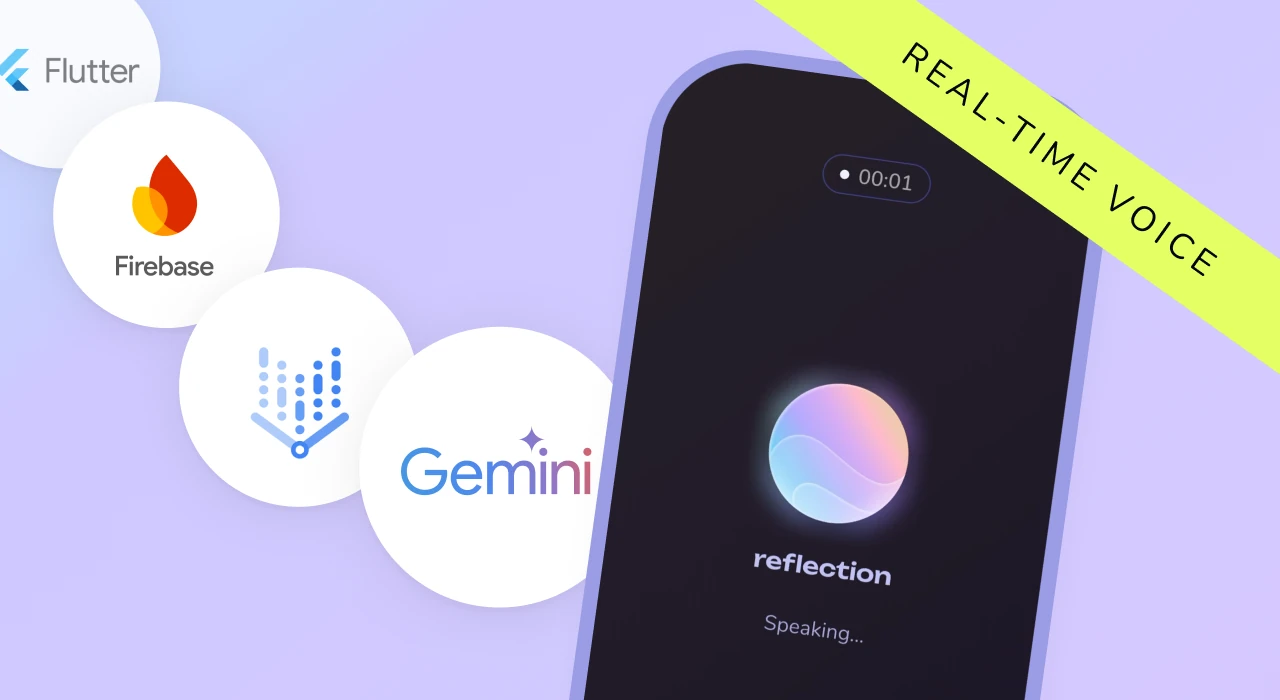
We wouldn’t stand behind this as a silver bullet without naming where it doesn’t reach yet. Server prompt templates are in Preview — no SLA, and the API can still change. They don’t support the Gemini Live API yet, so our real-time voice coaching feature needs an upgrade for the foreseeable future — there’s no bidirectional streaming story here. They also don’t support partials (reusable template snippets) — if you have shared boilerplate (a system prompt fragment used across many templates, say), you inline it into every template at deploy time rather than referencing it once. And output can’t yet be constrained to an enum list the way some client-side calls support. None of these is a dealbreaker for us today, but they’re the reason “voice” and “text” AI features in Reflection currently sit on genuinely different architectures — and that’s a fine outcome, not a compromise we’re quietly hiding.

Whether you’re starting a brand new Flutter and Firebase project or adding this to an existing one, this guide walks through the whole path: authoring a template from nothing, testing it, calling it from Dart or your preferred language, giving it memory across turns, and wiring the automation that makes a prompt change safe to ship without touching a native build.
firebase_ai Flutter package installed. Starting fresh, flutterfire configure gets a new project wired up in minutes; adding this to an existing app is additive.
A server prompt template uses a Dotprompt format: YAML frontmatter followed by the body.
---
model: 'gemini-3.8-flash'
---
Ask one warm, curious follow-up question about this journal entry: {{entryText}}
Split the body into roles to separate behavioral system guidelines from user inputs:
---
model: 'gemini-3.8-flash'
---
{{role "system"}}
You are a warm, curious journaling companion. Ask exactly one open-ended
follow-up question about the entry below. Never give advice unless asked.

{{role "user"}}
Journal entry:
{{entryText}}
Control output behavior in frontmatter and enforce strict runtime validation to block malformed inputs:
---
model: 'gemini-3.8-flash'
config:
  maxOutputTokens: 200
  temperature: 0.7
input:
  default:
    mood: neutral
  schema:
    entryText: string, the user's journal entry
    mood?: string, an optional mood tag for the entry
---
{{role "system"}}
You are a warm, curious journaling companion. Ask exactly one open-ended
follow-up question about the entry below. Never give advice unless asked.

{{role "user"}}
Journal entry:
{{entryText}}

{{#if mood}}
The user tagged this entry with the mood: {{mood}}.
{{/if}}
Navigate to AI Logic → Prompt templates in the Firebase console, create a versioned template ID (coaching-companion-v1), paste your Dotprompt configuration, and test inputs in the interactive panel. Once verified, lock the template to prevent accidental production mutations.
final model = FirebaseAI.agentPlatform(location: 'global').templateGenerativeModel();
final response = await model.generateContent(
  templateId: 'coaching-companion-v1',
  inputs: {
    'entryText': entryText,
    if (mood != null) 'mood': mood,
  },
);
final text = response.text;
For ongoing coaching conversations, add a {{history}} tag to your template:
---
model: 'gemini-3.8-flash'
---
{{role "system"}}
You are a warm, curious coaching companion having an ongoing conversation about
the user's journal entry. Ask one thing at a time. Never rush to advice.

{{history}}
Then initialize a chat session on the client:
final model = FirebaseAI.agentPlatform(location: 'global').templateGenerativeModel();
final chat = model.startChat(templateId: 'coaching-companion-chat-v1');

final response = await chat.sendMessage(inputs: {
  'entryText': entryText,
});

// Subsequent turns automatically carry conversation context forward
final followUp = await chat.sendMessage(inputs: {
  'userReply': userReply,
});
Instead of hardcoding template IDs, read them dynamically via Firebase Remote Config so you can instantly toggle versions or roll back without deployments:
final templateId = remoteConfig.getString('coaching_companion_template_id');
final response = await model.generateContent(
  templateId: templateId,
  inputs: {...},
);
For advanced teams, automate template creation and publishing via CI pipelines using the projects.locations.templates REST API: validate dotprompt files on PR merge, create or patch the template version, lock it via templates.modifyLock, and publish the updated Remote Config pointer automatically.
All of our text-based AI features in Reflection now run on server prompt templates in production, each governed by independent Remote Config pointer keys.
The lesson of the last four years isn’t that architecture stands still — it’s that client binaries should contain UI logic, not business prompt instructions. By shifting from local strings to server-managed templates, we’ve eliminated engineering bottlenecks for copy and prompt iteration while tightening our end-to-end security posture.
Everything in this architecture serves one core mission: helping you unpack your thoughts, manage stress, and build a meaningful daily journaling habit through real-time, privacy-first AI coaching.
Written by Isaac Adariku, Senior Product Engineer at Reflection.