
Apple JournalvsRosebud
A side-by-side comparison of two leading journaling apps to help you find the best journal for your needs.
Disclosure: We built Reflection, so we're not neutral. With that said, we've done our best to keep this comparison fair and accurate to help you find the best app for you.
Quick Recommendation
You want a simple, free journaling app built right into your iPhone with smart suggestions based on your photos, workouts, music, and locations — no extra download needed.
You want conversational AI-guided journaling with strong intention-setting features and voice support.
A Closer Look
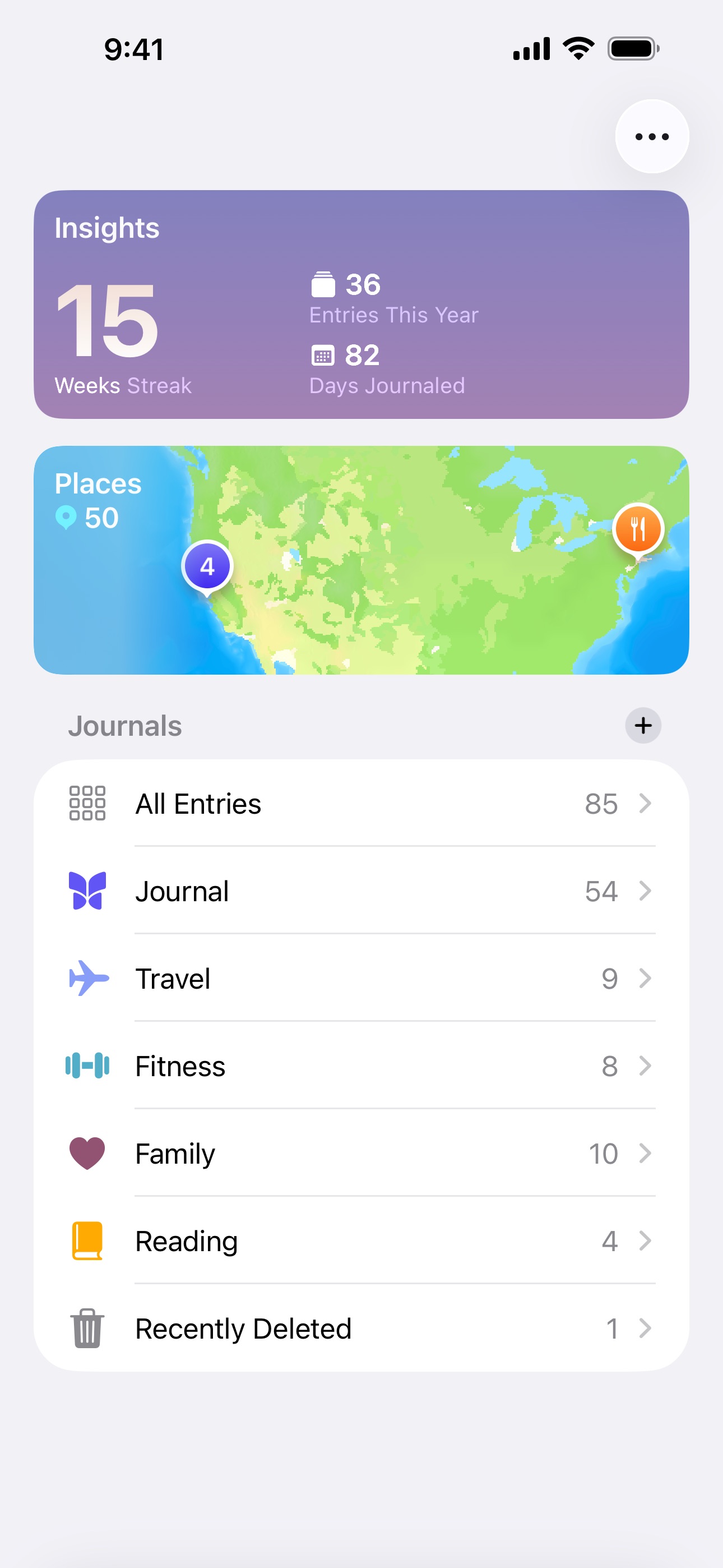
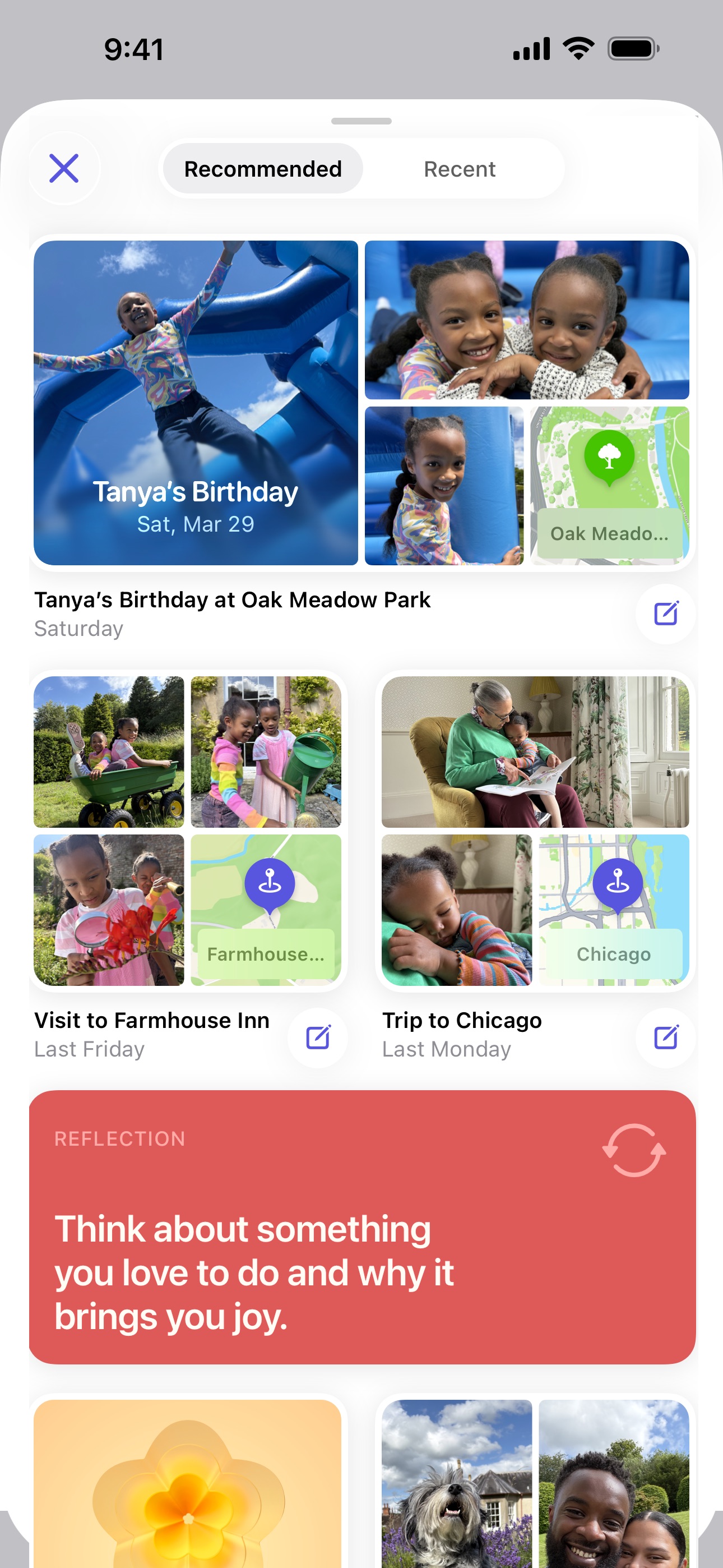
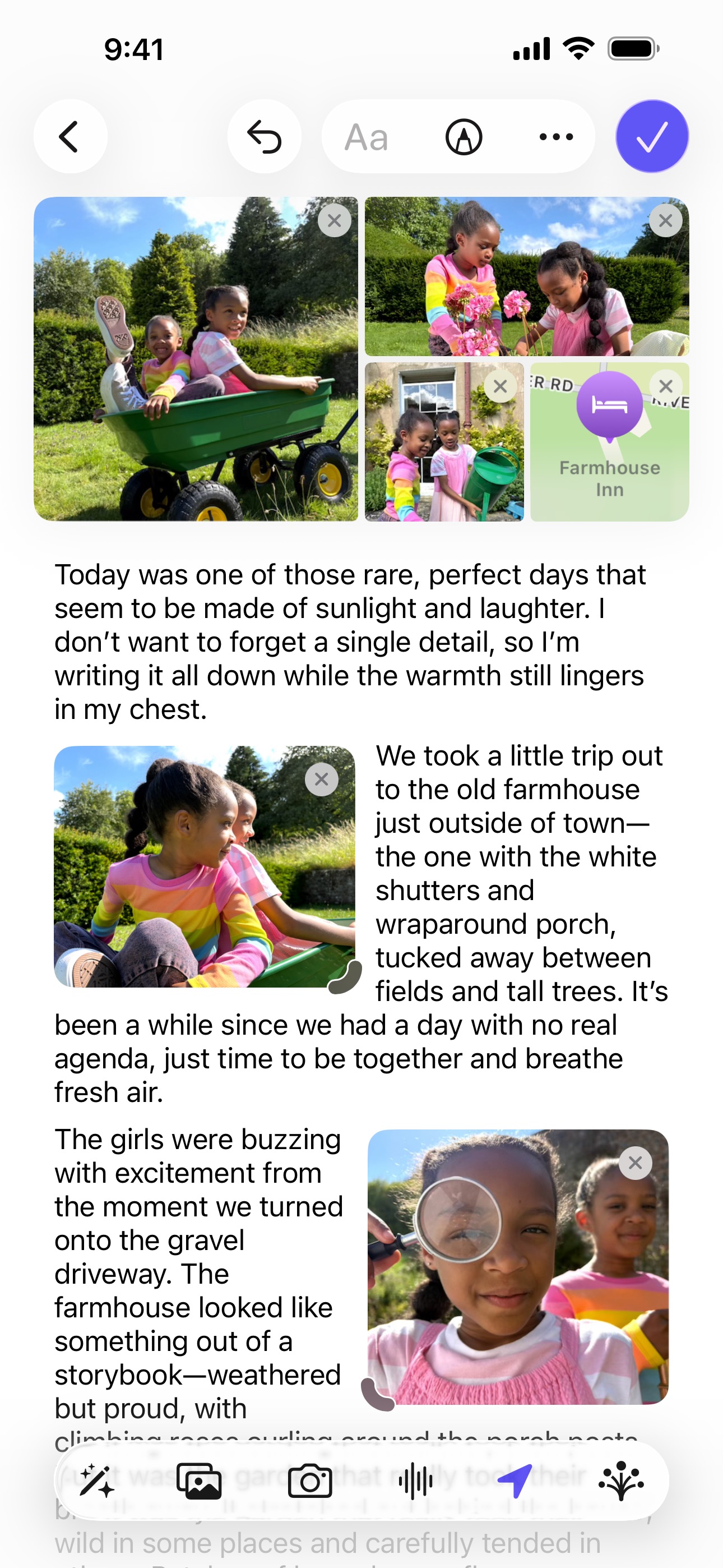
Apple Journal is the built-in journaling app that ships with every iPhone running iOS 17.2 or later. Since September 2025 it also runs natively on iPad (iPadOS 26) and Mac (macOS Tahoe 26). It uses on-device intelligence to surface personalized writing suggestions based on your recent photos, workouts, music, locations, and interactions — making it easy to start an entry without staring at a blank page. Entries support text, photos, videos, audio recordings, and location tags. The app is designed to be simple and private, with data stored on-device and synced via iCloud with end-to-end encryption. It is Apple-only, though: there is no Android, Windows, or web version, so your journal never leaves the Apple ecosystem. And while it lacks advanced features like AI coaching, guided programs, or mood tracking, its tight integration with Apple's platforms makes it a frictionless option for casual journaling.

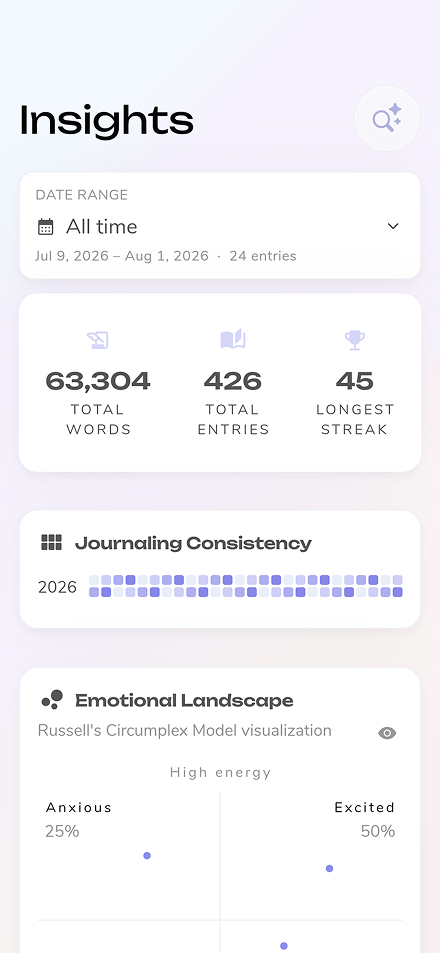
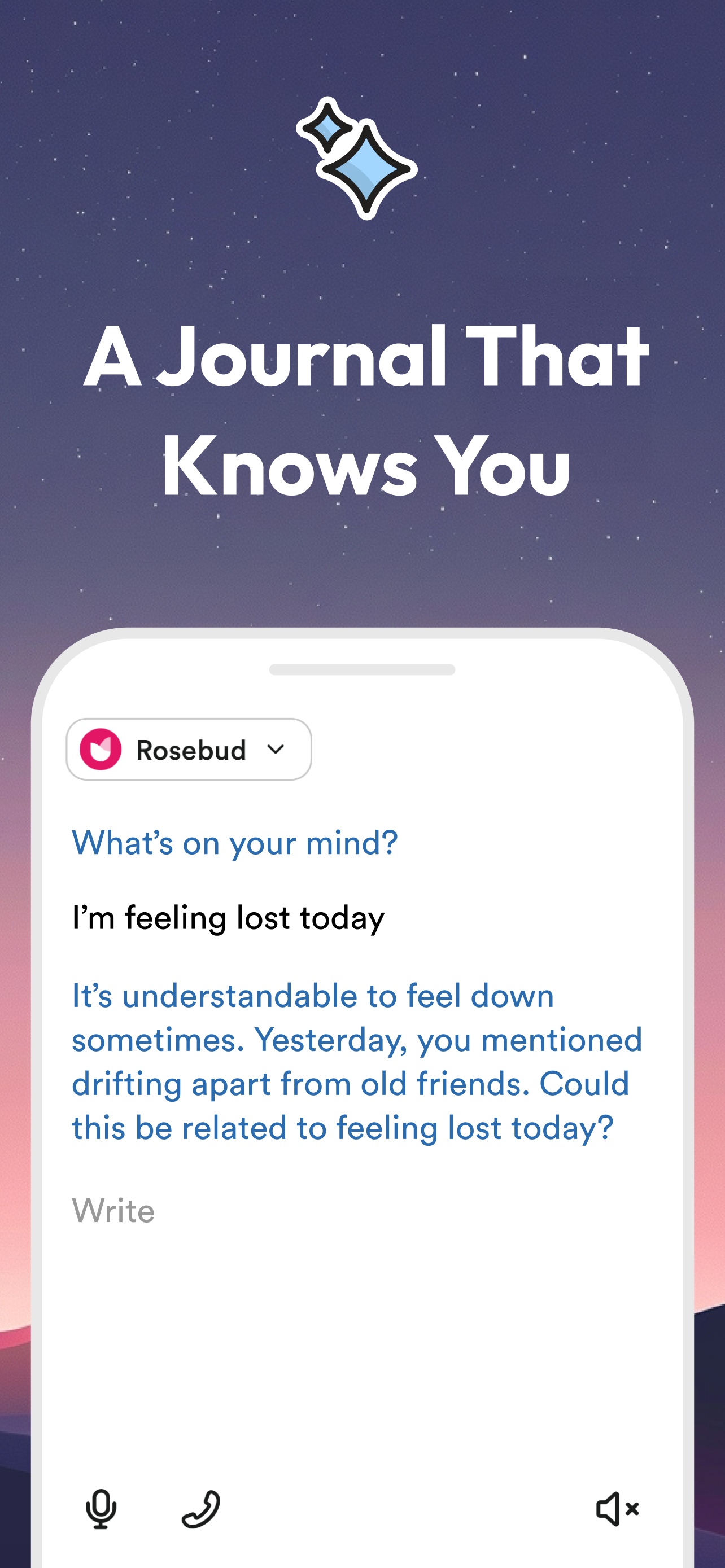
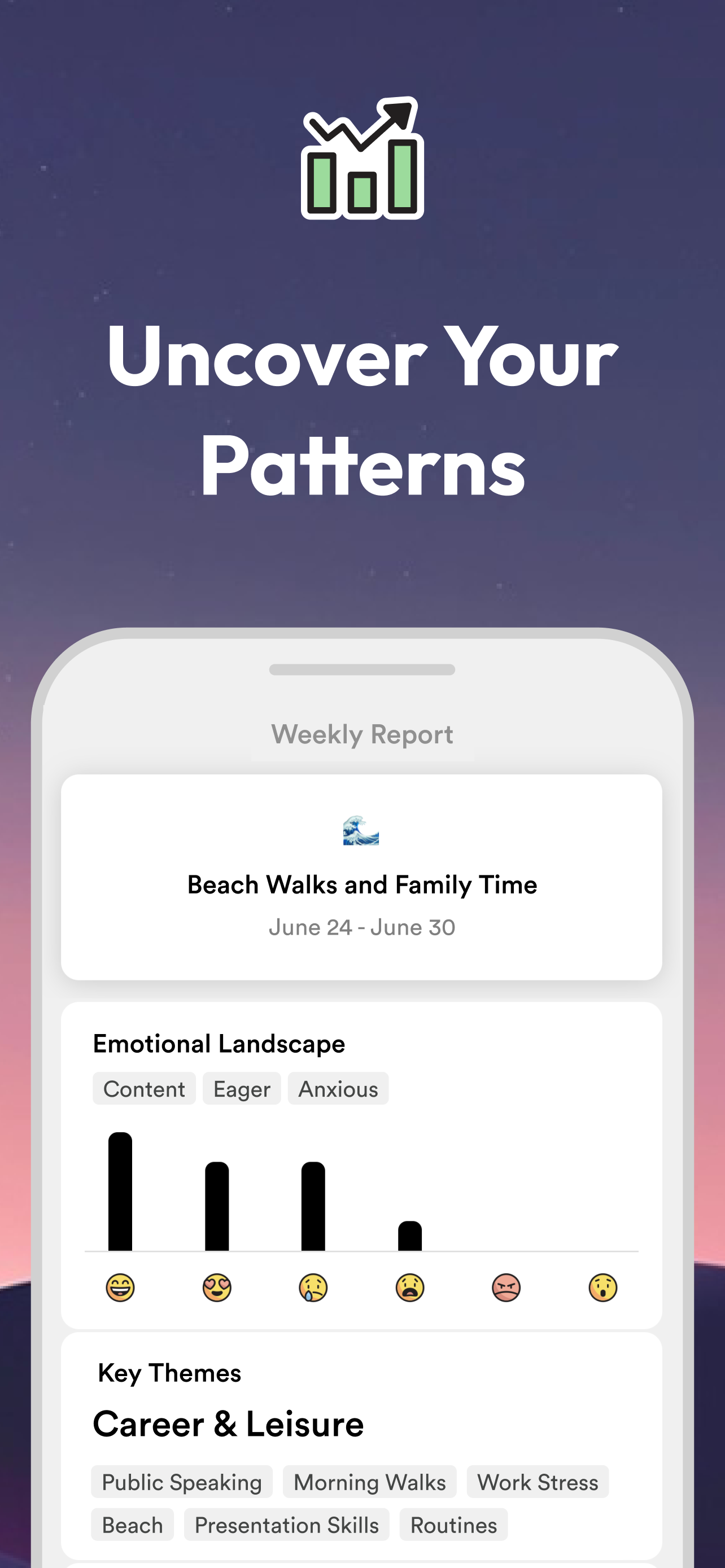
Rosebud uses AI to turn journaling into an interactive conversation. Instead of facing a blank page, you're guided through your thoughts with adaptive follow-up questions that adjust based on your responses. The app analyzes your entries over time to identify patterns, track mood, and offer personalized insights. Features include intention setting with daily check-ins, weekly AI-generated summaries, smart goal tracking, and voice journaling supporting 20 languages. Rosebud also offers book recommendations and a vision board feature based on your journal content.


Feature Comparison
Apple Journal offers daily prompts (via journaling suggestions), a free tier — it's completely free with no premium subscription — and, since September 2025, native apps for iPhone, iPad, and Mac. However, it lacks AI-powered insights, real-time voice coaching, enhanced voice transcription, a guide library, personalized prompts, and export options. It is also Apple-only: there is no Android, Windows, or web version, so your journal is tied to Apple hardware. The feature comparison below shows Apple Journal as a simple, private, no-cost option that leverages deep Apple integration, but doesn't offer the deeper AI coaching, guided programs, or true cross-platform flexibility found in more full-featured journaling apps.
Rosebud is strong on AI-powered insights, real-time voice coaching, enhanced voice transcription, personalized prompts, daily prompts, multi-platform support, and export options. It no longer has a free tier: Rosebud retired its free plan in September 2026, so using it now means a paid Bloom subscription after the trial. It doesn't include a structured guide library. Rosebud's conversational AI approach sets it apart from traditional journaling apps, and the feature comparison below highlights exactly where it leads and where it has gaps.
Frequently Asked Questions
.svg)

Yes, Apple Journal is completely free with no in-app purchases or premium tier. It comes pre-installed on iPhone (iOS 17.2 or later), iPad (iPadOS 26 or later), and Mac (macOS Tahoe 26 or later). It does require Apple hardware, though — there is no Android, Windows, or web version available.
Rosebud guides you through entries using conversational AI that asks adaptive follow-up questions based on your responses, turning journaling into an interactive dialogue rather than writing on a blank page.
Yes. Apple Journal came to iPad with iPadOS 26 and to Mac with macOS Tahoe 26 in September 2025, so it now runs on iPhone, iPad, and Mac, with entries syncing across all three via iCloud with end-to-end encryption. It is Apple-only, though — there is no Android, Windows, or web app — so you cannot open your journal on a non-Apple device.
Yes. Rosebud supports voice journaling in over 20 languages, with automatic transcription so you can speak your entries instead of typing.
Apple Journal has very limited export options. There is no built-in way to export all your entries at once in a standard format like PDF or plain text. This means your journal data is essentially locked within the Apple ecosystem, which is a significant consideration if data portability is important to you.
No. Rosebud retired its free plan on September 30, 2026. Entries written on the free plan are not deleted and can still be exported, but continuing to journal in Rosebud now requires the Bloom plan at $12.99/month or $107.99/year, which starts with a free trial.
The latest from our blog