How can we help?
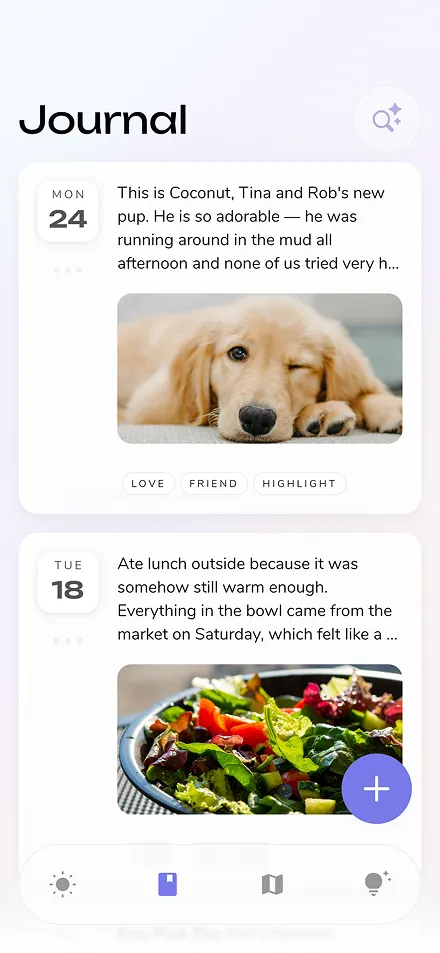
Reflection is an AI-powered journaling app and mental wellness coach designed to help you build a consistent self-reflection habit. Available on iOS, Android, Mac, and Web, our app combines guided prompts and AI insights to make journaling easy and impactful. Whether you need a gratitude journal, a therapy companion, or a tool for personal growth, Reflection adapts to you.
Start with the kind, not the brand. Some journaling apps are structured, prompting you with a question each day; others hand you a blank page and stay out of the way. If you have never kept one, pick a free app that prompts you — the hardest part of journaling is knowing what to write.
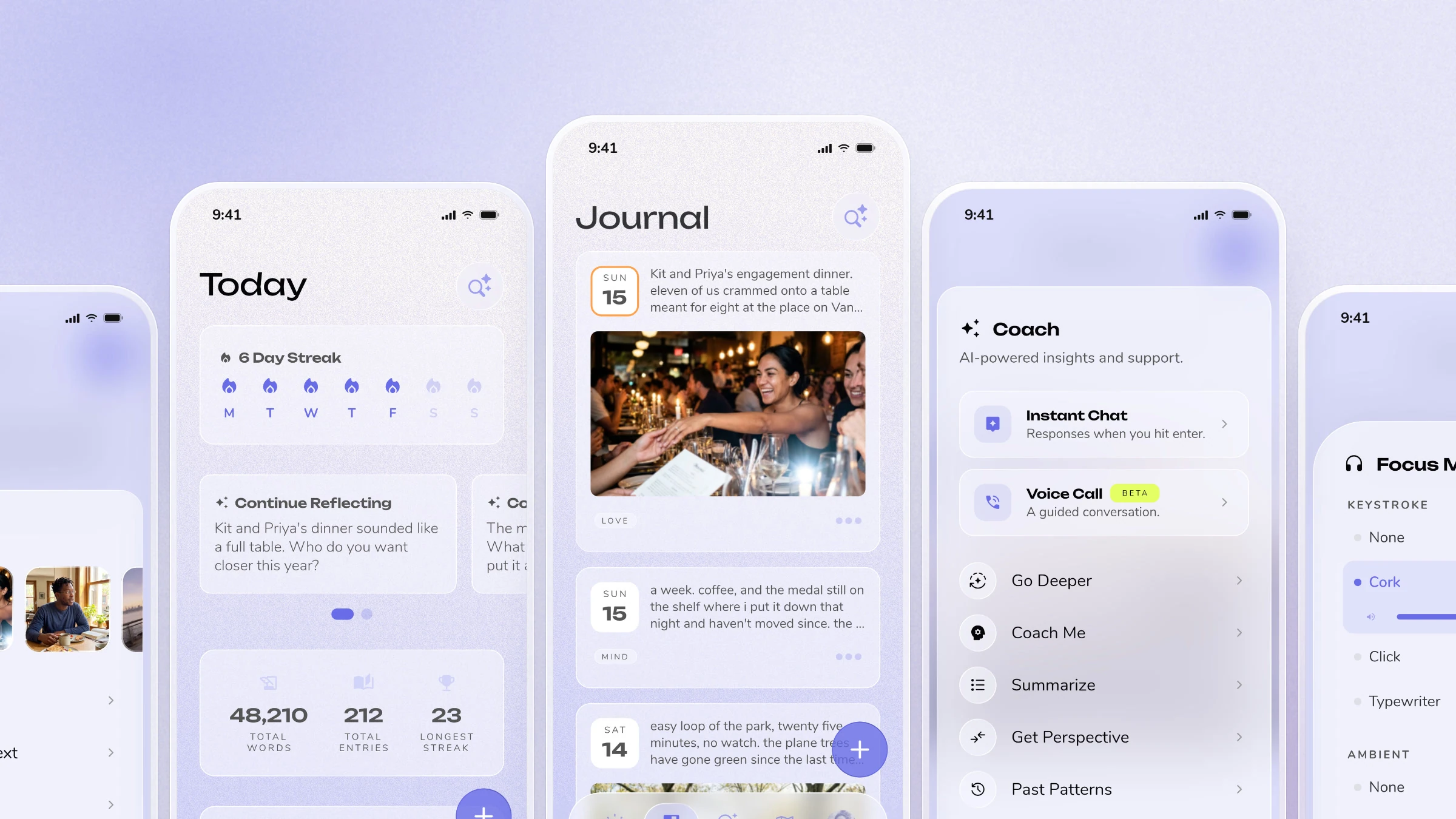
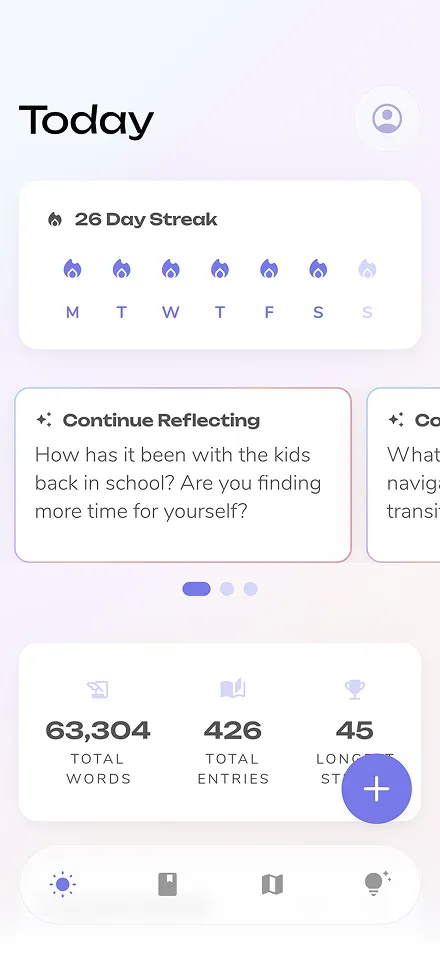
Reflection's primary difference is our AI Coach. While other apps are a blank page, Reflection interacts with you, offering real-time guidance and personalized insights based on your own writing. We combine this with a library of 100+ expert-led guides and a minimal, focused design to help you go deeper, not just write more.
Reflection offers one of the most generous free plans, including core features like AI-powered prompts and cross-device sync. Apple Journal is completely free with no paid tier at all, but it only runs on Apple devices. Day One and Daylio also offer free tiers with basic functionality. The best choice depends on your platform and whether you want AI-guided insights or simple entry logging.
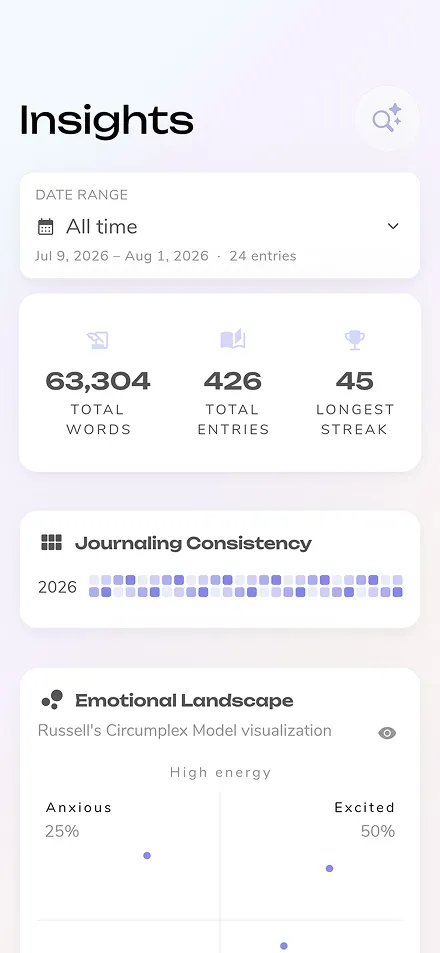
The AI Coach is your private, non-judgmental companion. As you write, it asks insightful questions to help you explore topics more deeply. It can also analyze your entries to help you identify patterns, track your mood over time, and celebrate your progress. Think of it as a guide that's always there to help you connect the dots.
Apple Journal is the obvious starting point now that it runs on iPad, and it supports Apple Pencil handwriting — it is free and already there. It gives you no prompts and no structure, though, and it stops at Apple devices. For guided journaling that also syncs to Android or a browser, Reflection and Day One both run properly on iPad. For handwriting alone, GoodNotes is still the more capable notebook, but it is a note-taking app rather than a journal.
Yes! Reflection has a powerful free version that includes our core journaling features, daily prompts, and access to the AI Coach. For users wanting to go deeper, our Premium plan unlocks our complete library of 100+ guided journals and advanced insights. You can start for free and upgrade anytime.
Fewer than on iPhone, but the good ones are genuinely good. Reflection, Day One, Journey and Daylio all ship real Android apps rather than web wrappers. Apple Journal is not available on Android and will not be. If you want a free Android journal, Reflection and Daylio have the most usable free tiers.
Yes. All of your entries are fully encrypted at rest (AES-256) and encrypted in transit (TLS 1.2 or greater), ensuring that even in the unlikely event of a database breach, your personal thoughts remain unreadable.
Data is stored with Google Cloud, a leading provider certified for ISO/IEC 27001, SOC 1, SOC 2 and follows strict adherence to GDPR requirements for data protection and privacy.
Our business is funded by user subscriptions, not by selling your data.
Your privacy isn't just a feature — it's core to our product and mission.
Yes. An online diary needs no installation and works on a machine you do not control, like a work laptop. Reflection runs in the browser at web.reflection.app with the same entries as the mobile app; Penzu, Journey and Diarium also offer browser access. Check the encryption before writing anything sensitive on a shared computer.
The science-backed benefits of journaling include reduced anxiety, improved mood, and greater self-awareness. Reflection is a tool for mental wellness that makes this practice easy. Our guided prompts for anxiety, self-love, and processing emotions help you navigate challenges, and many therapists recommend Reflection as a supportive tool for their clients.
Research shows that both methods provide meaningful mental health benefits. The key factor is consistency rather than medium. Digital apps offer advantages like searchability, backup, AI insights, and cross-device access, while handwriting can feel more contemplative. Choose whichever method you'll use regularly.
Our guided journaling library contains over 100 expert-led programs on a wide range of topics. You can find guides for specific needs like Journaling for ADHD and Couples Journaling, or explore deeper practices like our popular Shadow Work Journaling guide.
Reputable journaling apps use encryption to protect your entries. Reflection uses bank-level encryption, and Day One offers end-to-end encryption for premium users. Always check an app's privacy policy before committing. Look for apps that don't sell your data or use your entries for advertising.
Yes. Reflection includes a full-featured online journal that you can access from any browser. All of your entries sync seamlessly and securely between the web app and our native apps for iOS, Android, and macOS.
Most quality journaling apps offer export features (PDF, plain text, or JSON). Before switching, export your data from your current app. Some apps like Reflection support importing entries from other platforms, making the transition smoother.
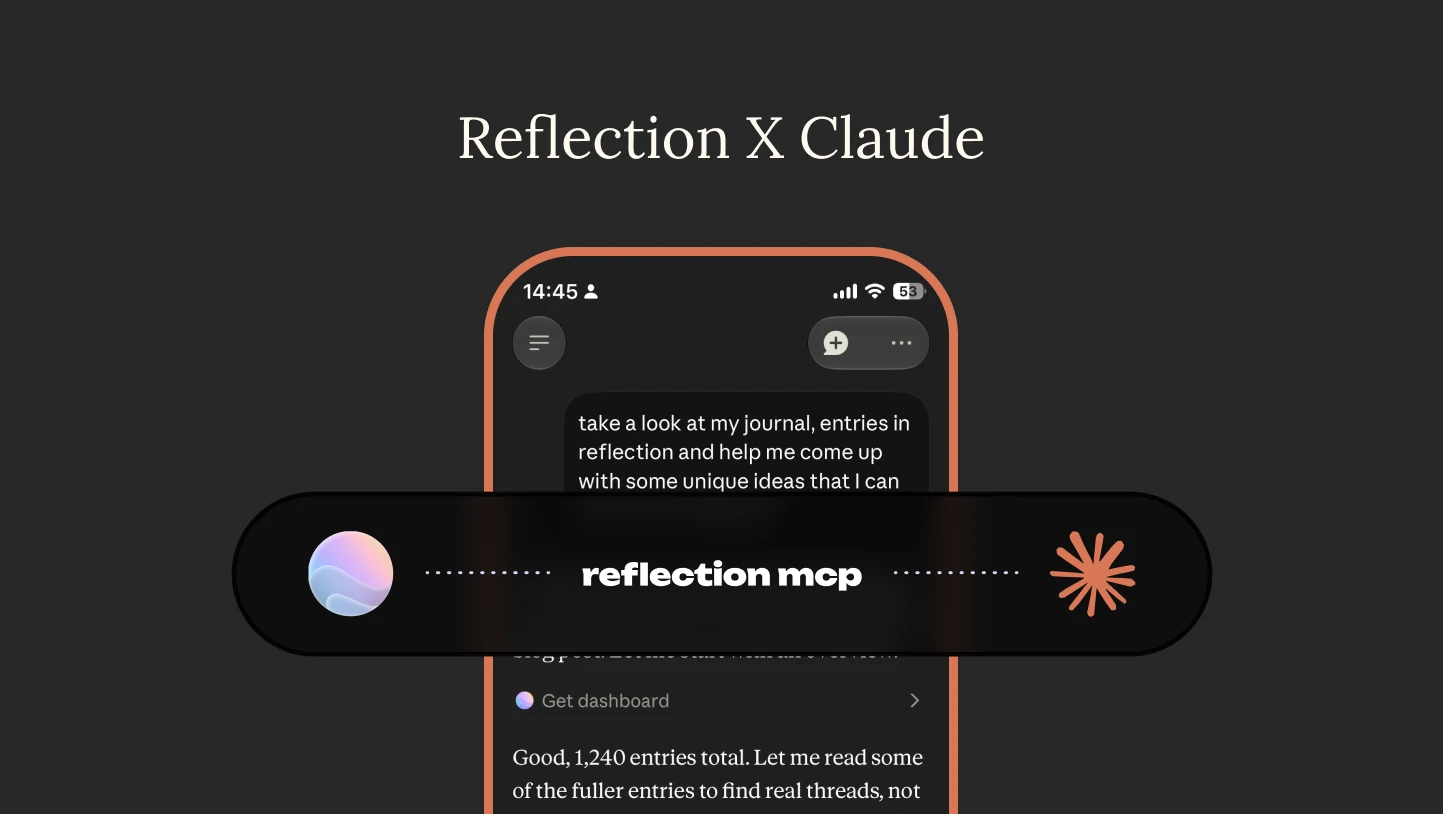
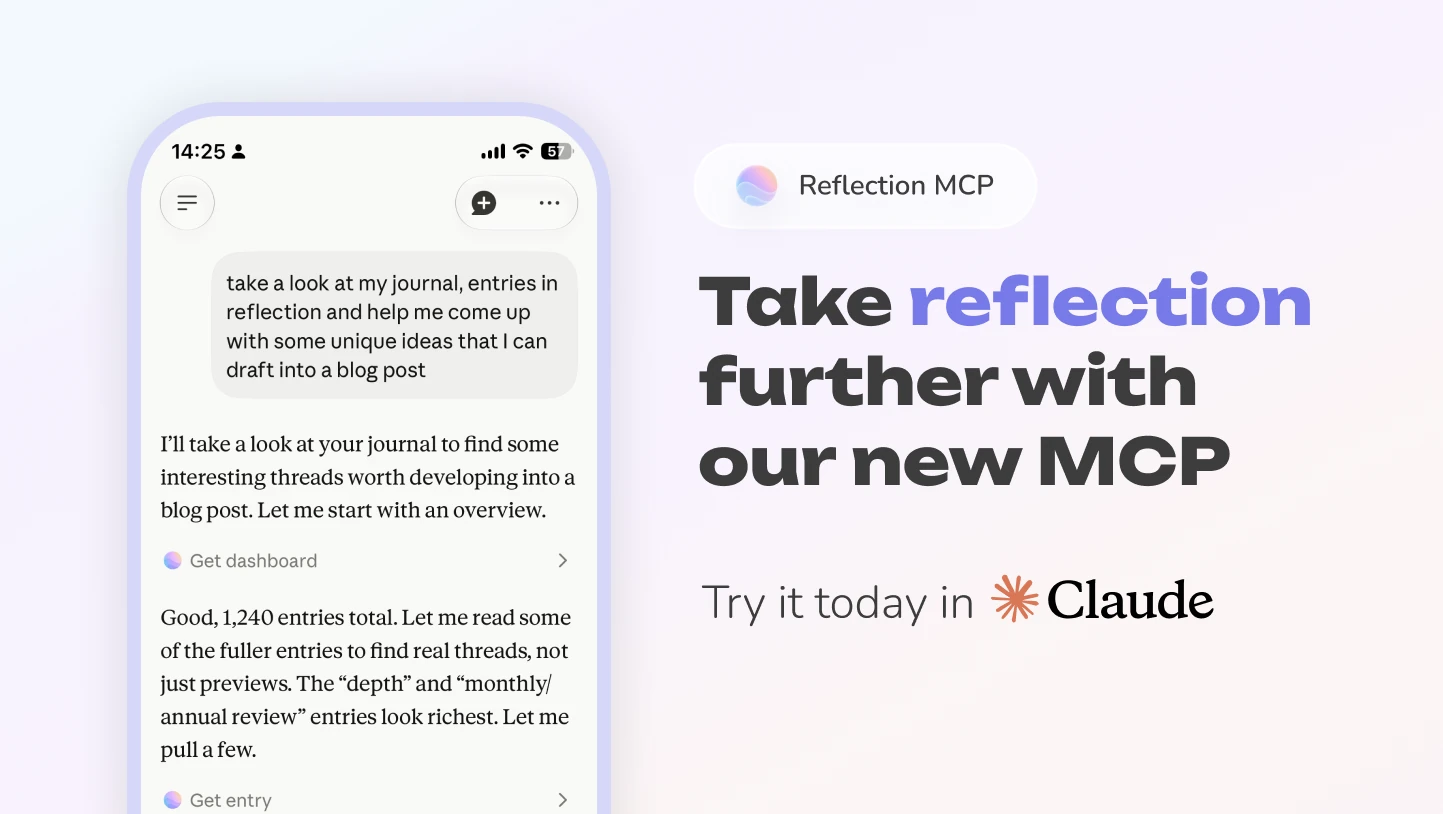
Yes. We believe you should always own your personal history, so we make it easy to bring your existing entries into Reflection. We offer documentation and built-in import and export tools for moving your journal over, and we've recently released a Reflection MCP that lets tools like Claude and ChatGPT help with the import process. The best place to start is our import guide, which walks through the steps and lists the apps and formats we currently support.
If you want personalized prompts, pattern recognition, and guided insights, an AI journaling app like Reflection is ideal. If you prefer a blank canvas for free-form writing, a traditional app like Day One or Penzu may be better. Many people start with AI guidance and transition to more free-form writing as they develop their practice.
The free plan supports a real journaling practice: unlimited entries, daily and personalized prompts, voice journaling, one photo per entry, and a daily allowance of AI coaching, insights, and search.
Premium removes the limits and unlocks the deeper tools:
- Unlimited AI coaching, insights, and search
- Unlimited syncing across all your devices
- Unlimited voice journaling
- 100+ expert-led guided journeys
- Rich text formatting and multiple photos per entry
- Custom tags and custom templates
- Scan handwritten pages into typed entries
- Advanced privacy — app lock and private, PIN-protected entries
- Printer-friendly PDF export
It's designed for those committed to a deeper practice.
Tap "Forgot Password" on the login screen, and we'll send a reset link to your email. If the email doesn't arrive within a few minutes, check your spam or junk folder. If you signed up using Apple or Google, you may need to log in through that provider instead.
You can delete your account from inside the app: Settings → Delete Account. This permanently removes all of your data, and also removes you from our mailing list.
Cancel your subscription first. If you have an active Premium subscription, cancel it before you delete your account — otherwise you'll continue to be charged after the account is gone. You can cancel in Settings → Plan, or through the App Store or Google Play, depending on where you originally subscribed.
Deletion is permanent. Once your account is deleted, your entries can't be recovered, so please export anything you'd like to keep first.
You need to do it yourself. For your security, the Reflection team can't delete an account on your behalf. If you can't get into the app at all, email us at hello@reflection.app and we'll help you regain access so you can complete the deletion.
If you only want to stop receiving our emails, you don't need to delete your account — just use the unsubscribe link at the bottom of any email, or write to hello@reflection.app.
We believe everyone deserves access to meaningful reflection, so we run a pay-what-you-can scholarship program.
To apply, open reflection.app/scholarship — it takes you to the scholarship page inside Reflection, so you'll need to be signed in to your account. If you'd rather just talk to a person, or you can't get to that page, email us at hello@reflection.app and we'll help you directly.
And remember: the free version includes all the core features you need for a fulfilling journaling practice.
Reflection groups your devices into two platforms: mobile (iOS and Android) and desktop (Mac and the web app).
On the free plan, entries you wrote on the platform you're using right now are always fully available. From the other platform, only your 10 most recent entries carry across. Older entries written on the other platform still appear in your journal, but they're dimmed and can't be opened — tapping one shows an upgrade prompt instead of the entry.
So this is a limit on reading, not just editing. An older entry you wrote on your Mac won't open on your phone until you upgrade.
Nothing is lost. Those entries are safe on your account and become readable again the moment you go Premium. Premium removes the limit entirely, so every entry is available on every device.
Yes. In Reflection, go to Settings → Account → Edit email. Enter the address you'd like to use and we'll send a confirmation link to it. Your account email changes once you open that link, so nothing switches over until you've confirmed you can receive mail at the new address.
You'll be asked to confirm it's you first. If you signed in with Apple or Google, that's a quick re-authentication through them, so you don't need a password.
Your entries, your history and your subscription all stay exactly as they are — there's no need to create a second account or move anything across.
Reflection is available on iOS, Android, macOS, and the web. You can access the web app at web.reflection.app using your existing account credentials. Your entries sync seamlessly across all devices.
Refunds depend on where you originally subscribed:
• iOS (App Store): Apple handles all App Store refunds directly. You can request one here: https://support.apple.com/en-us/HT204084
• Android (Google Play): Google handles Play Store refunds. You can request one here: https://support.google.com/googleplay/workflow/9813244
• Web (Stripe): If you subscribed through our website, we can process your refund directly — just reach out to us at hello@reflection.app.
Just visit web.reflection.app and log in with the same email and password you use in the mobile app. It's great for longer writing sessions where you prefer a full keyboard.
Your data is stored securely with Google Cloud, which maintains ISO/IEC 27001, SOC 1, and SOC 2 certifications, and is GDPR compliant. Cloud syncing is what allows your entries to be accessible across your devices.
Your entries are also cached on each device you use, so you can keep writing without an internet connection and everything syncs back up as soon as you're online again.
Premium is available as a monthly subscription, an annual subscription, or a one-time Lifetime purchase. Check the app for current pricing in your region.
If the plan you're looking for isn't showing on your upgrade screen, email us at hello@reflection.app and we'll sort it out with you.
Check that notifications are enabled for Reflection in your device's system settings. If they're enabled but still not working, try toggling them off and back on, or reinstalling the app.
The AI features in Reflection are designed to help you reflect more deeply — they analyze your entries to provide personalized insights and guidance. Your data is encrypted and handled with the highest security standards. Your data is never used to train or improve AI models. We never sell or share your personal data.
Make sure you're logged into the same account on all devices and have a stable internet connection. If syncing issues persist, try logging out and back in. Contact support if the problem continues.
Yes! Dark mode is available in the app settings.
The app interface is currently in English only. However, the AI is designed to respond in the language you write your entries in. So if you journal in Spanish, French, Portuguese, or another language, the AI will respond in that language too.
Yes — this is available today.
One important distinction: Reflection doesn't support handwriting input. You can't scribble or write directly into an entry with a stylus or Apple Pencil. What you can do is photograph a page you've already written by hand in a paper journal — Reflection's AI scans your handwriting and turns it into a typed, searchable entry.
So your paper notebooks and your digital journal finally live in one place, without retyping a word. Scanned entries are encrypted, private, and never used to train AI models.
Scanning written journals is a Premium feature. There's more on the Scan Written Text feature page.
Yes. You can add a photo to any entry on the free plan.
Premium unlocks multiple photos per entry — up to 10 — along with rich text formatting like headings, lists, and bold, so looking back feels as vivid as living it.
Yes! Reflection supports voice-to-text functionality, allowing you to speak your journal entries. This is great for those moments when you'd rather talk through your thoughts than type them.
Try updating to the latest version of Reflection from the App Store or Google Play. If the issue continues, let us know what happened along with your device model and OS version so we can look into it.
Yes. You can export your journal from Settings → Import & Export, in either of two formats:
• Zip file — your entries as both JSON and CSV. Available on every plan.
• Printer Friendly (PDF) — a formatted, readable copy of your journal. This one is a Premium feature.
Either way, we prepare the export and email you a secure download link, usually within an hour. For your privacy that link is valid for 24 hours.
No — your journal entries are safe. Canceling your Premium subscription only ends access to Premium features; it doesn't remove any of your writing, insights, or Coach history. Everything stays tied to your account, and you can continue using the free version of Reflection whenever you like.
The only time your entries are removed is if you choose to delete your account entirely (Settings → Delete Account), which is a separate, permanent action.
If you ever decide to resubscribe later, you'll pick up right where you left off — all your past entries and context will be there waiting.
Yes. Voice journaling works fully in the browser — Reflection runs at web.reflection.app with the same in-app microphone you get on iOS, Android, and Mac.
To dictate an entry, open an entry and tap the microphone in the toolbar. Speak, and we'll transcribe it straight into the entry.
One exception: the two-way voice conversation, where Reflection listens and talks back in real time, is currently available on iPhone, iPad, and Android only. We're working on bringing it to the web and Mac.
Your browser will ask for microphone permission the first time you record. If you don't see that prompt, check that microphone access isn't blocked for web.reflection.app in your browser's site settings.
Your Reflection PIN — the one used for App Pin Lock and private entries — is managed in Settings → Advanced Security.
There's no "change PIN" option. For security, you reset the old PIN and then create a new one:
- Open Settings → Advanced Security
- Under Advanced Privacy, tap Reset Pin Code at the bottom of the page
- Tap Continue to confirm — resetting your PIN signs you out of the app
- Log back in as usual (email and password, or Apple/Google)
- Return to Settings → Advanced Security and tap Create Private Pin
- Enter your new 4-digit PIN, then enter it a second time to confirm
Forgot your PIN and can't get past the lock screen?
You can still get back in on your own:
- On the PIN lock screen, tap Log out
- Log back in as usual
- We'll ask "Did you forget your PIN Code?" — tap Reset PIN Code
- That takes you to Advanced Security, where you can tap Reset Pin Code to clear it and set a new one (or leave the lock off)
Do this in one sitting. If you dismiss that prompt and close the app, you'll need to start again from the Log out step.
Good to know
Resetting your PIN never deletes anything. Your entries — including private ones — stay exactly where they are. They simply become visible again until you set a new PIN.
Your PIN is 4 digits, and PIN features are part of Reflection Premium.
Your Reflection PIN is separate from both your account password and your device's passcode / Face ID / fingerprint. Resetting one has no effect on the others.
MCP connections are part of Reflection Premium. They let tools like Claude work with your journal directly.
In the app, go to Settings, then MCP Key Management, then Generate MCP Key. You will then see a "Remote MCP Server URL". That URL is the whole connection, your key is already inside it, and it is only shown once. Copy the entire URL, including the long token at the end, before you close that dialog. If you have already closed it, nothing is broken, just generate a fresh key and copy the URL first.
In your MCP client, add a custom connector or remote MCP server, paste the URL in, and save. Keys give read and write access to your journal, so only create them for clients you trust. You can revoke a key at any time from the same screen.
If your client says it could not register with our sign-in service, or asks you for an OAuth Client ID, the URL was almost certainly added without the token on the end of it. Reflection does not use OAuth for MCP, so that message means the connection arrived without its credential. Generate a fresh key and paste the complete URL.
You can read more about what the integration does on the Reflection MCP feature page.
Yes. You can write in Reflection without an internet connection, and your entries sync across your devices once you're back online.
Many people with ADHD find journaling helps with the things that are hardest to hold in working memory — what happened, what set it off, and what actually helped. The difficulty is usually consistency rather than insight.
Two things in Reflection are built for exactly that: daily reminders, so the habit doesn't depend on remembering, and voice journaling, so you can talk an entry out on the days typing feels like too much. We also keep a full guide to journaling with ADHD.
AI journaling is journaling where the app responds to what you write — offering a follow-up question, surfacing patterns across entries, or giving you somewhere to start when you don't know where to begin.
It isn't automated writing. You still do the writing; the app just makes it easier to keep going and to see what's changed over time. In Reflection this is the AI Coach, and your entries are never used to train AI models.
Yes. Voice journaling lets you speak an entry and have it transcribed, which is often the difference between journaling and not journaling on a busy day.
There's also Voice Call for the times you'd rather talk something through than write it down — Reflection listens, responds out loud, and saves the transcript to your journal. Voice Call is available on iPhone, iPad, and Android.
Whatever is actually on your mind. On the days that isn't obvious, a prompt beats a blank page.
Reflection suggests personalized prompts shaped by what you've been writing about lately, and there are 100+ expert-led guided journeys if you'd rather follow a structured sequence. We also publish 365 daily journal prompts if you just want a list to work through.
Reflection is made by a small team, started by two brothers — Dave and Mike Radparvar — who also run Holstee, a sister company designing tools for mindful growth.
The app grew out of something they kept seeing in the Holstee community: most people want to reflect, but find it hard to start a practice and harder still to keep one. So they set out to build a journal that didn't just record life but helped people understand it.
Reflection is available on iOS, Android, macOS and the web. You can read more about the team and what we believe on our About page.
Often enough that it stops being a decision. For most people that means a short daily entry rather than a long weekly one — three honest sentences beat a page you dread writing.
Daily reminders help turn it into a habit, and weekly and monthly reviews give you something to look back on once the entries start to accumulate.
Research on expressive writing consistently finds it helps people process difficult emotion, and many people journal alongside therapy to notice what sets a low period off and what pulls them out of it. We've gathered 16 evidence-based studies on journaling and mental health if you'd rather read the research itself.
Journaling is not a substitute for professional care. If you're struggling badly, please talk to a doctor or therapist.
If prompts are what you need, we keep sets for mental health and for depression specifically.
You can, but the two are built for different jobs. A chat window keeps no structured record of your life, gives you nowhere to come back to, and offers no promise about how what you type is handled.
Reflection is a journal first. Entries are encrypted at rest (AES-256) and in transit (TLS 1.2 or greater), and they are never used to train AI models. It's also built around time, so it can surface patterns across weeks and months rather than treating every session as a fresh start. Our business is funded by subscriptions, not by selling data.
Shadow work journaling is writing deliberately about the parts of yourself you tend to avoid — the reactions, resentments and patterns that are easier not to look at.
It works best with structure, which is why Reflection includes guided journeys written by wellness experts rather than leaving you to find the right questions on your own. Our full guide to shadow work journaling walks through the practice from the start.
A journal that writes back is one that responds to what you've written instead of leaving you with a blank page. In Reflection, you finish an entry and the AI Coach offers a follow-up question drawn from what you actually wrote — not the next question on a fixed list.
Most journaling stalls because you run out of things to say. A good next question keeps the thread going, and a two-line entry turns into something worth coming back to.
Yes — and it's worth understanding how, because not every AI journaling app works the same way.
Your entries are encrypted at rest (AES-256) and in transit (TLS 1.2 or greater), and stored with Google Cloud, certified for ISO/IEC 27001, SOC 1 and SOC 2 and adhering to GDPR.
Reflection's AI is powered by Google Gemini and on a paid tier. That distinction matters: it means your entries are never used to train or improve any AI model, and that applies to Reflection users on free accounts exactly as it does for Premium users. Plenty of free AI tools pay for themselves with the data people put into them. We don't — our business is funded by subscriptions, which allows us to help keep your journal private and secure.
You can also disable all AI features at any time, while still using the rest of the app with a single toggle. And beyond that you can also lock the app behind a PIN with advanced privacy options.
Yes. You can cancel any time right from the app: go to Settings › Plan, tap Manage Subscription, and choose Cancel. This works across all platforms.
Depending on how you first subscribed, you may be redirected to the App Store, Google Play, or our billing portal to confirm, but the steps are the same. For the smoothest experience, cancel from the same device and account you originally subscribed with.
Yes. Both the monthly and the annual plan come with a 7-day free trial, so you can experience the full power of Premium before you're charged. Cancel any time during the trial and you won't be billed.
Yes. Your journal syncs seamlessly and securely across our native apps for iOS, Android, and macOS, as well as our full-featured Web app.
Yes. Lifetime Premium is a one-time purchase — normally $250 USD — available directly within the app. We occasionally run promotions, so check the app for current pricing in your region.
The latest from our blog