
DayliovsGrid Diary
A side-by-side comparison of two leading journaling apps to help you find the best journal for your needs.
Disclosure: We built Reflection, so we're not neutral. With that said, we've done our best to keep this comparison fair and accurate to help you find the best app for you.
Quick Recommendation
You prefer quick visual mood tracking over long-form writing, and want to understand how your daily activities affect how you feel.
You prefer structured, prompt-based journaling in a visual grid format over free-form writing.
A Closer Look
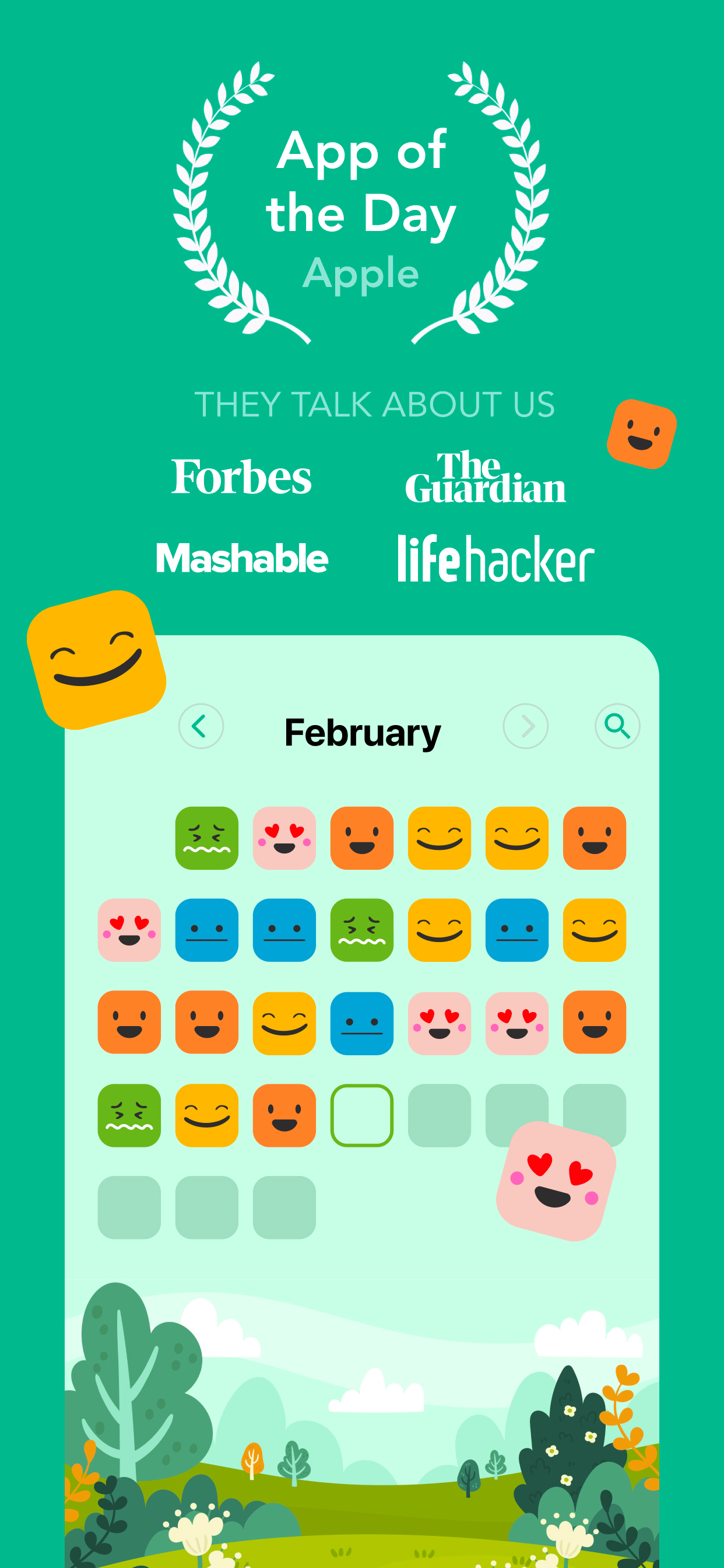
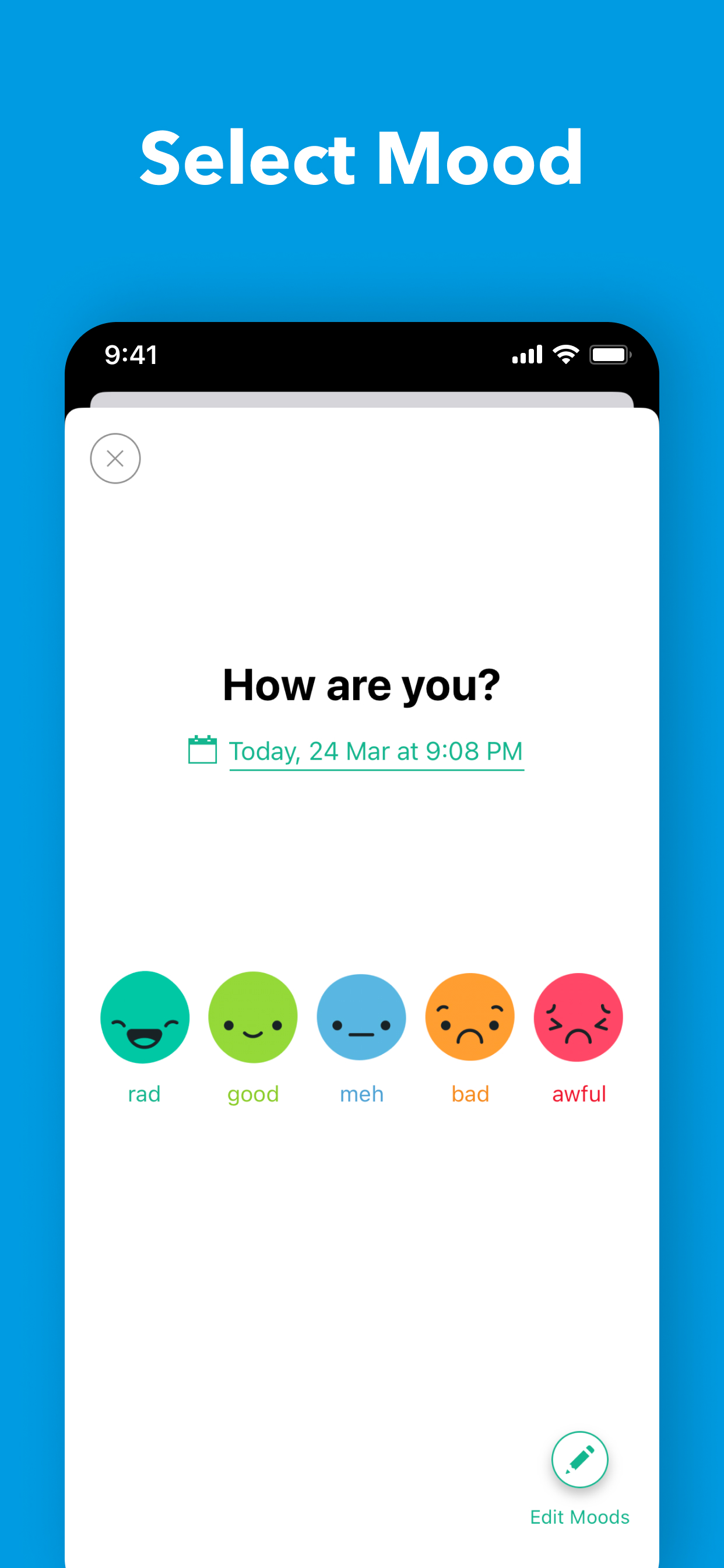
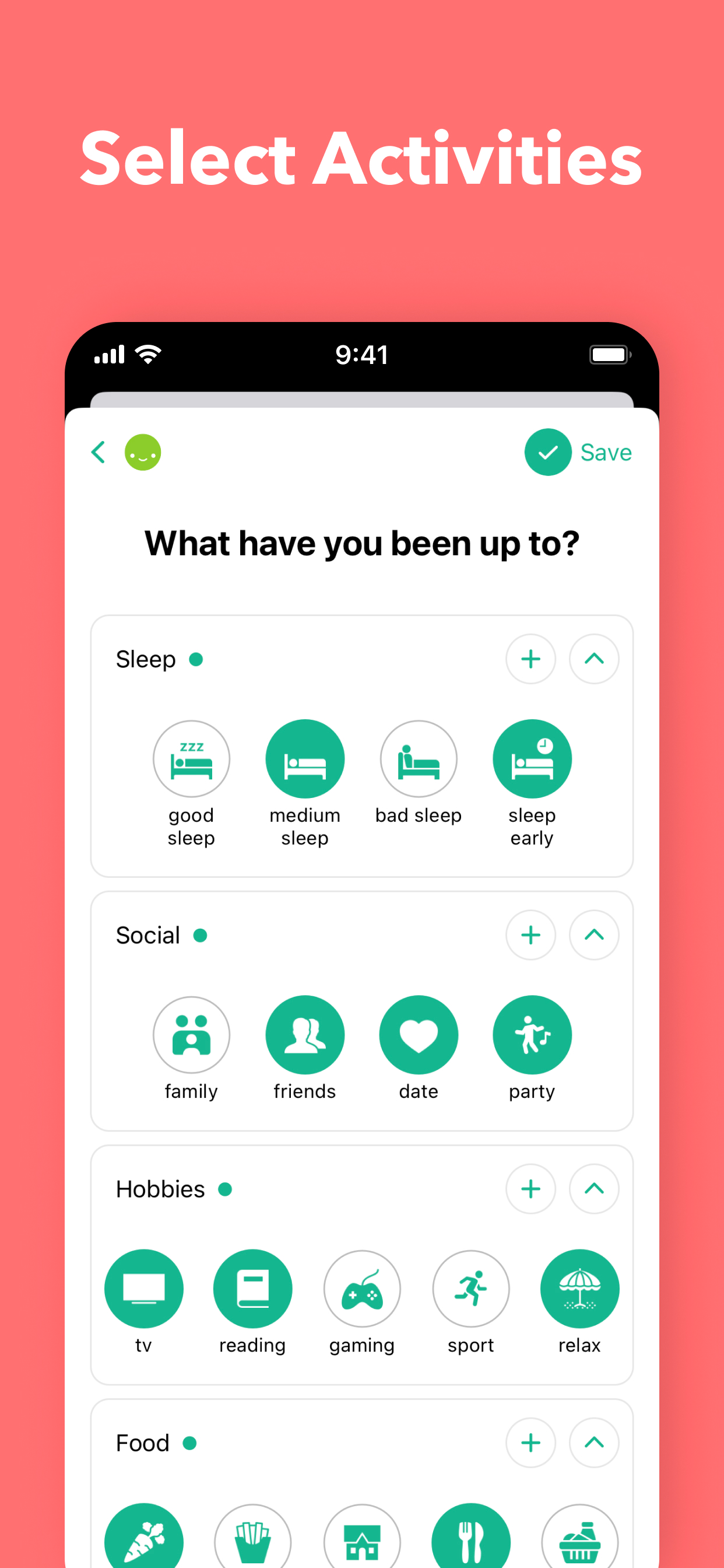
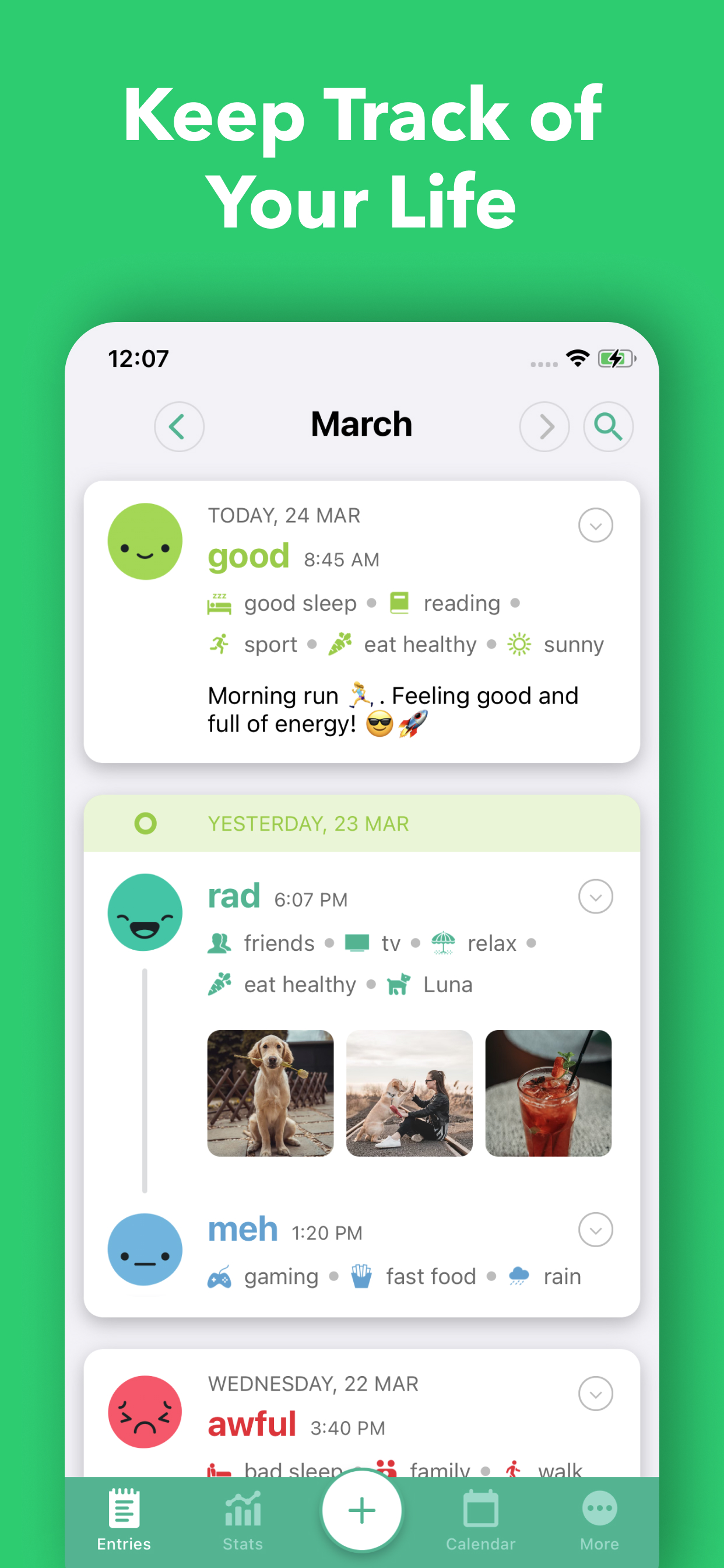
Daylio takes a different approach to journaling by focusing on quick, visual mood tracking rather than long-form writing. You log your mood on a five-point scale, tag the activities you did, and optionally add a short note or photo. Over time, Daylio builds charts and statistics showing correlations between your activities and mood patterns. Features like Year in Pixels, mood calendars, and activity correlations help you spot trends. It also includes habit tracking with customizable goals and reminders, making it a solid choice for people who want insights without the commitment of daily writing.
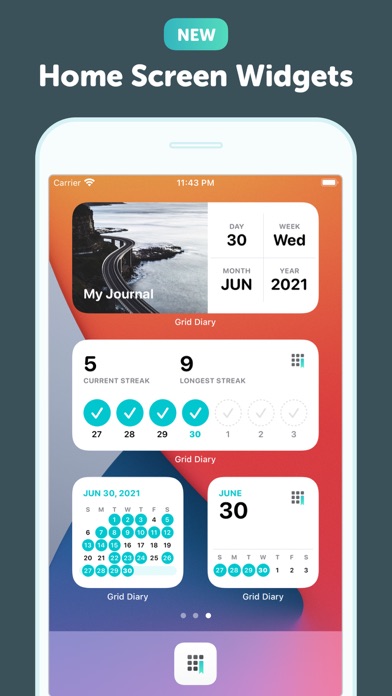
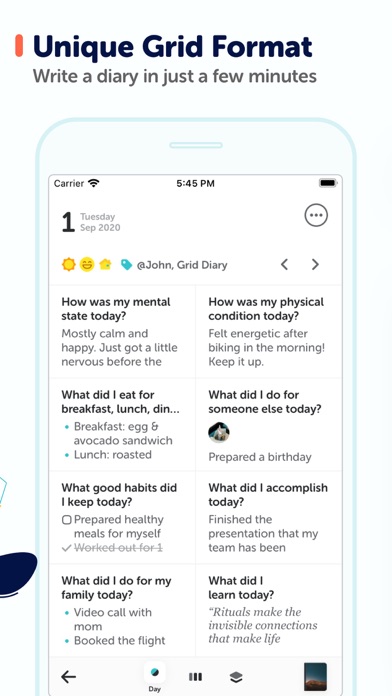
Grid Diary takes a unique approach to journaling by presenting a grid of customizable prompt boxes rather than a blank page. Default prompts include questions like 'What am I grateful for?' and 'What did I get done today?' but you can customize them to fit your routine. The structured format makes it easy to maintain consistency and review entries at a glance. The app also integrates with calendar and health apps and includes goal tracking features, making it a good option for people who prefer answering specific questions over free-form writing.


Feature Comparison
Daylio focuses on quick mood logging and activity tracking rather than traditional journaling, offering daily prompts, export options, and a free tier. It lacks AI-powered insights, voice coaching, voice transcription, a guide library, personalized prompts, and multi-platform support (it's mobile-only). The feature comparison below shows how Daylio trades depth of journaling tools for speed and simplicity in tracking your emotional patterns.
Grid Diary offers daily prompts, export options, and a free tier, with a unique grid-based format that structures your journaling around specific questions. It lacks AI-powered insights, voice coaching, voice transcription, a guide library, personalized prompts, and multi-platform support. The feature comparison below shows Grid Diary as a focused, structured journaling tool that keeps things simple but doesn't offer the AI-driven depth of newer apps.
Frequently Asked Questions
.svg)

No. Daylio is designed for quick check-ins — you tap your mood, select the activities you did, and optionally add a short note. Most entries take under 30 seconds.
Instead of a blank page, Grid Diary presents a customizable grid of prompt boxes that you fill in each day. This structured format makes it easier to maintain consistency and review entries at a glance.
Yes. Daylio generates charts and statistics that show correlations between your activities and mood over time, including a Year in Pixels view and detailed mood calendars.
Yes. While Grid Diary comes with default prompts like 'What am I grateful for?' and 'What did I accomplish today?', you can fully customize the grid to match your personal journaling routine.
Yes. Daylio works fully offline and stores your data locally on your device. You can optionally back up your data to Google Drive or iCloud.
Grid Diary is currently available on iOS and the web. There is no Android app at this time.

The latest from our blog