Best Journaling Apps Compared
Explore by Journal









All Journal Apps Compared
Which journaling app should you use?
Pick by what matters to you:
The Best Free Journaling Apps
Looking for a free AI journal specifically — one that writes back? That is a narrower question, and we go into it properly on our AI journaling app. Leaving Rosebud now that its free plan has ended? Our AI journaling apps comparison covers what to use instead.
The Best Journaling App for Your Device
IPHONE & IPAD
Apple Journal is free, already installed, and since iPadOS and macOS 26 it finally syncs across iPhone, iPad and Mac — with Apple Pencil handwriting on iPad. It now exports your entries too. The catch is that it stops at the edge of Apple's ecosystem: no Android, no browser, and no guided prompts. If you want handwriting alone, GoodNotes is still the more capable notebook. Every app on this page runs on iPhone, so the real question is not what works — it is where else you need your journal to open. If that includes a work laptop or an Android phone, Reflection and Day One both do that.
ANDROID
Thinner ground: several of the best-known journaling apps are still iPhone-only, Apple Journal among them. Reflection, Day One, Journey and Daylio all ship real Android apps rather than wrappers. Of those, Reflection and Daylio have the most usable free tiers, which matters more on Android where the paid options are thinner.
IN A BROWSER
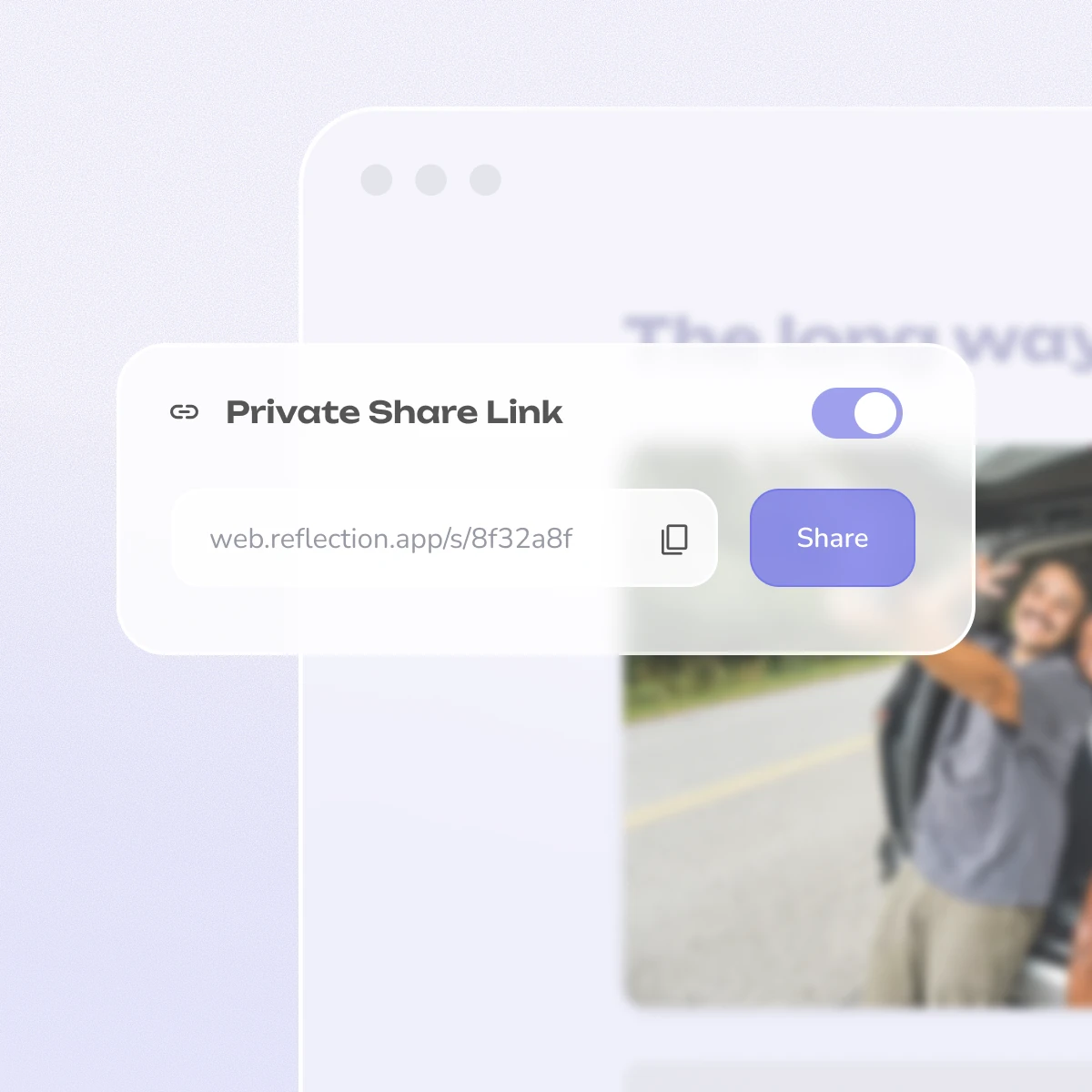
If you would rather install nothing at all, you can keep an online journal in any browser, on any machine — useful on a work laptop where you cannot add software. Reflection runs in the browser at web.reflection.app, and Penzu, Journey, Rosebud and Mindsera all offer web access too.
MAC & WINDOWS
Desktop still mostly means Mac. Seven of these apps have a real macOS app — Reflection, Day One, Apple Journal, Stoic, Diarium, Journey and Five Minute Journal — but only Day One, Journey and Diarium ship one for Windows. On Windows, everything else here is a browser tab, which is not always a downside: Reflection runs at web.reflection.app, usually the right answer on a work laptop you cannot install software on.
How to Choose a Journaling App
Does it prompt you? A blank page is the most common reason people stop. Guided prompts do the work of starting for you, and that matters most in the first month, before the habit holds.
Can you get your writing back out? Check the export before you commit, not after. Plain text, PDF or JSON all count. No export at all is a warning, however good the app looks.
Is it private, actually? Read what the app says about encryption, and whether your entries are used to train anything. “Secure” in marketing copy is not the same as end-to-end encrypted.
Does it fit the two minutes you really have? Be honest about the time you will actually give it. A mood logger you open every day beats a beautiful long-form journal you open twice.
Does it run where you are? If you write on a phone at night and a laptop at lunch, you need real sync. If you only ever use one device, you can ignore half the market.
If you are still deciding whether to start at all, it helps to know what you are getting into: our guides on the benefits of journaling, what self-reflection actually is and shadow work journaling go deeper than any app description will.
How We Review Journaling Apps
As a team, we're deeply passionate about journaling — and we truly believe that the best journaling tool is the one you'll actually use, whether that's our app or someone else's. We've done our best to highlight some of the most popular apps and ones we've personally tried, so you can get a clear picture of the landscape and the features available to support your self-reflection practice.
We'll admit we're a bit biased toward beautiful design and intuitive user experiences, and that comes through in the feedback and reviews of over 100,000 of our own app, Reflection, and a deep understanding of what makes for a meaningful and transformative journaling practice.
Frequently Asked Questions
Which journaling app should I start with?
Start with the kind, not the brand. Some journaling apps are structured, prompting you with a question each day; others hand you a blank page and stay out of the way. If you have never kept one, pick a free app that prompts you — the hardest part of journaling is knowing what to write.
How is Reflection different from other journaling apps?
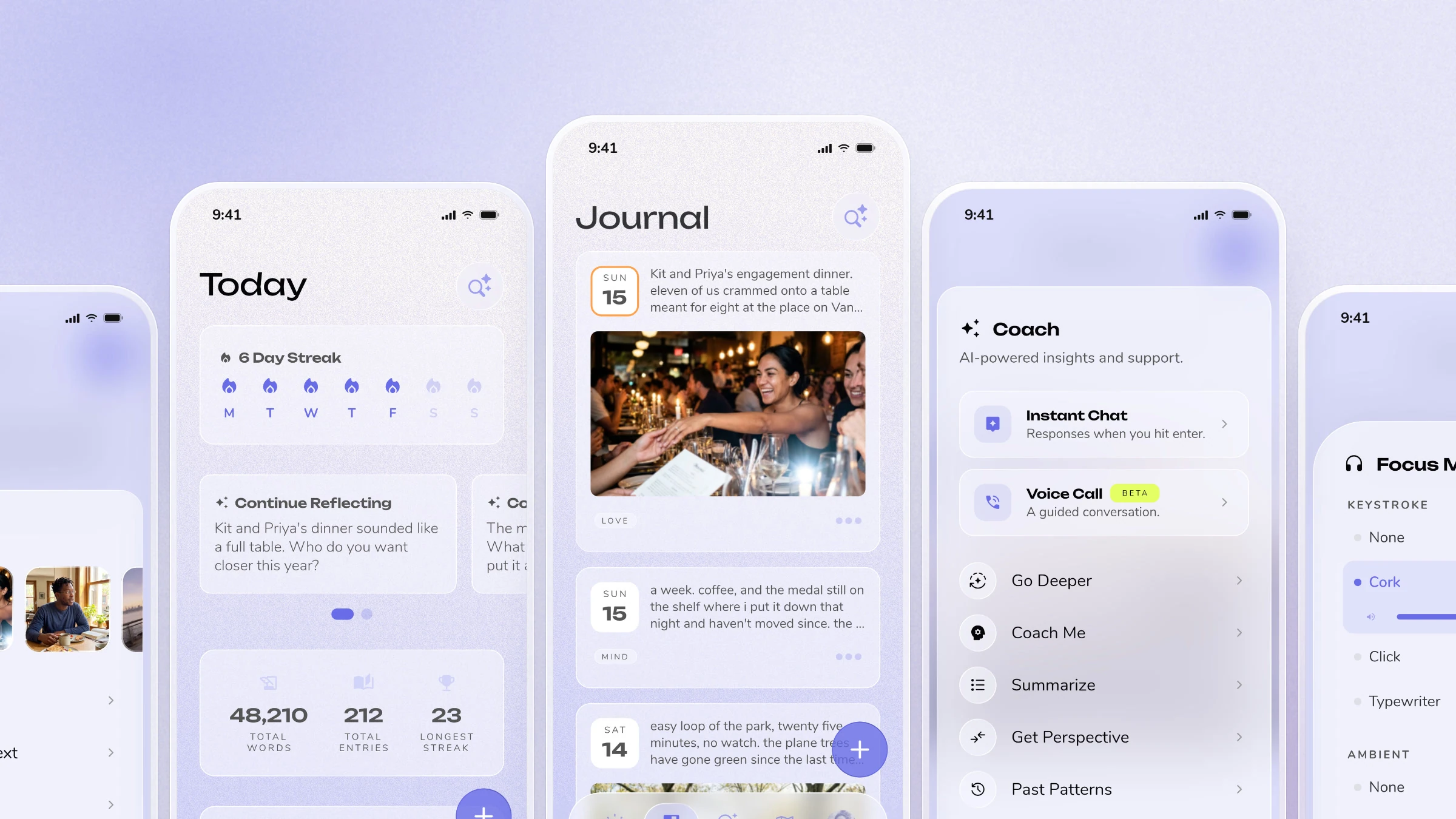
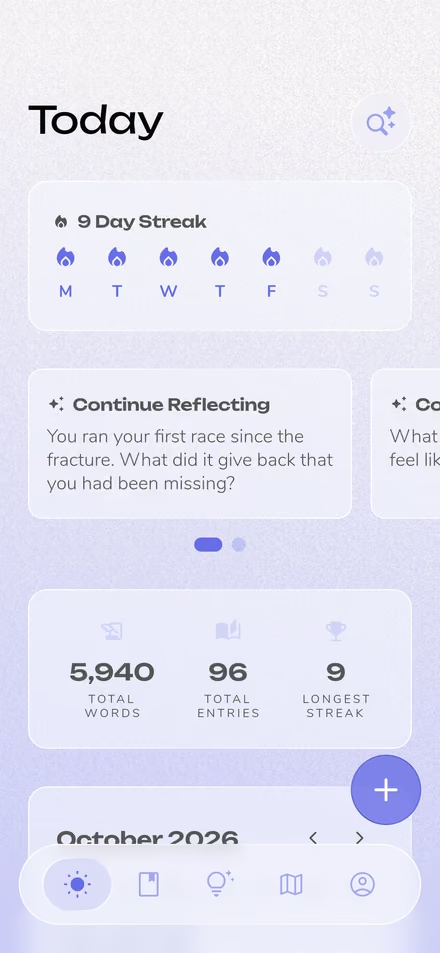
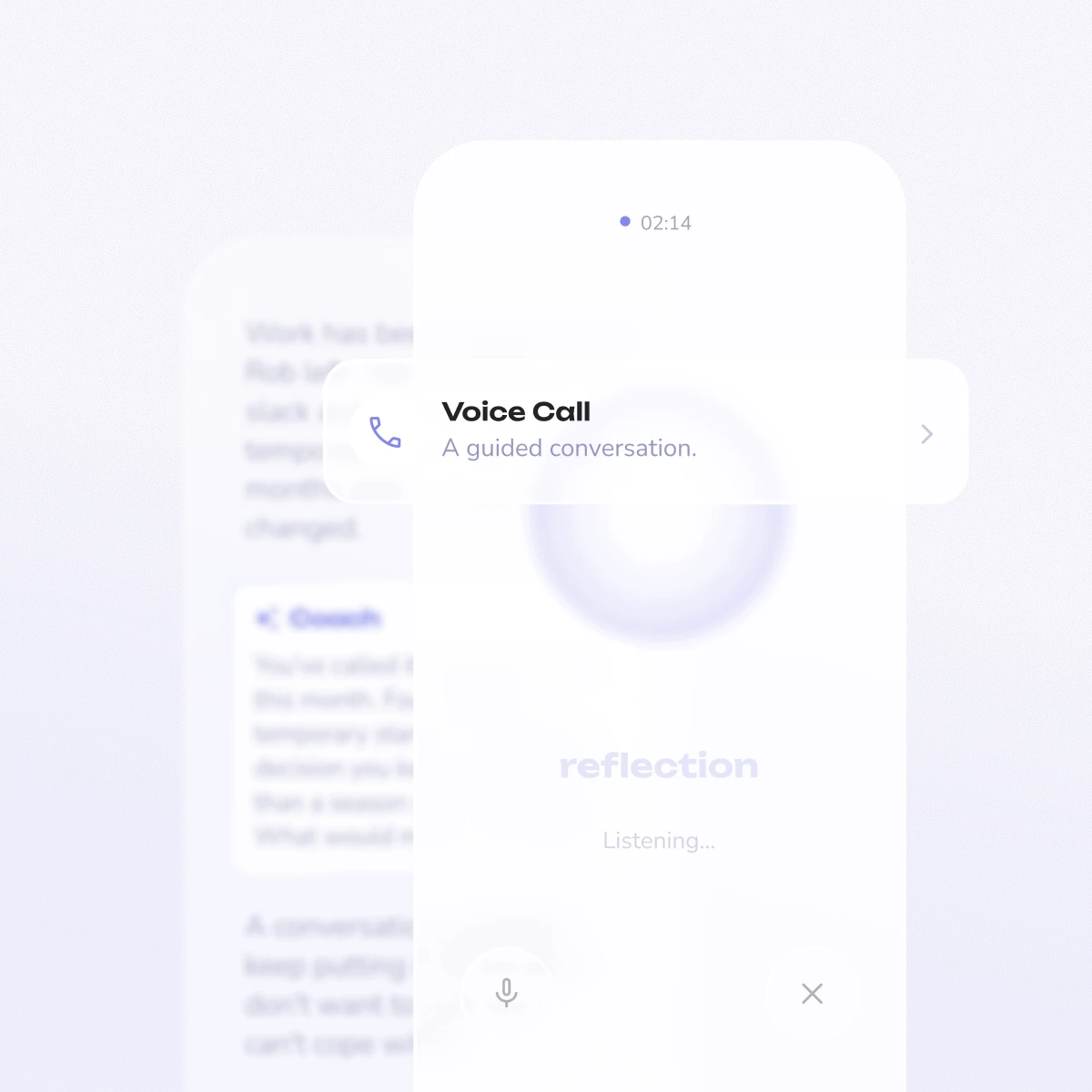
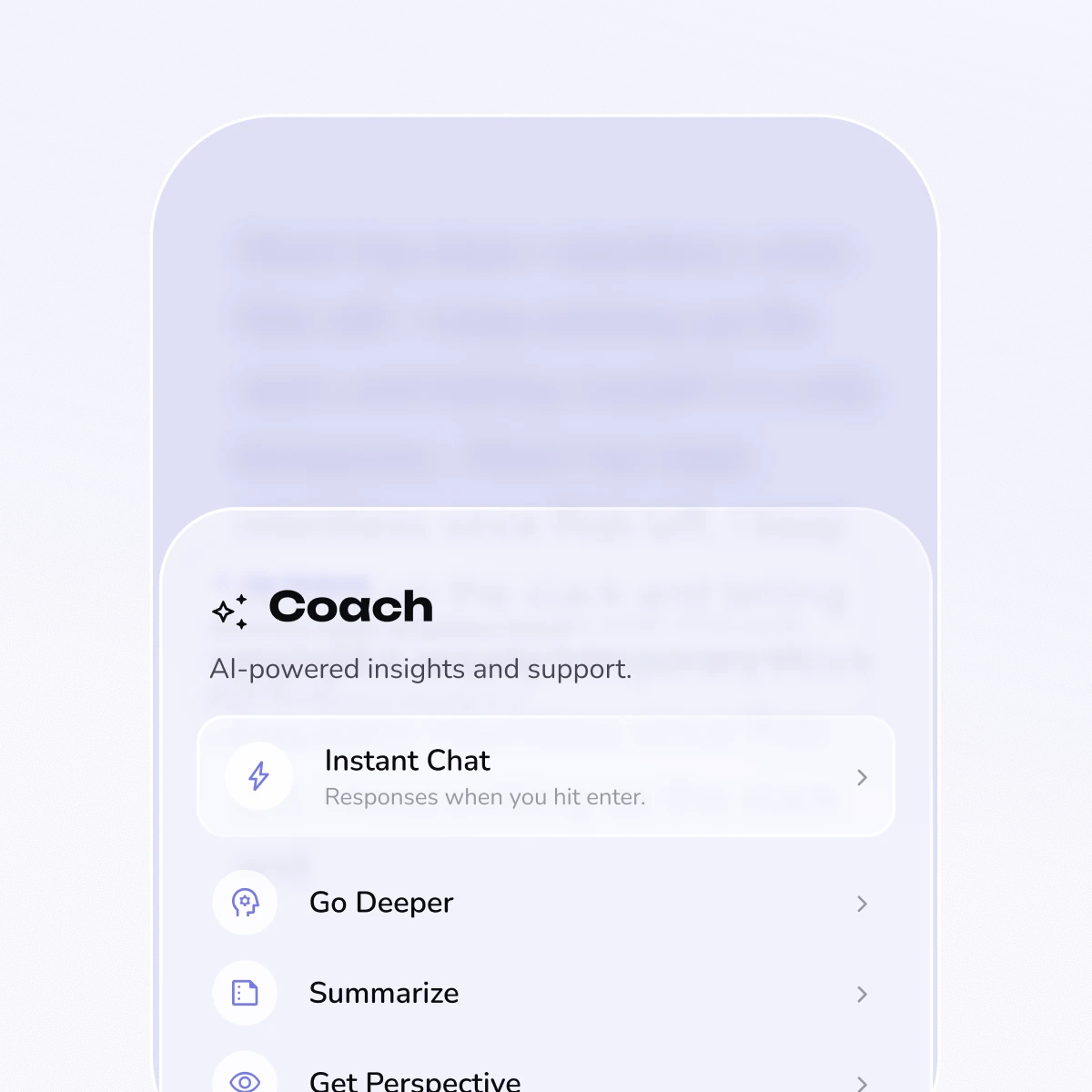
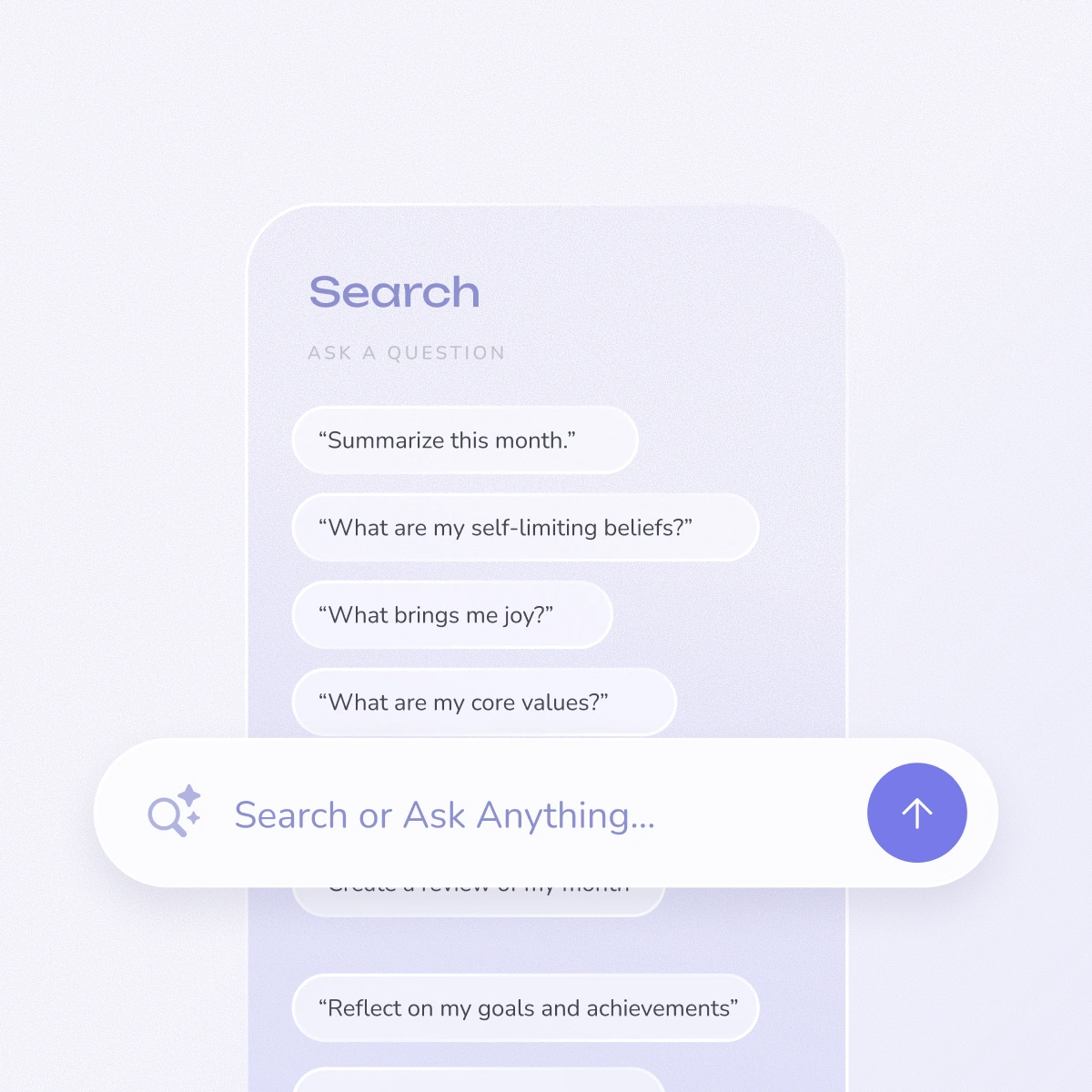
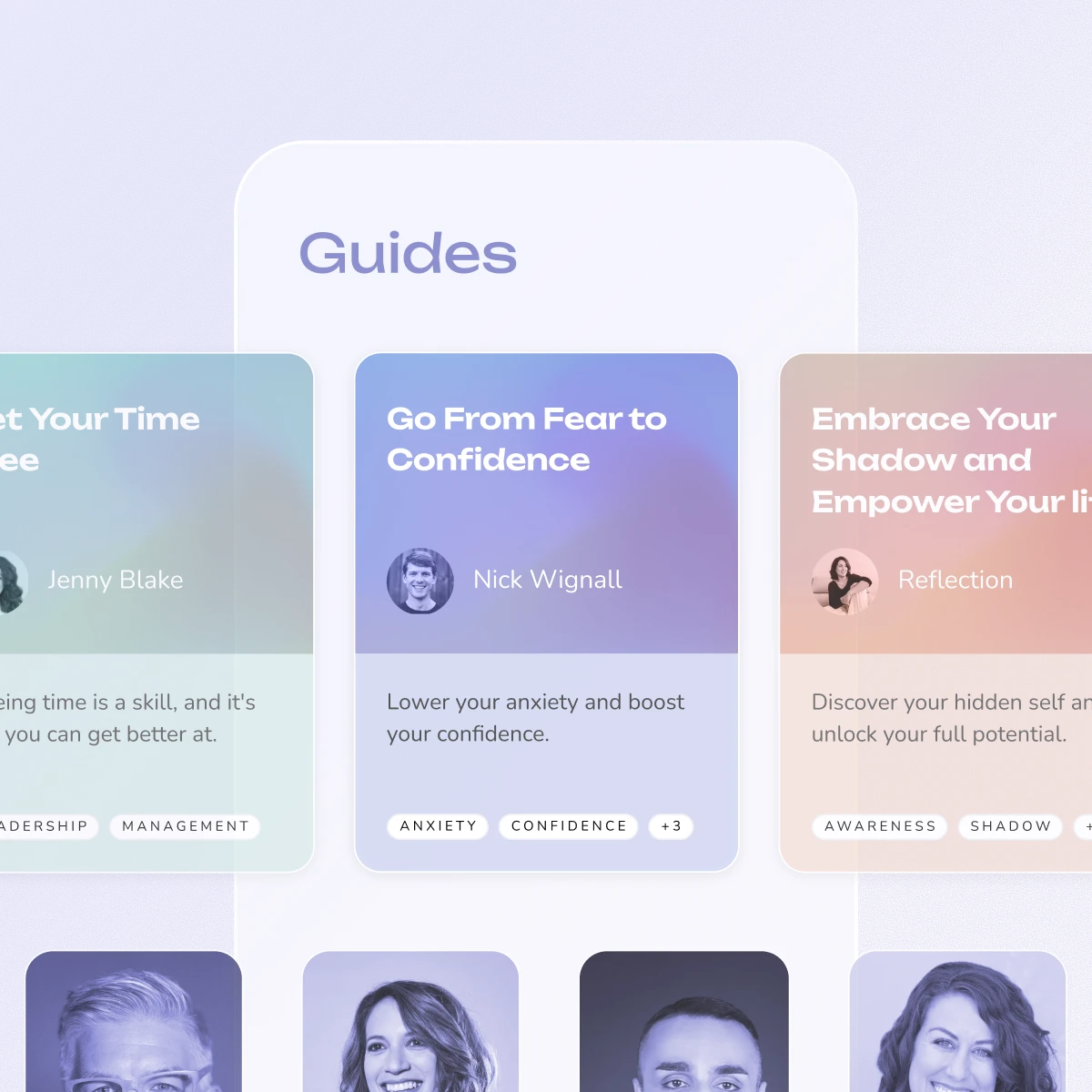
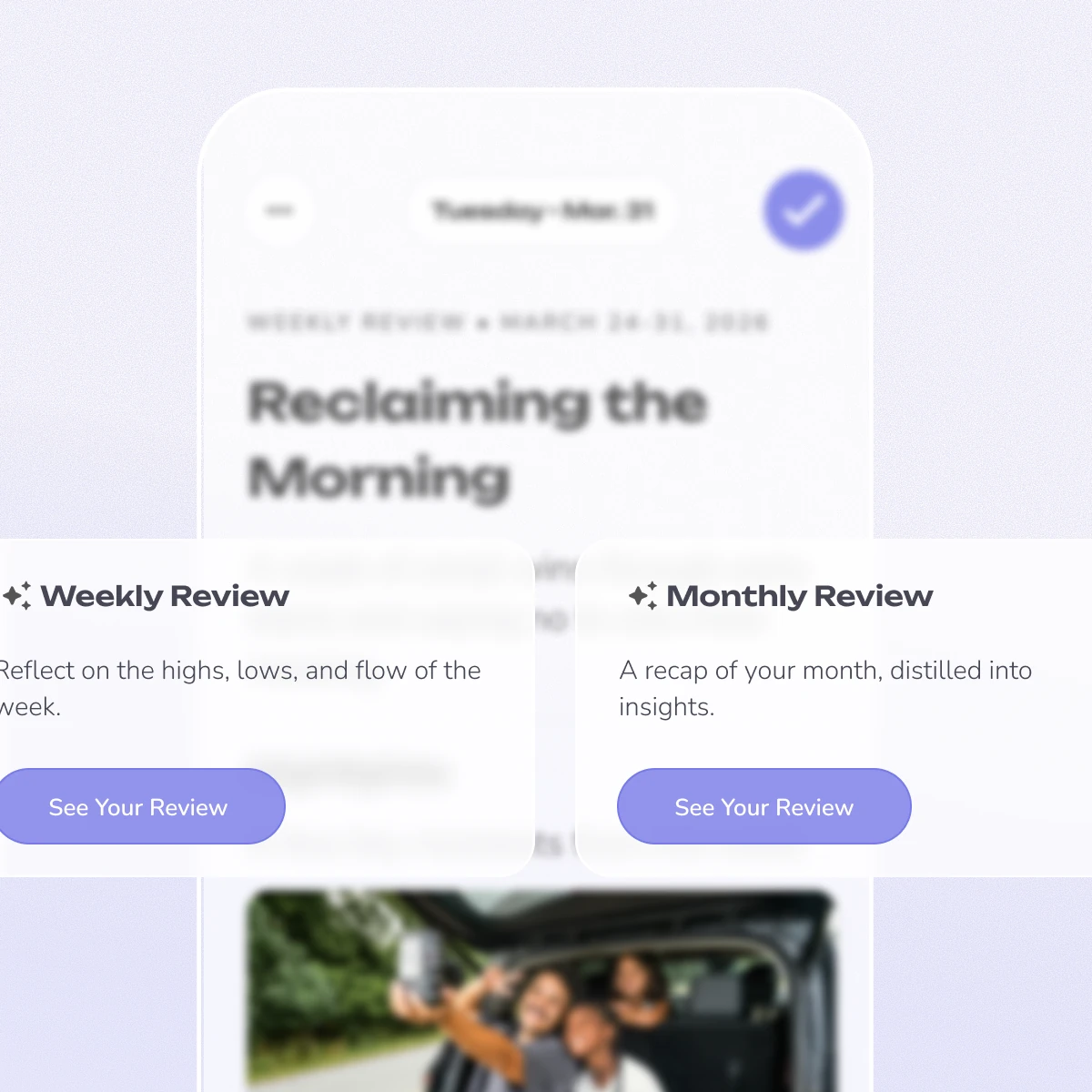
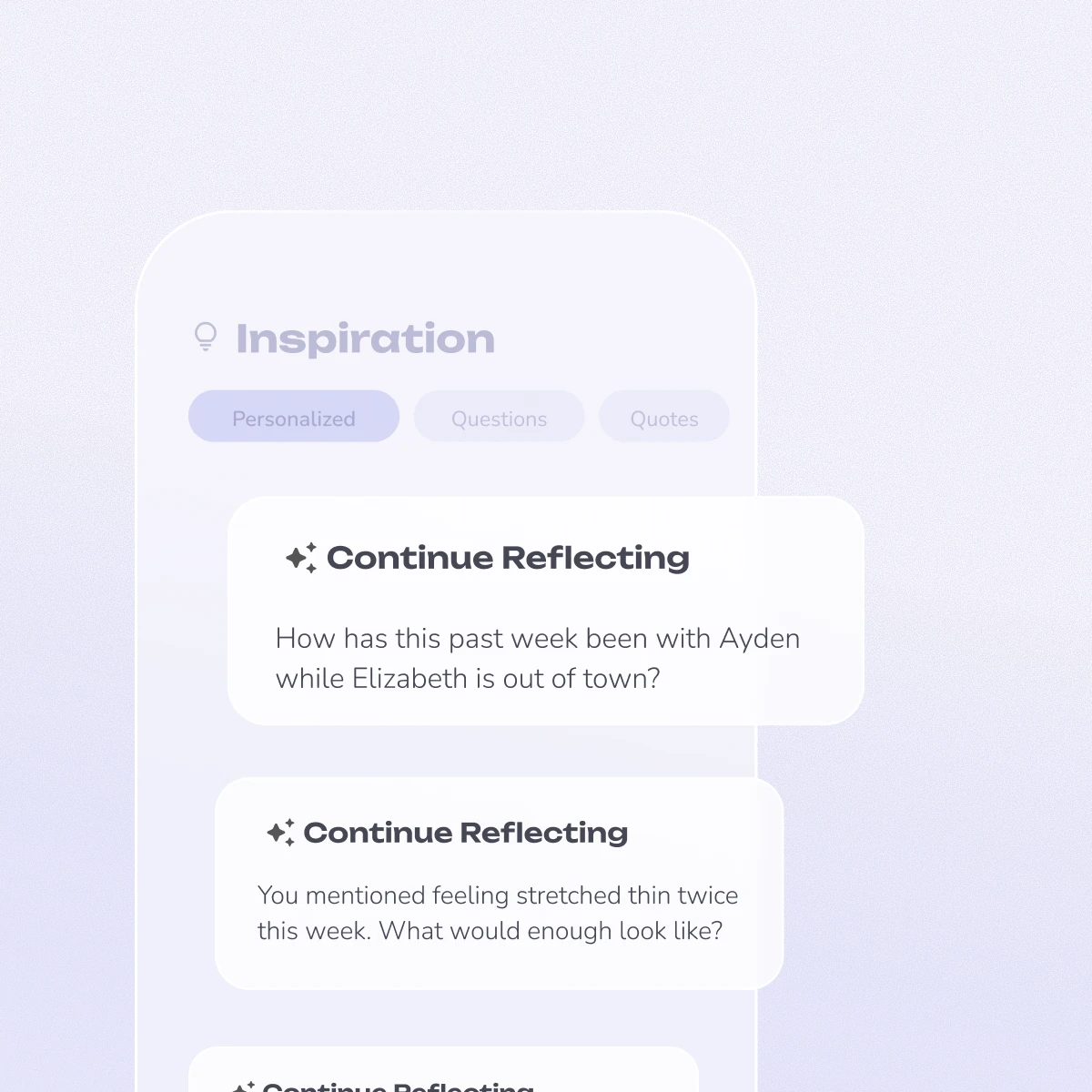
Reflection's primary difference is our AI Coach. While other apps are a blank page, Reflection interacts with you, offering real-time guidance and personalized insights based on your own writing. We combine this with a library of 100+ expert-led guides and a minimal, focused design to help you go deeper, not just write more.
What's the best free journaling app in 2026?
Reflection offers one of the most generous free plans, including core features like AI-powered prompts and cross-device sync. Apple Journal is completely free with no paid tier at all, but it only runs on Apple devices. Day One and Daylio also offer free tiers with basic functionality. The best choice depends on your platform and whether you want AI-guided insights or simple entry logging.
What's the best journaling app for iPad?
Apple Journal is the obvious starting point now that it runs on iPad, and it supports Apple Pencil handwriting — it is free and already there. It gives you no prompts and no structure, though, and it stops at Apple devices. For guided journaling that also syncs to Android or a browser, Reflection and Day One both run properly on iPad. For handwriting alone, GoodNotes is still the more capable notebook, but it is a note-taking app rather than a journal.
Is Reflection free to use?
Yes! Reflection has a powerful free version that includes our core journaling features, daily prompts, and access to the AI Coach. For users wanting to go deeper, our Premium plan unlocks our complete library of 100+ guided journals and advanced insights. You can start for free and upgrade anytime.
Is there a good journal app for Android?
Fewer than on iPhone, but the good ones are genuinely good. Reflection, Day One, Journey and Daylio all ship real Android apps rather than web wrappers. Apple Journal is not available on Android and will not be. If you want a free Android journal, Reflection and Daylio have the most usable free tiers.
Can I keep a diary online, in a browser?
Yes. An online diary needs no installation and works on a machine you do not control, like a work laptop. Reflection runs in the browser at web.reflection.app with the same entries as the mobile app; Penzu, Journey and Diarium also offer browser access. Check the encryption before writing anything sensitive on a shared computer.
Is digital journaling as effective as writing by hand?
Research shows that both methods provide meaningful mental health benefits. The key factor is consistency rather than medium. Digital apps offer advantages like searchability, backup, AI insights, and cross-device access, while handwriting can feel more contemplative. Choose whichever method you'll use regularly.
Are journaling apps safe? Will anyone read my entries?
Reputable journaling apps use encryption to protect your entries. Reflection uses bank-level encryption, and Day One offers end-to-end encryption for premium users. Always check an app's privacy policy before committing. Look for apps that don't sell your data or use your entries for advertising.
Can I switch from one journaling app to another?
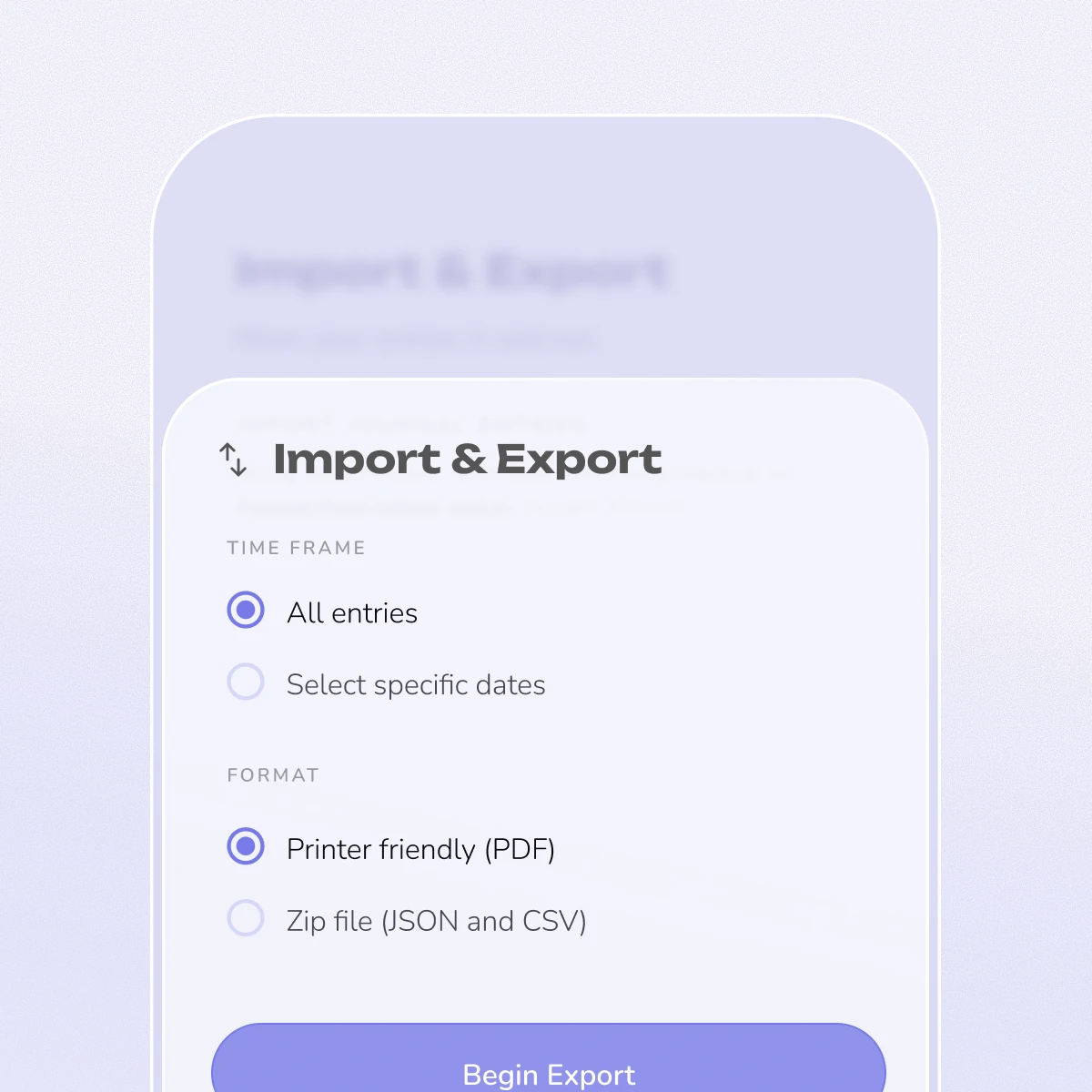
Most quality journaling apps offer export features (PDF, plain text, or JSON). Before switching, export your data from your current app. Some apps like Reflection support importing entries from other platforms, making the transition smoother.
How do I choose between an AI journaling app and a traditional one?
If you want personalized prompts, pattern recognition, and guided insights, an AI journaling app like Reflection is ideal. If you prefer a blank canvas for free-form writing, a traditional app like Day One or Penzu may be better. Many people start with AI guidance and transition to more free-form writing as they develop their practice.
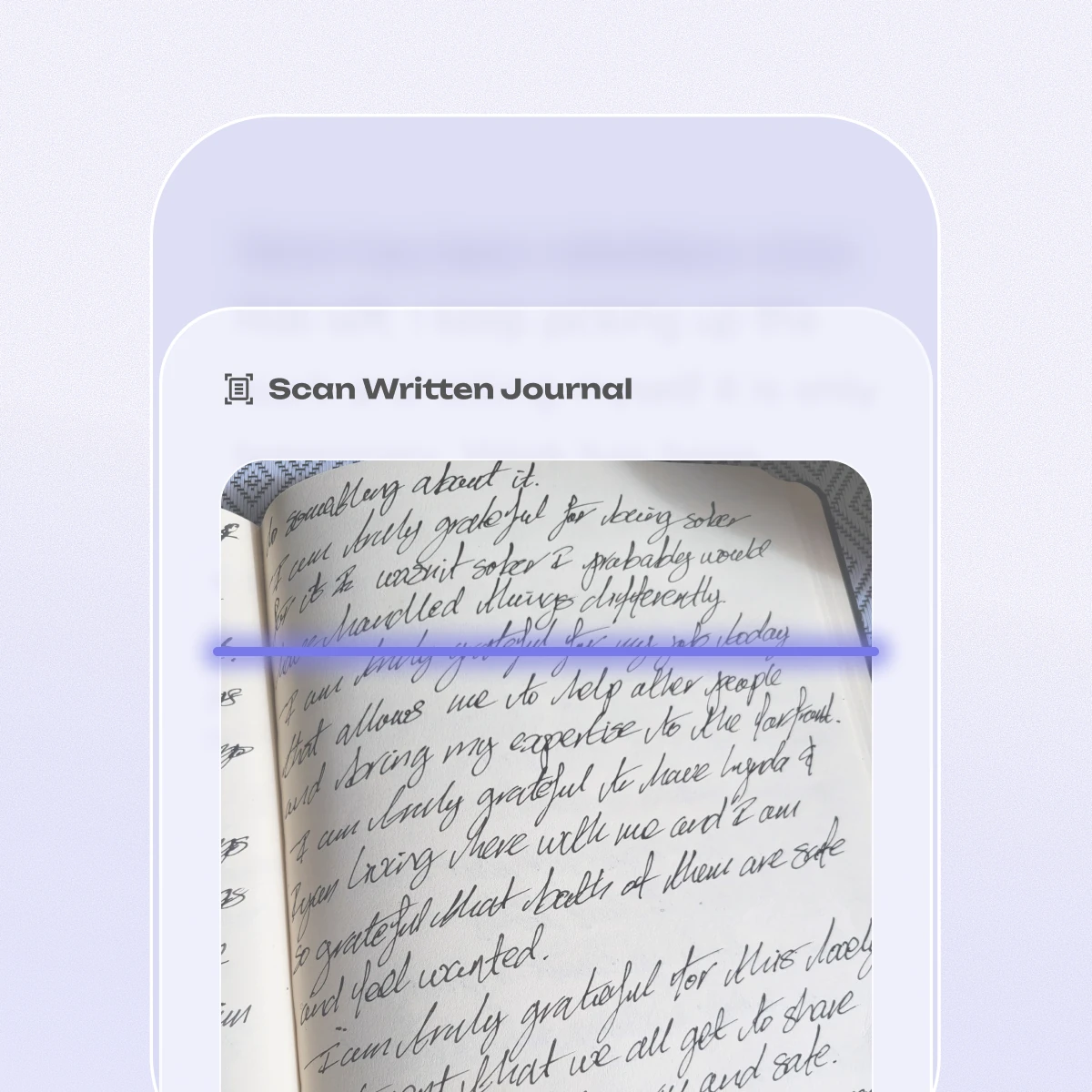
Can I scan my handwritten journal into Reflection?
Yes — this is available today.
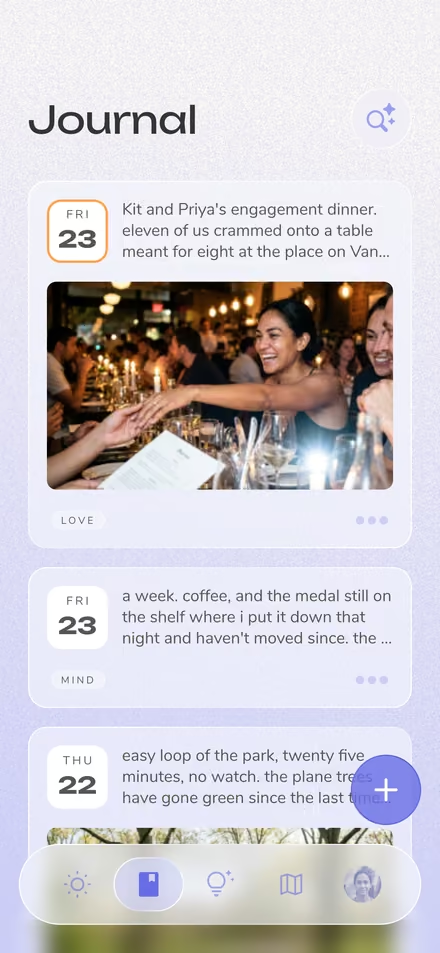
One important distinction: Reflection doesn't support handwriting input. You can't scribble or write directly into an entry with a stylus or Apple Pencil. What you can do is photograph a page you've already written by hand in a paper journal — Reflection's AI scans your handwriting and turns it into a typed, searchable entry.
So your paper notebooks and your digital journal finally live in one place, without retyping a word. Scanned entries are encrypted, private, and never used to train AI models.
Scanning written journals is a Premium feature. There's more on the Scan Written Text feature page.
Can't I just use ChatGPT as a journal?
You can, but the two are built for different jobs. A chat window keeps no structured record of your life, gives you nowhere to come back to, and offers no promise about how what you type is handled.
Reflection is a journal first. Entries are encrypted at rest (AES-256) and in transit (TLS 1.2 or greater), and they are never used to train AI models. It's also built around time, so it can surface patterns across weeks and months rather than treating every session as a fresh start. Our business is funded by subscriptions, not by selling data.
What platforms is Reflection available on?
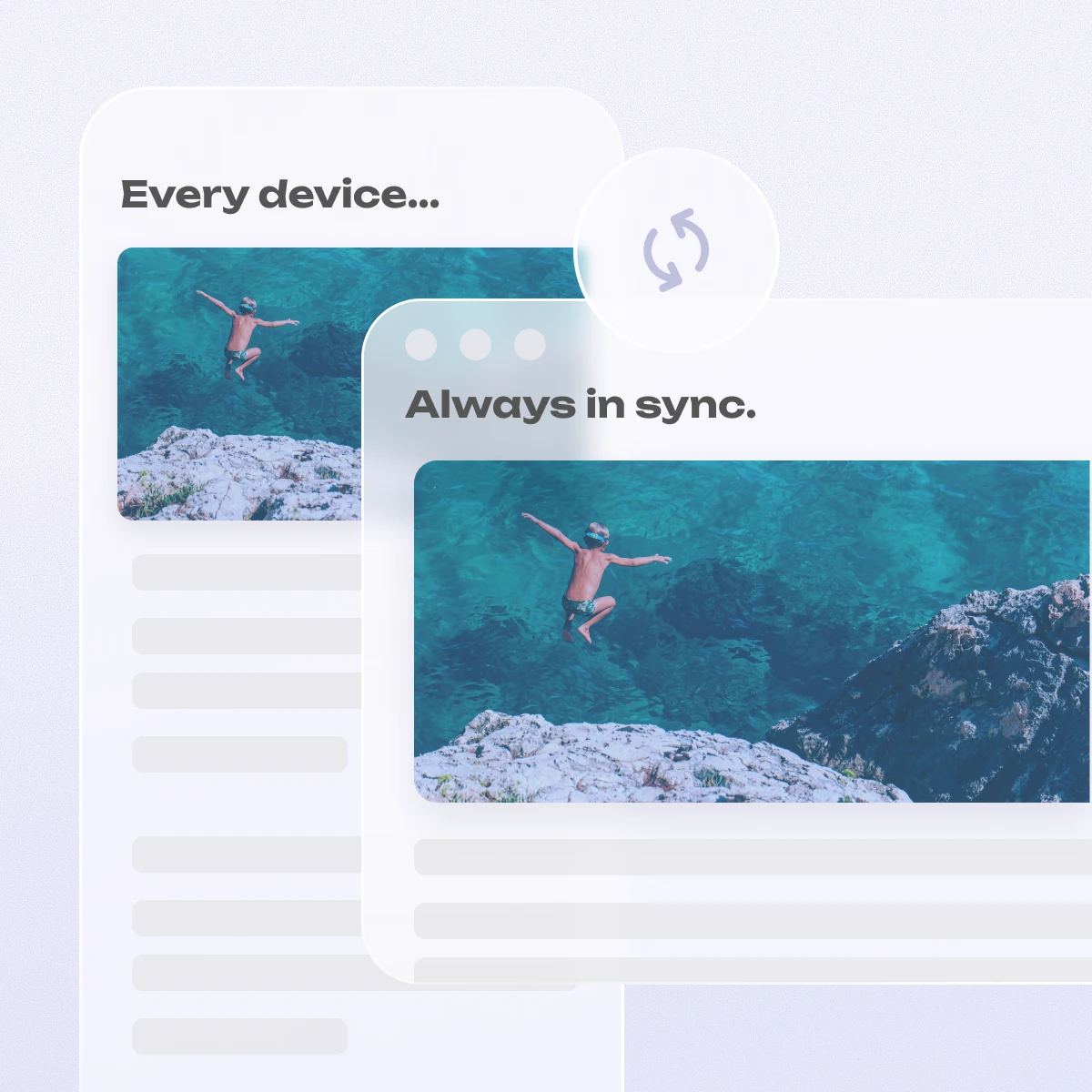
Reflection is available on iOS, Android, macOS, and the web. You can access the web app at web.reflection.app using your existing account credentials. Your entries sync seamlessly across all devices.
inside reflection
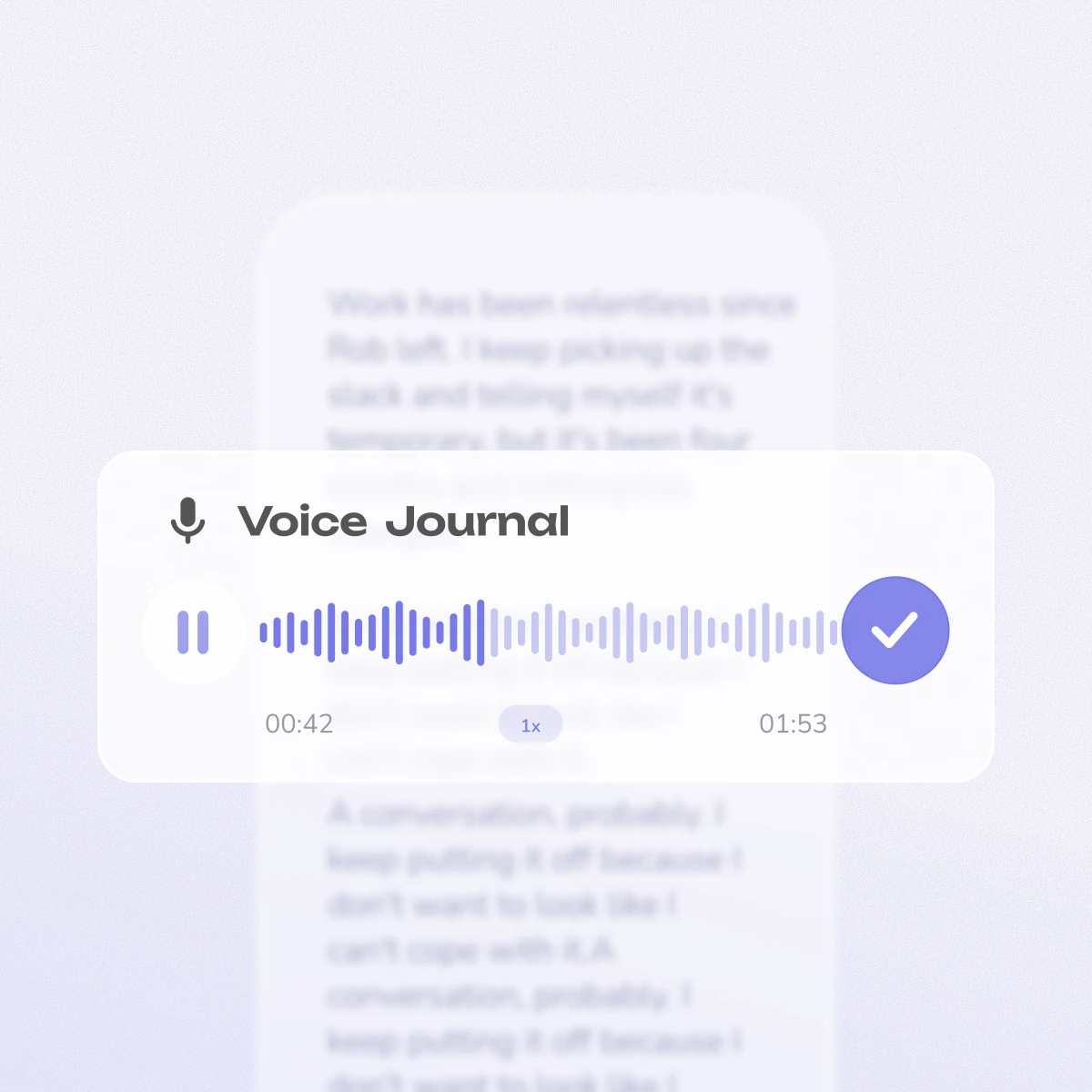
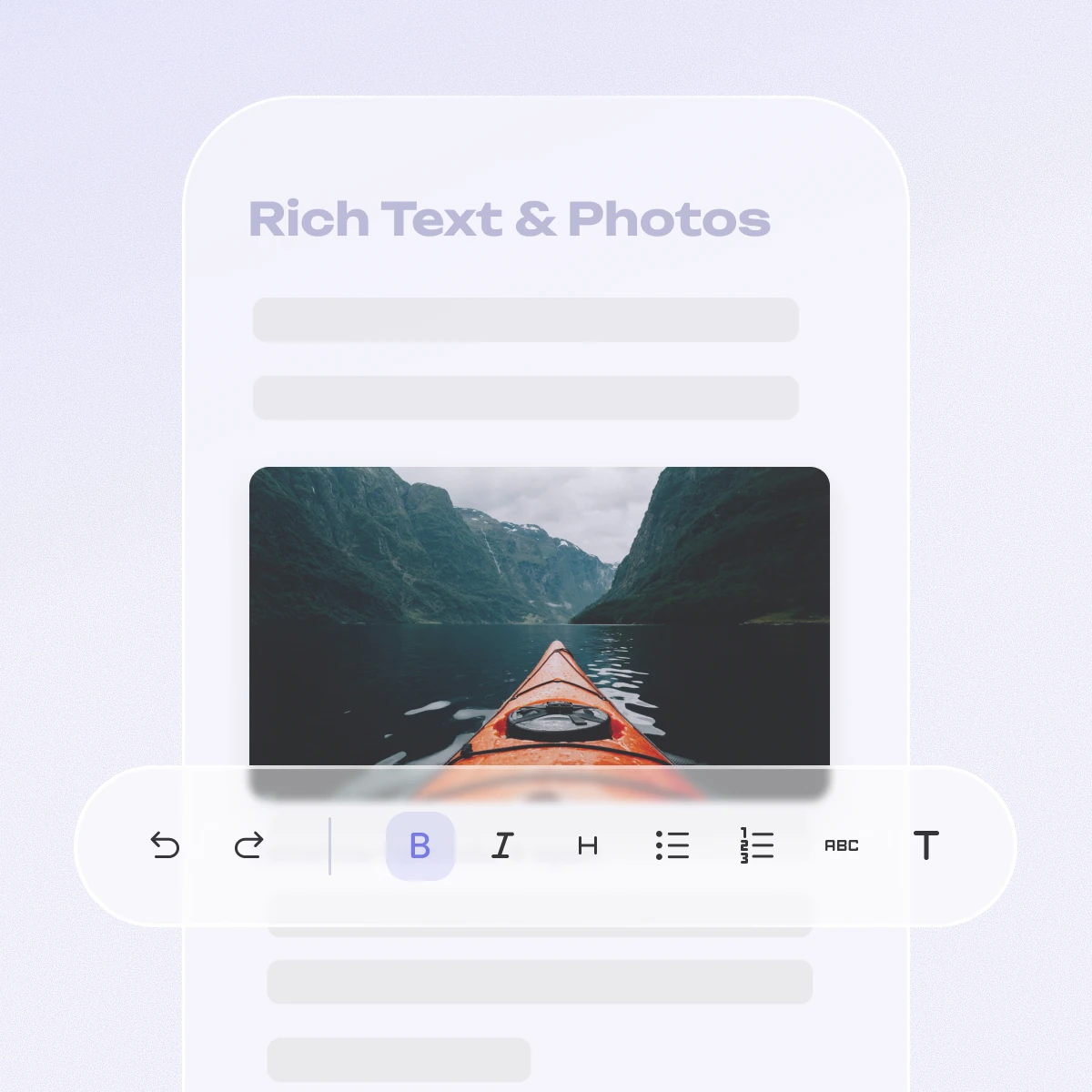
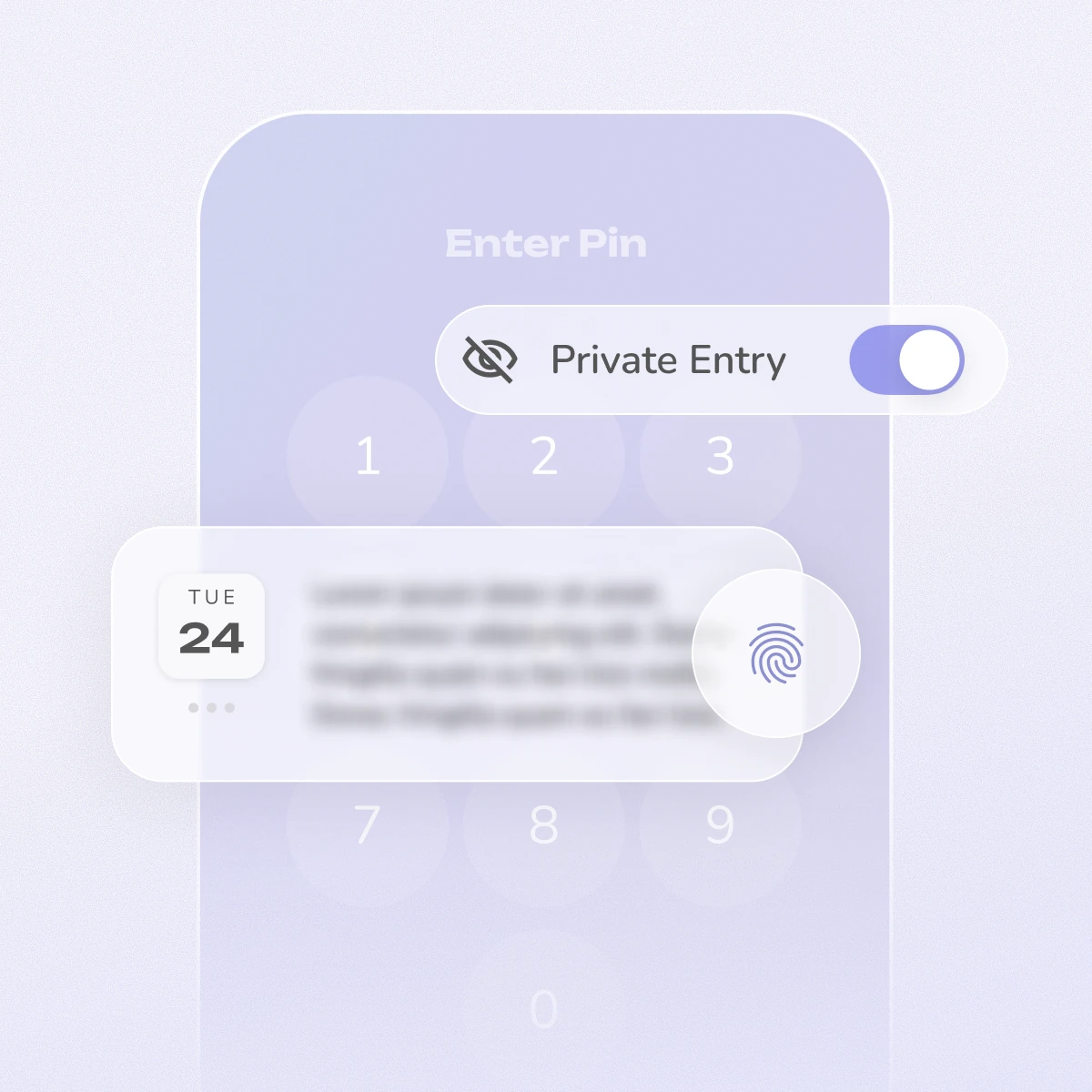
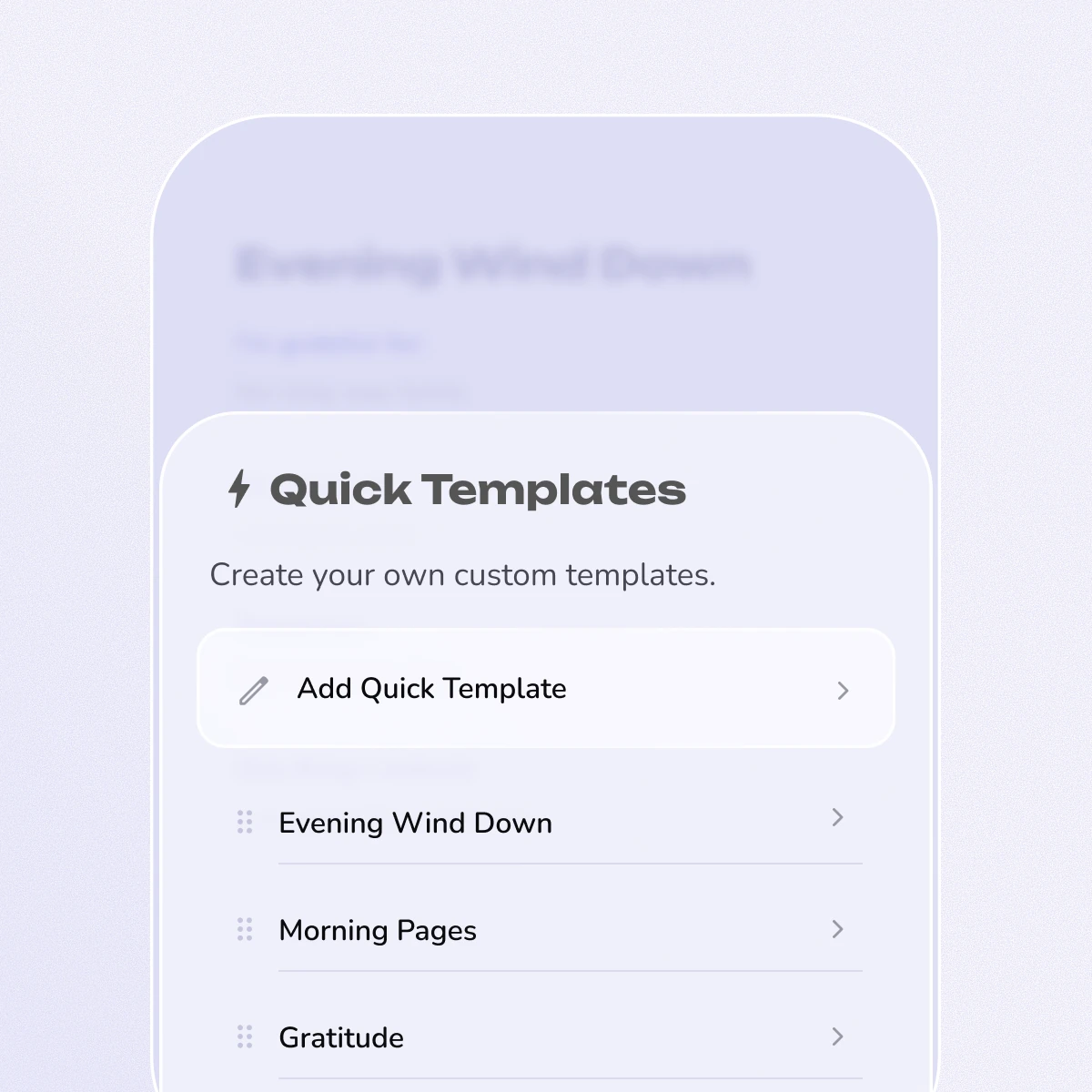
If you're still deciding, this is what we built.
The latest from our blog