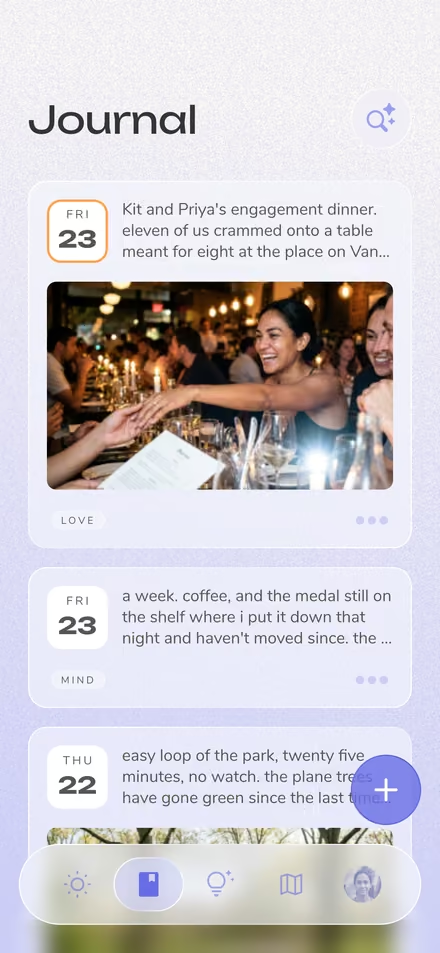
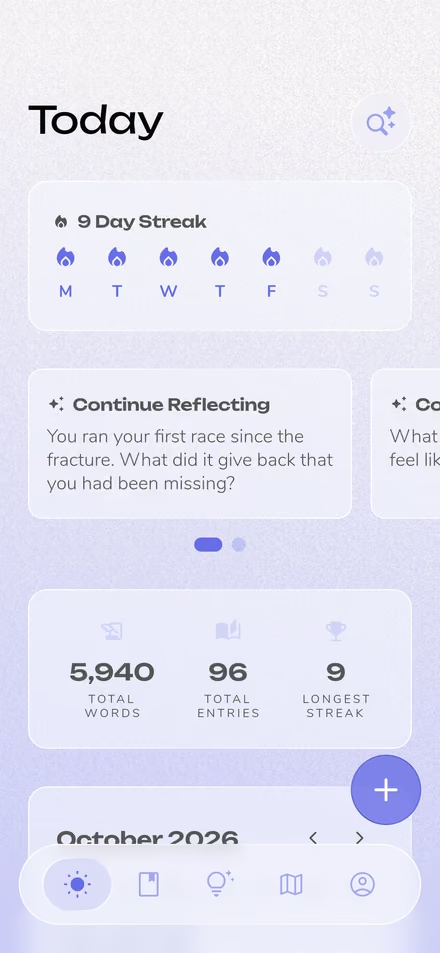


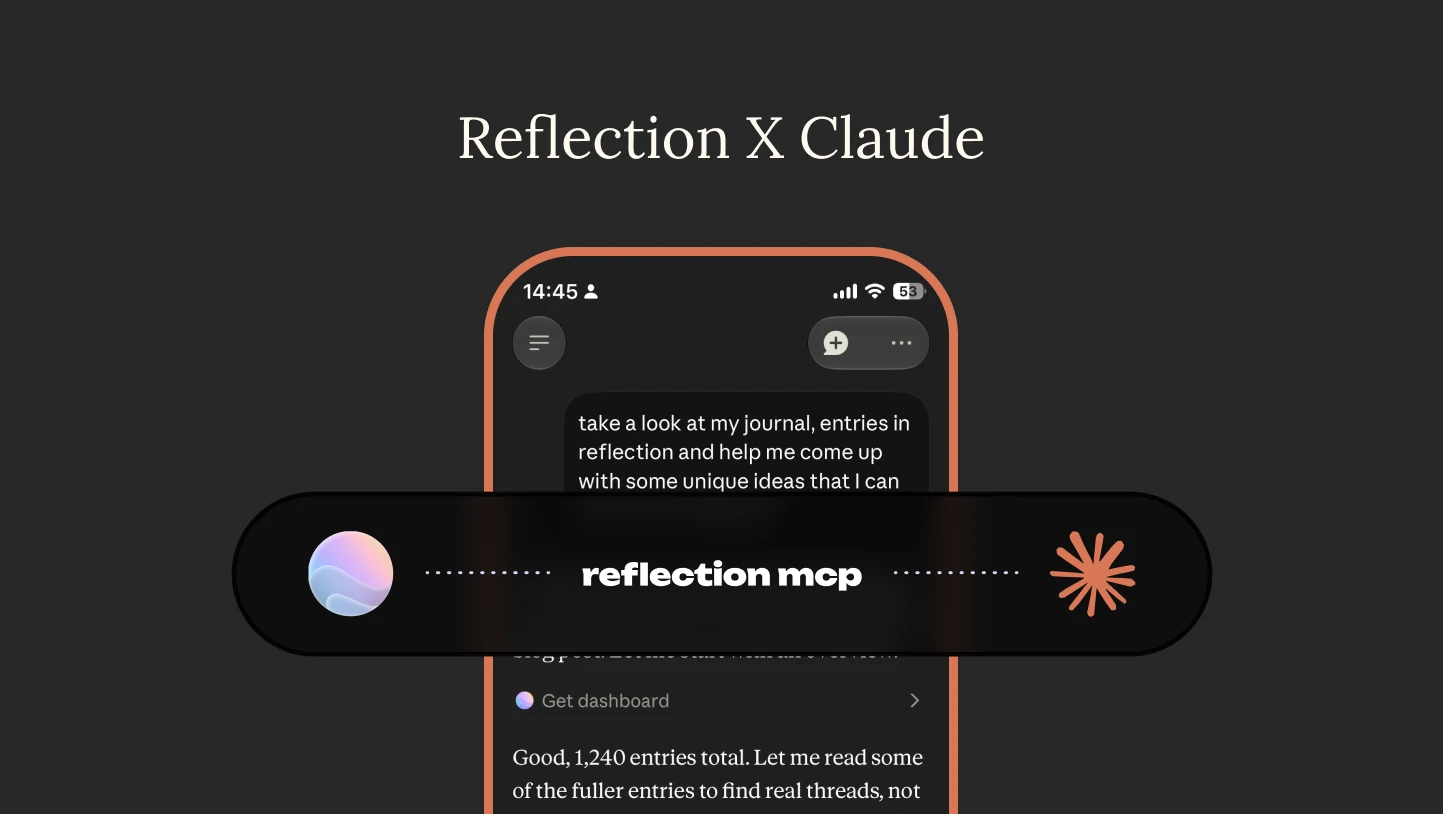
This guide covers the power of journaling with AI: what an MCP actually is, why you'd want to connect one to your journal, and how we've built it at Reflection.
The Reflection MCP is a new feature that links your private journal to the AI assistants you already use: Claude, ChatGPT, Cursor, and others. We built it to deepen your own reflection, not replace it.
Reflection MCP is currently in Beta and available on Reflection Premium. Just want the setup steps? Read Introducing the Reflection MCP.
Once your journal is connected, you can ask your AI questions you could never easily ask before.
Ask a question about your own life and let your AI answer it from years of your writing. "What was I wrestling with last winter?" "How has the way I write about work changed?" "What kept coming up whenever I mentioned my dad?"
Because it can work across your full history, not just the last few entries, it catches patterns that are hard to see while you're living inside them. The journaling you've already done gets more useful.
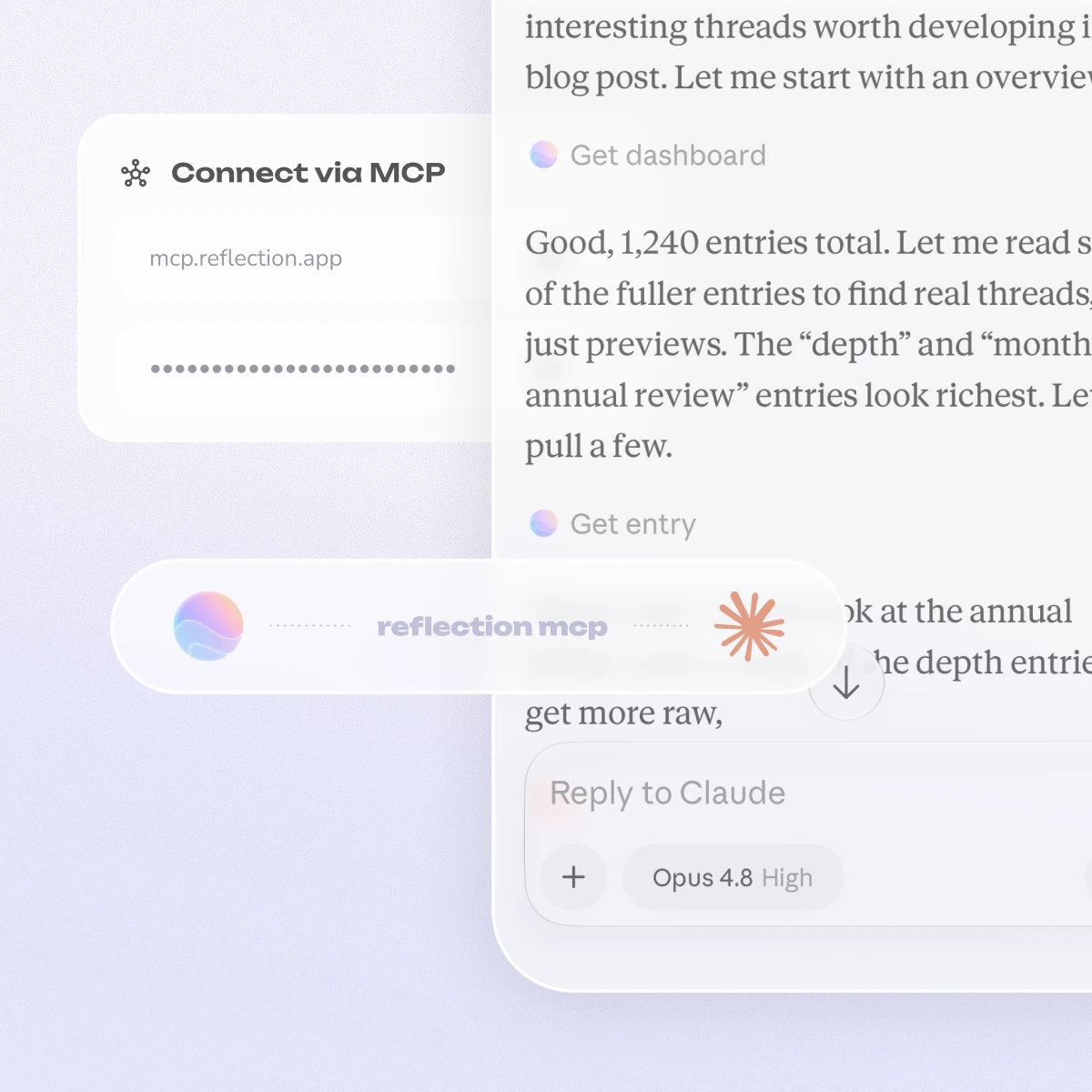
When you're working through something hard with Claude or ChatGPT, you can have it pull relevant context from your journal first. Then it responds knowing what you've already tried, what you wrote the last time this came up, and how you tend to think, instead of starting from nothing.
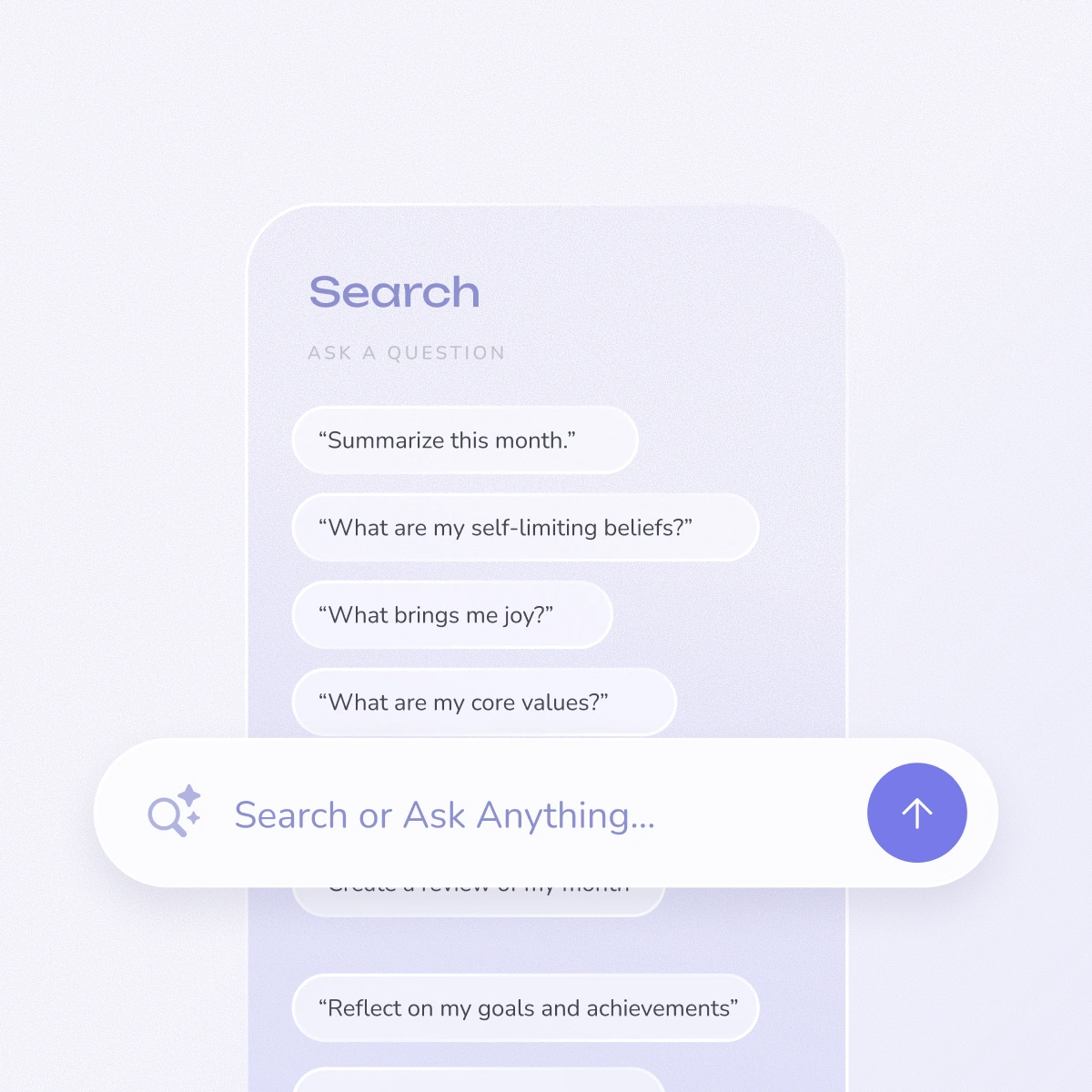
Walk into your Sunday review or your next therapy session already oriented. "Summarize the themes from the past month before my review." "What worries kept coming up before my last few sessions?" The summary is built from your own entries, so you start from what you actually wrote instead of a blank page.
Sometimes the realization happens while you're talking something through with Claude or ChatGPT. When it does, tell it to save that thought to your journal. It goes in as a normal entry, in your words, so you keep the thought instead of losing it to the chat history.
This is the part people underestimate. Your journal isn't the only thing your assistant is connected to, and once it's in the mix, it can work with everything else you've plugged in.
Pull other data into your journal. If health, fitness, or habit data already flows into your AI through another connector, you can have it written back into your journal as an entry. Last night's sleep, yesterday's training, the meetings that ate your afternoon: logged as context, with a prompt waiting for you to reflect on it. The facts get captured for you, and the reflecting stays yours.
Look your journal up mid-conversation. You don't have to start a session "about" your journal. You're talking something through, it becomes relevant, and you ask your assistant to go check. It comes back with what you actually wrote the last time this came up.
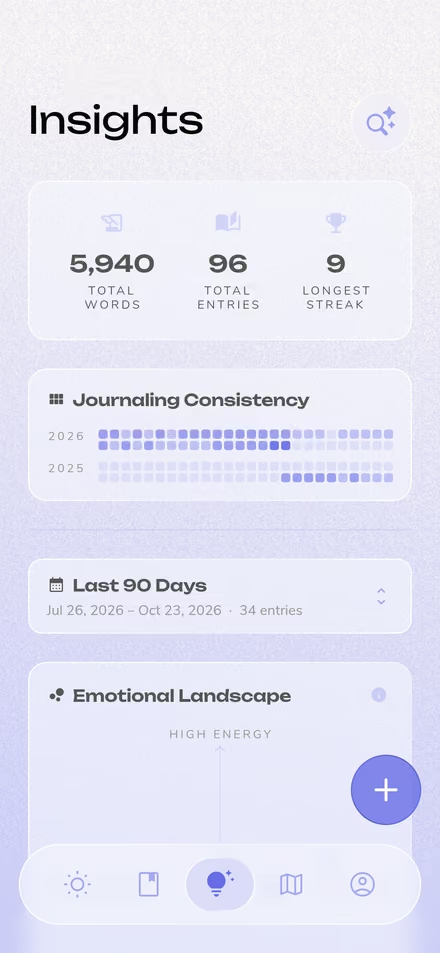
Build the review we don't offer. Reflection generates Weekly, Monthly, and Annual Reviews, but no product can anticipate every question a person wants to ask of their own life. If your AI supports scheduled tasks, as Claude does, you can build your own: a Sunday summary of every entry where you mentioned a specific person, a monthly readout on one goal you're tracking, a quarterly look at how your writing about work has shifted. You describe the review you want, on the cadence you want, and it runs without you.
That last one is the real unlock. You're no longer limited to the reports we thought to build.
You don't have to switch assistants. If your AI supports the Model Context Protocol, it can connect. That includes Claude (claude.ai, Desktop, or Code), ChatGPT, Cursor, VS Code Copilot, and a growing list of others. Your journal comes to the tool you already use, not the other way around.
MCP, the Model Context Protocol, is an open standard that lets AI assistants connect to outside tools and data through one common interface. Anthropic introduced it in late 2024, and it's since been adopted across the industry, including by OpenAI, Google, Microsoft, and thousands of independent tool builders.
It's often called USB-C for AI: one plug, any assistant, any data source. Before MCP, every app had to build a custom integration for each AI assistant it wanted to work with, so the work piled up with every new combination. Now an app builds one MCP server and every MCP-capable assistant can use it.
The newest kind is the remote MCP server, which is what makes Reflection's so simple: nothing to install, just a URL you paste into your AI client. For personal software, this is a real shift. Instead of every app building its own chatbot, your data becomes portable to whatever AI you already use, under credentials you control and can revoke.
A journaling app with MCP support gives your AI assistant a secure connection to plug into, so it can help you make sense of what you've written and, where you allow it, add new entries. It's a small but real shift in how personal software works.
Most journals are closed systems. Your entries live in one app, and the only AI they get is whatever that app ships. MCP changes that, on your terms. It's early, but a few journaling and note apps have started offering MCP servers, most of them desktop software you install and run on a single machine.
Reflection's is a remote server instead. There's nothing to install, and it isn't tied to one machine: generate a key, paste a URL, and your journal is reachable from any MCP client, on any device.
Reflection now offers a remote MCP server that connects your private journal to any MCP-capable AI assistant. You generate a personal API key in the app, paste one URL into your AI client, and your assistant can help you reflect on years of your writing and capture new entries in your own words. The permission model behind it was built specifically for how sensitive a journal is. It's in Beta today, on the Premium plan.
To be clear about where this fits: Reflection's in-app AI is still the core product. That's the real-time coaching, the automatic Weekly, Monthly, and Annual Reviews, and the patterns it finds across your entries. The MCP server is an extension of that. It's the open, bring-your-own-assistant layer, for when you want to work with your journal inside the AI tools you already use.
For the release announcement and setup steps, see Introducing the Reflection MCP.
The server gives your AI nine tools: six for exploring your journal (a dashboard overview, entry lists, counts, single entries, your profile, and your templates) and three for adding to it (a new entry, updated tags, a new template). You don't need to memorize them; your assistant picks the right one for what you ask. The release announcement lists all nine by name.
What matters more is what's missing. There is no delete tool. No bulk edit. No way to rewrite the text of an existing entry. Entries are write-once, and the only thing the connector can change about an existing entry is its tags. Your journal can be reflected on and added to, never erased or rewritten by a machine.
Every entry that arrives through the connector is also tagged "MCP" automatically, so you can always tell how an entry got into your journal.
And that depth is on demand. When you ask a question that spans years, your assistant works across all of it: the server has it count first, then move through your history in order, rather than skimming the most recent entries and stopping. It goes deep because you asked it to.
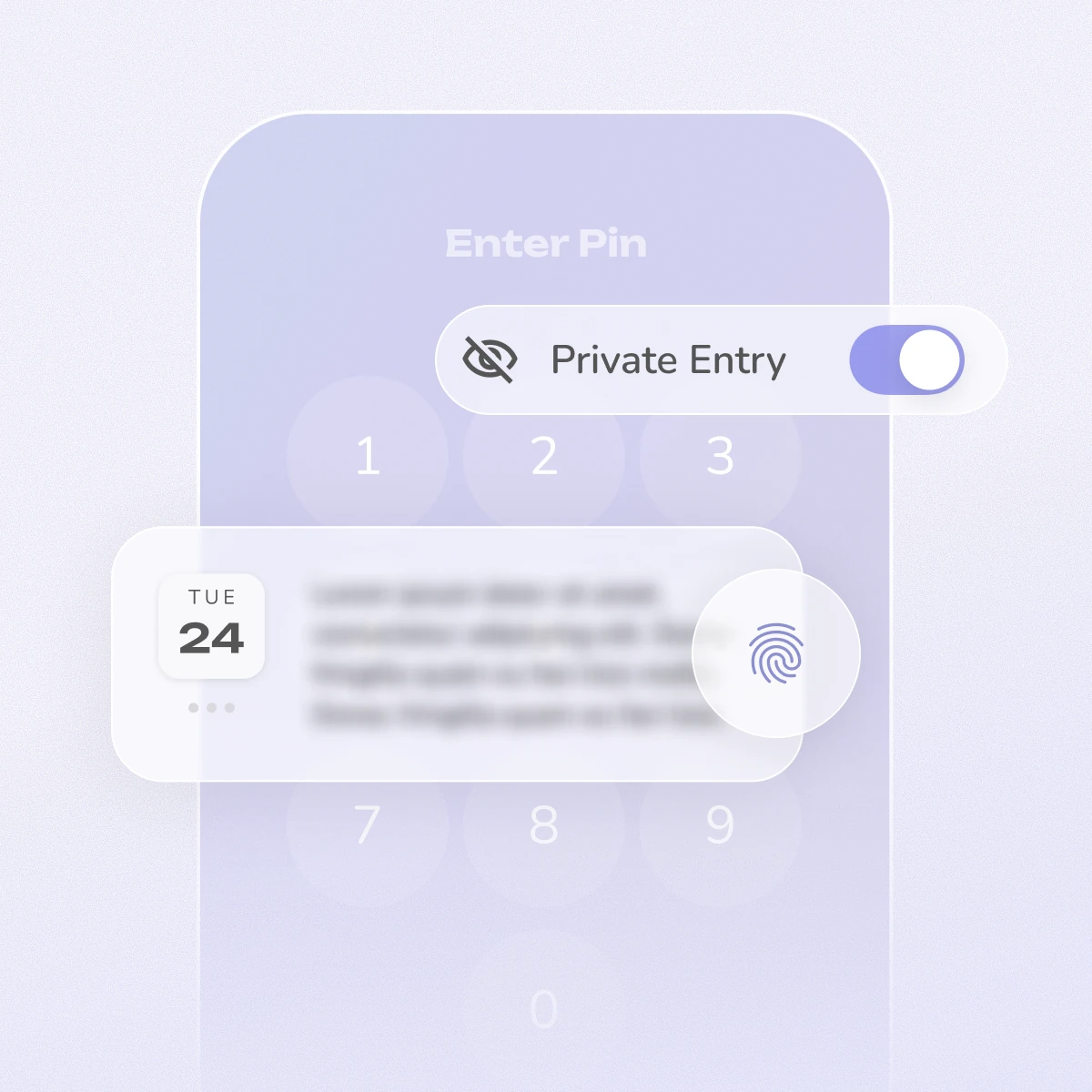
A journal is about the most personal thing a person writes. Reflection was built on the idea that your privacy is sacred, and the MCP server follows the same rule. Three choices matter most:
The release announcement covers key handling and revocation in practice.
Setup takes a couple of minutes and lives entirely inside the app. Open Settings → MCP Key Management, tap Generate MCP Key, and copy the connection URL it gives you. Then add a new custom remote MCP server or connector in Claude, ChatGPT, Cursor, or whichever client you use, and paste the URL in. That's it.
Your key is shown once, so store it somewhere safe. Because this link can reach and add to your journal, treat it like a password: if it's ever compromised, revoke it from the same screen and generate a new one.
The release announcement walks through setup step by step, including the option to use an Authorization: Bearer header instead of a URL token.
Once you're connected, these are good first things to ask:
It can add entries, like saving a reflection from a chat or logging context from another app, and each one is tagged "MCP" so you always know how it got there. But it's meant to support your own reflection, not replace it, and it can't touch or rewrite anything you've already written yourself.
Any assistant that supports the Model Context Protocol. That includes Claude (claude.ai, Claude Desktop, Claude Code), ChatGPT, Cursor, VS Code Copilot, and a growing list of others. You add Reflection as a custom remote MCP server or connector and paste in your URL.
Yes, and this is one of the best reasons to connect it. Your assistant can use Reflection alongside every other tool it's connected to. If health, calendar, or habit data already reaches your AI through another connector, you can have it written into your journal as context, or compared against what you've written. You can also schedule it, so a routine runs on its own and the entry is waiting for you.
Yes. Reflection generates Weekly, Monthly, and Annual Reviews in the app, but through MCP you can build reviews we don't offer. If your AI supports scheduled tasks, as Claude does, you can describe the summary you want and the cadence you want it on: a weekly readout on one specific goal, a monthly look at every entry mentioning a particular person, a quarterly view of how your thinking on something has changed. It runs on its own.
Privacy is the foundation. Your entries are encrypted at rest, every request is scoped to your account, previews are redacted by default, and the server has no ability to delete or rewrite your entries. Your key is shown once, stored only as a secure hash, expires after 180 days, and can be revoked instantly. Every key also has an activity log you can audit.
Not in the way that phrase suggests. Your assistant doesn't ingest your whole journal in the background. By default it sees only short, redacted previews, and it opens the full text of an entry only when a question you ask calls for it, one entry at a time. It can never delete or rewrite anything, every request is logged, and you can revoke access instantly. You decide how deep it goes, and when.
No. There is no delete tool and no way to edit the text of an existing entry. The only change the connector can make to an existing entry is updating its tags. Everything else is read-only or add-only.
Years of it. When your question calls for depth, your assistant can work across your full history; the server guides it through your entries in order rather than stopping at the most recent ones. That reach is on demand, though: it's driven by what you ask, and by default the AI still sees only short, redacted previews until a specific entry is worth opening.
The Reflection MCP is available on Reflection Premium and is currently in Beta. If you're on the free plan, you'll see the upgrade path when you open MCP Key Management in Settings.
MCP (the Model Context Protocol) is an open standard, introduced by Anthropic and adopted across the AI industry, that lets AI assistants connect to outside tools and data through one common interface. It's often called "USB-C for AI."
Ready to connect yours? Read the release notes and setup guide.