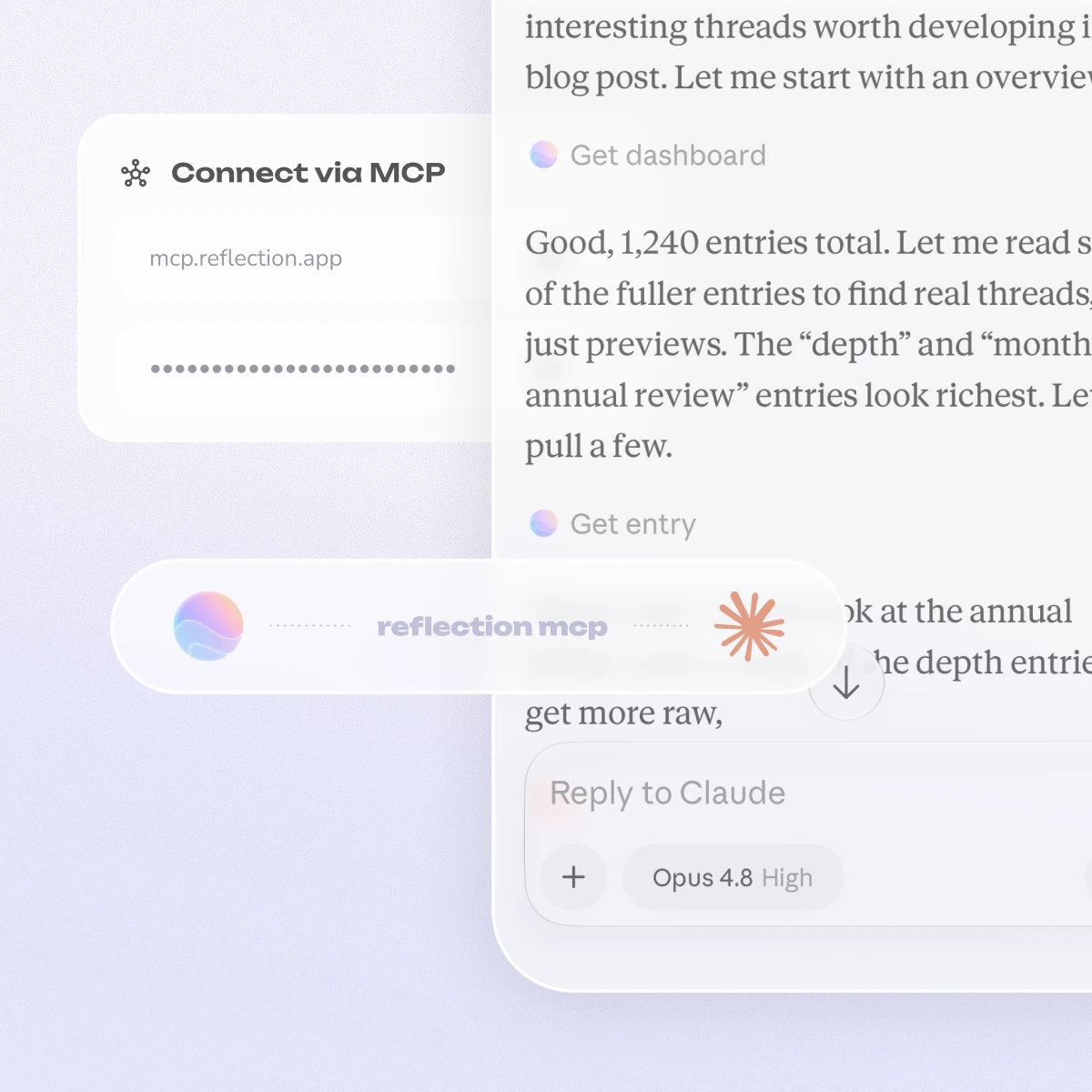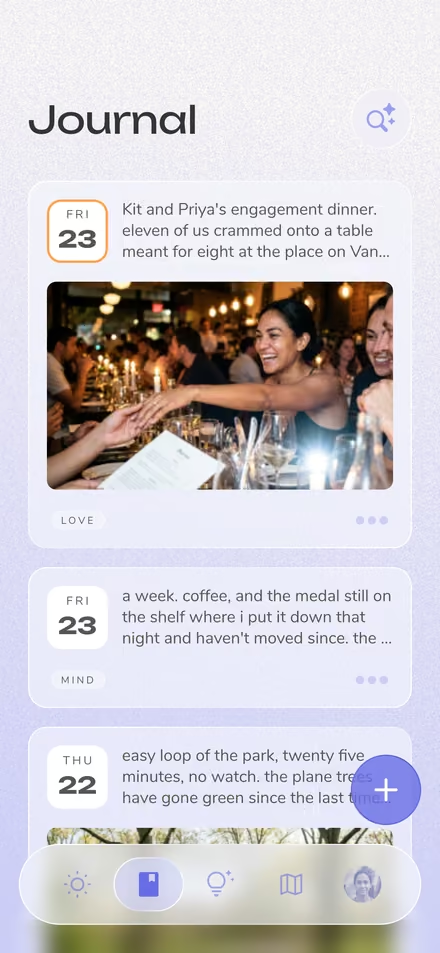
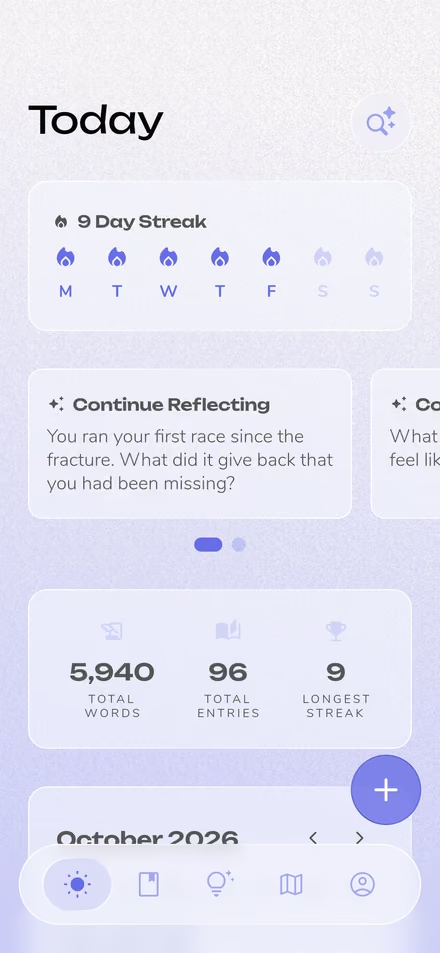



We just released the Reflection MCP in Beta for Premium members. It connects your private journal to the AI assistants you already use, so you can explore years of your own writing from inside Claude, ChatGPT, Cursor, or any other app that supports the Model Context Protocol.
Setup is one key and one link. There's nothing to install.
The part we think is most interesting is what happens when your journal sits next to your other tools.
Our guide to AI journaling with MCP goes deeper on all of these, with example prompts to try.
https://mcp.reflection.app/mcp?token=<your-key>.That's it. Ask your assistant a question about your journal to confirm it's working.
Two things to know. Your key is shown only once, so store it somewhere safe, and treat it like a password since it can reach and add to your journal. If it's ever compromised, revoke it from the same screen and generate a new one. Some clients also load tools lazily, so if yours can't see Reflection right away, ask it to list its available tools.
Advanced clients that prefer an Authorization: Bearer header instead of a URL token can find the raw key under Advanced in the same dialog.
Your assistant gets nine tools. Six for exploring your journal:
get_dashboard for an overview of your journallist_entries to page through your historycount_entries to size up a date range before readingget_entry to open a single entryget_profile for basic account infolist_templates for your quick templatesAnd three for adding to it:
create_entry to add a new entryupdateentrytags to change the tags on an entrycreate_template to save a new templateThere's no delete tool, no bulk edit, and no way to rewrite an entry that already exists. Entries are write-once, and the only thing the connector can change about an existing entry is its tags. Anything added through it is automatically tagged "MCP", so you can always tell how an entry got into your journal.
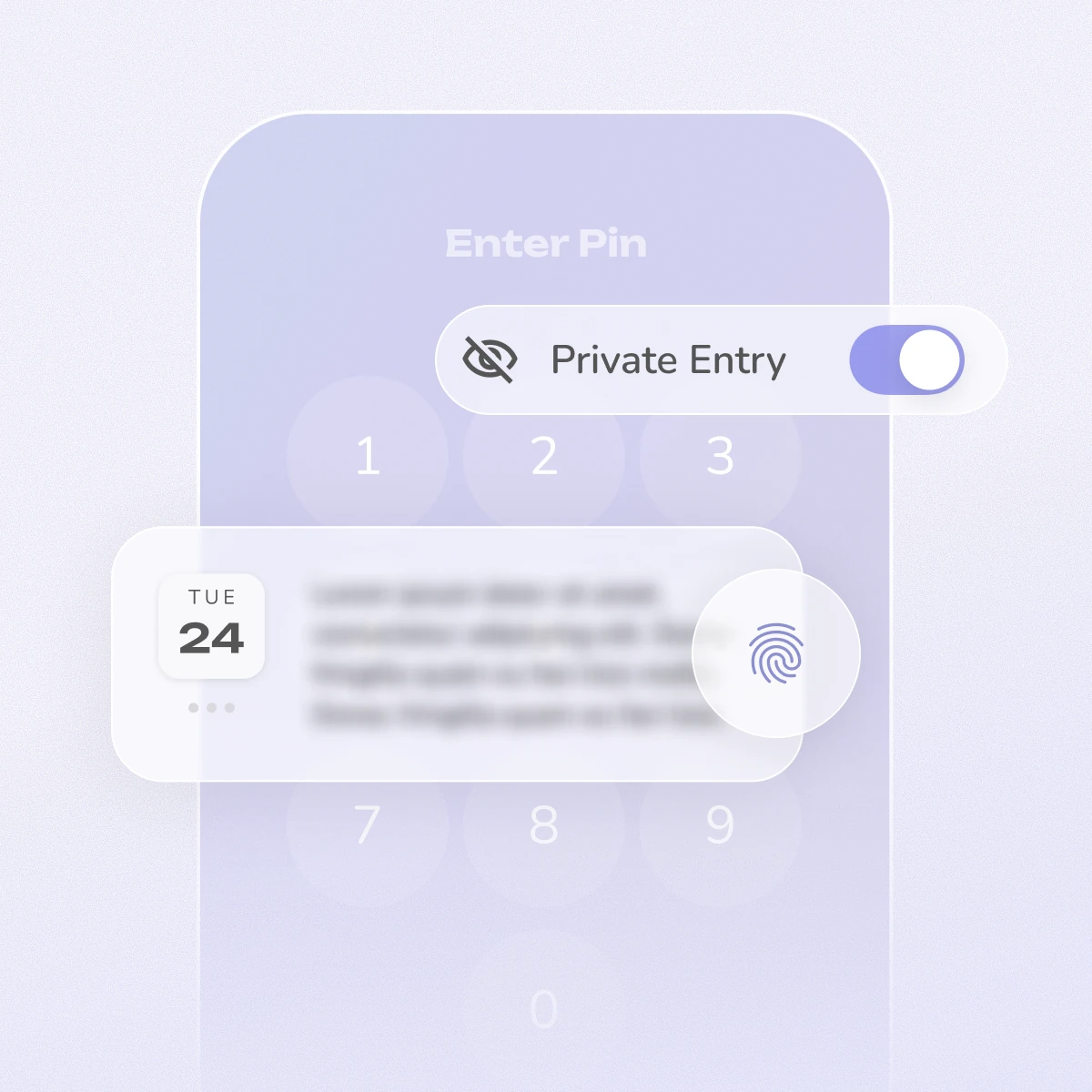
By default your assistant sees only short, redacted previews of your entries and opens a full entry only when your question calls for it. Every key keeps an activity log you can check, and revoking a key blocks the very next request.
This is our first release, so we recommend keeping a recent backup of your journal. MCP support also varies between AI clients, and several are still changing quickly.
We'd love to hear what you build with it, especially the routines. If something doesn't work the way you expect, or you want a tool we haven't shipped, tell us.