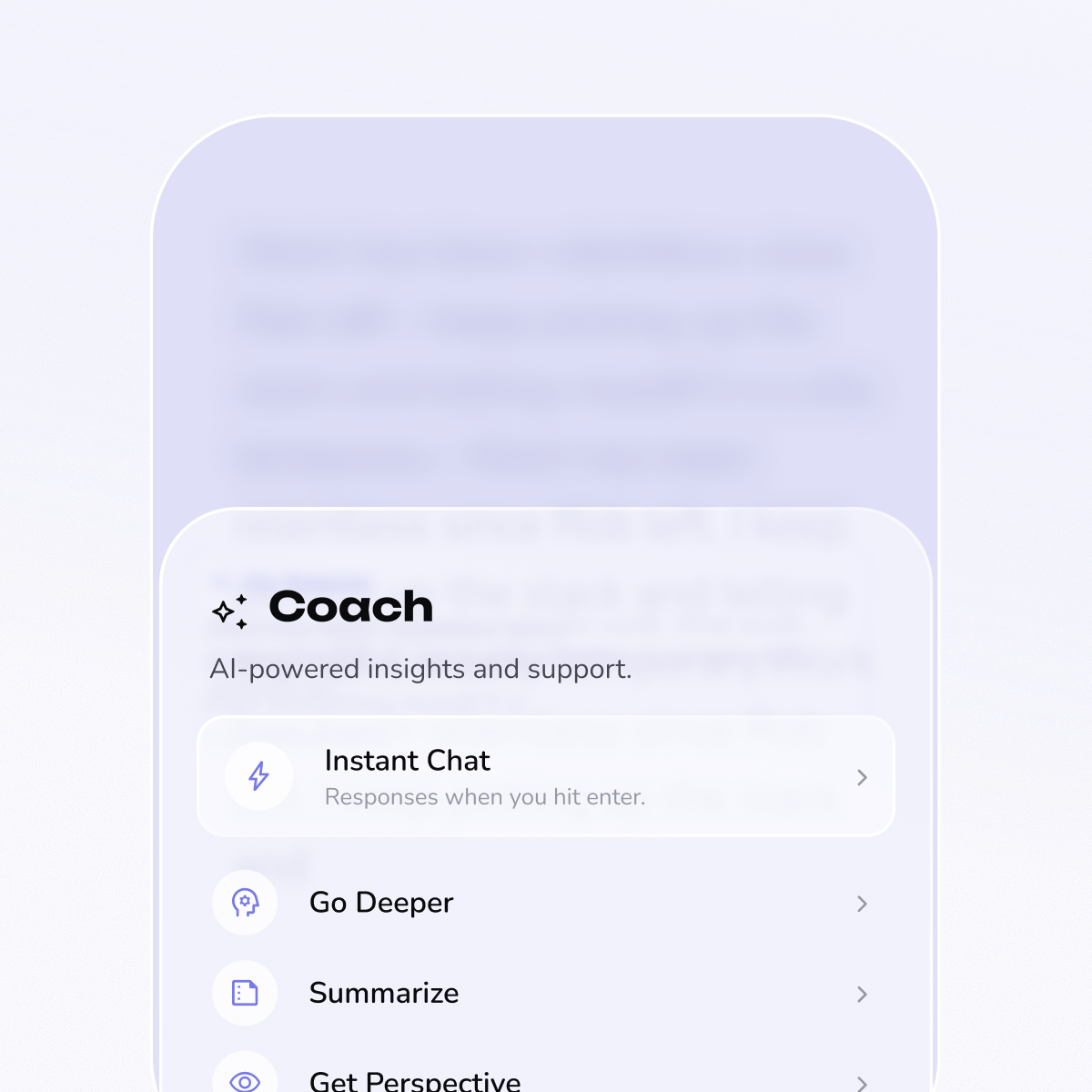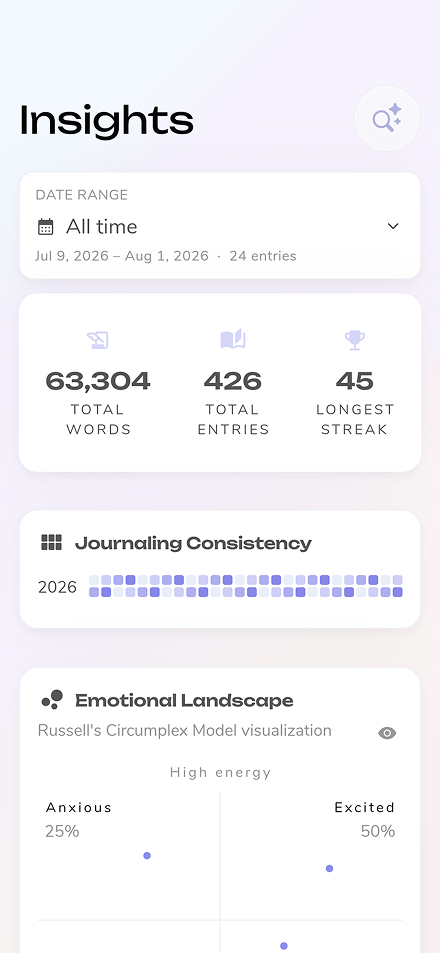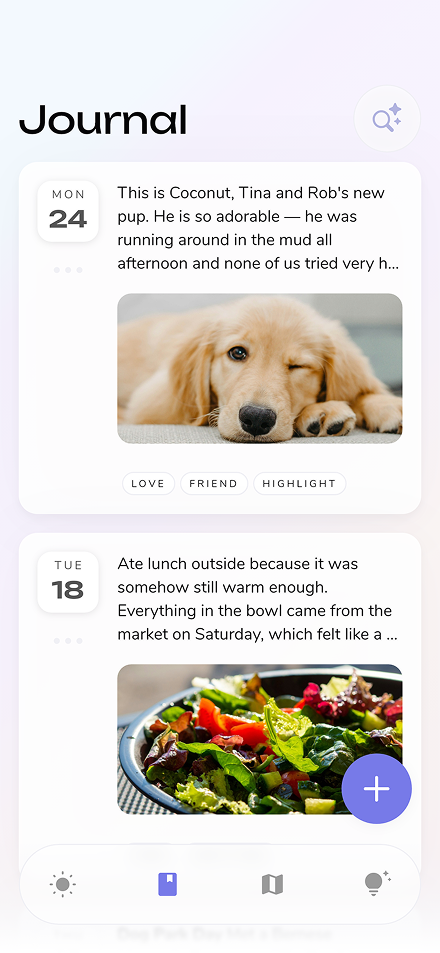
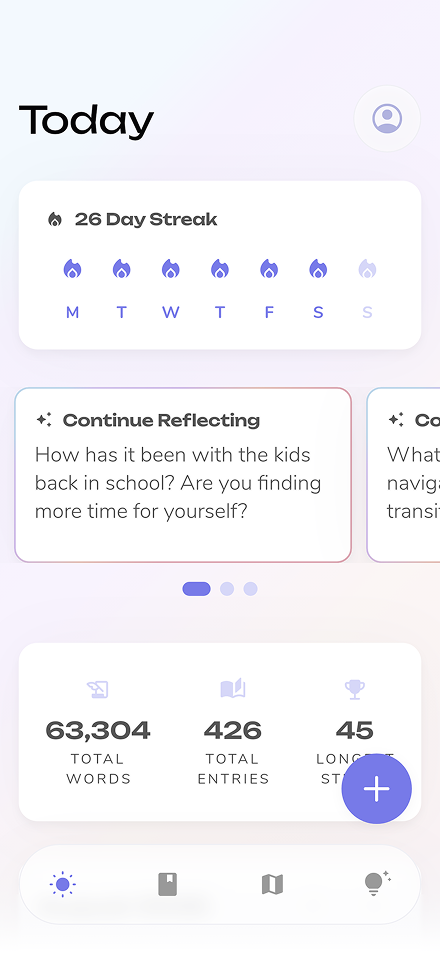



Reflection is our AI-powered journaling app designed to help users gain deeper insights into their thoughts and experiences. When we set out to build Reflection, we faced a compelling challenge: how could we transform the traditional journaling experience by making AI interactions both insightful and seamless? Our users wanted to gain deeper understanding from their journal entries without sacrificing privacy or performance.
Our solution: Integrate Google Gemini using Vertex AI in Firebase and Flutter and to create a secure journaling experience that delivers meaningful personalized insights with millisecond response times.
We started by creating an AI-enhanced editor where users can write entries and receive thoughtful questions, guidance, or feedback to help them explore their thoughts more deeply.
After exploring several approaches, we found that Vertex AI in Firebase provided the ideal combination of performance, security, and ease of integration for our Flutter app.
Our current architecture leverages Flutter and Firebase's ecosystem:
• Flutter App: Multi-platform UI built with Flutter
• Firebase App Check: Security layer ensuring only legitimate clients access our AI
• Firebase Remote Config: Dynamic management of prompts and AI settings
• Vertex AI in Firebase: Secure, server-side AI processing with Gemini models
• Depth Service: Core service managing AI interactions and context
Security was a top priority. App Check ensures that only verified clients can access our Vertex AI resources.
We initially encountered an issue where App Check showed 0% verified requests. After consulting with Firebase support, we discovered a critical step was missing: connecting App Check to the Vertex AI model instance.
This small but crucial detail was the key to making our security layer work properly. You can find more details in this Firebase user voice thread.
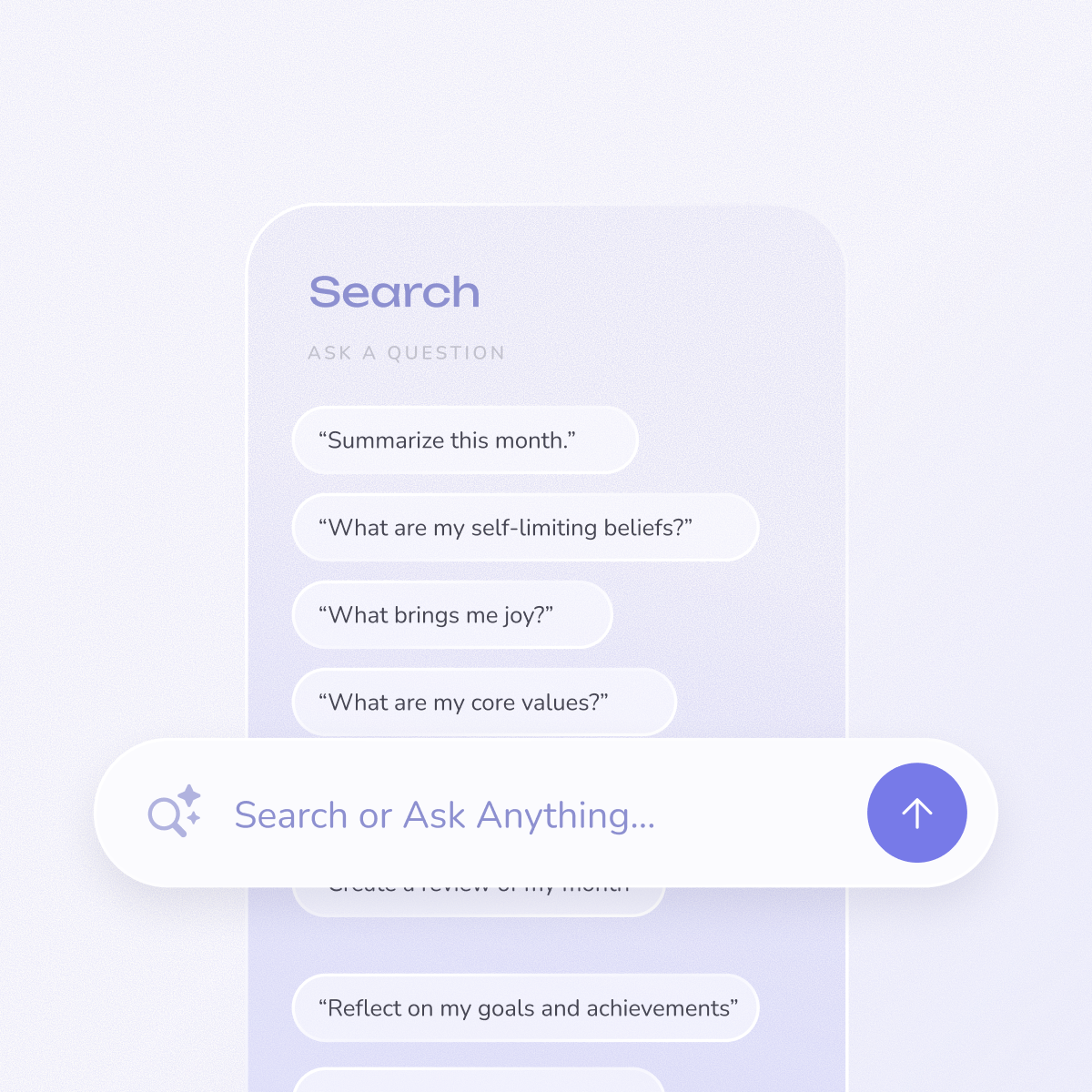
We expanded our AI capabilities into search to support natural language search, allowing users to ask questions about past entries in conversational language. For example, users can ask "Where did I go on vacation last summer?" or “What are my self-limiting beliefs?” and get relevant insights and source entries from their journal history.
We use Firebase Remote Config to adjust AI behavior without app updates. This allows us to:
• Switch between AI models (Gemini 1.5 Pro, Gemini 2.0 Flash, etc.)
• Update system prompts and templates
• Adjust temperature and other generation parameters
Firebase Remote Config dashboard for AI settings
Our configuration structure:
To achieve our fast response times, we implemented several optimization strategies:
For developers looking to implement similar functionality, here's a simplified guide:
▪ Install the FlutterFire CLI:
▪ Configure Firebase:
▪ Navigate to the Firebase Console
▪ Select your project
▪ Go to Product Categories > AI > Vertex AI in Firebase
▪ Enable the service and select your preferred models
▪ Follow our implementation example above
▪ Don't forget to connect App Check to your Vertex AI instance!
▪ Implement a service class similar to our GeminiService
▪ Use dependency injection for easier testing and maintenance
Here is a quick video showing the new AI implementation in app:
Experience Reflection’s new AI implementation on our Flutter-powered, fully native apps live today on iOS, Android, MacOS, and Web.
Our journey with Vertex AI in Firebase taught us several valuable lessons:
The integration of Vertex AI in Firebase has transformed our user experience. Our users don't know or care that we moved our AI integration from server-side to client, implemented response caching, or managed prompts with Remote Config. What they do care about is speed, quality of responses, and data security. With this latest release, users have been loving the changes - we’ve heard it directly from our users and are also seeing it in the user adoption numbers.
Integrating Vertex AI in Firebase with Flutter has been transformative for Reflection. The combination of Flutter's multi-platform capabilities and Firebase's secure, scalable AI infrastructure has allowed us to deliver a truly modern journaling experience.
We're grateful to the Firebase and Flutter teams for creating tools that enable small development teams like ours to build sophisticated AI-powered applications. As these technologies continue to evolve, we're excited to push the boundaries of what's possible in personal journaling and self-reflection.
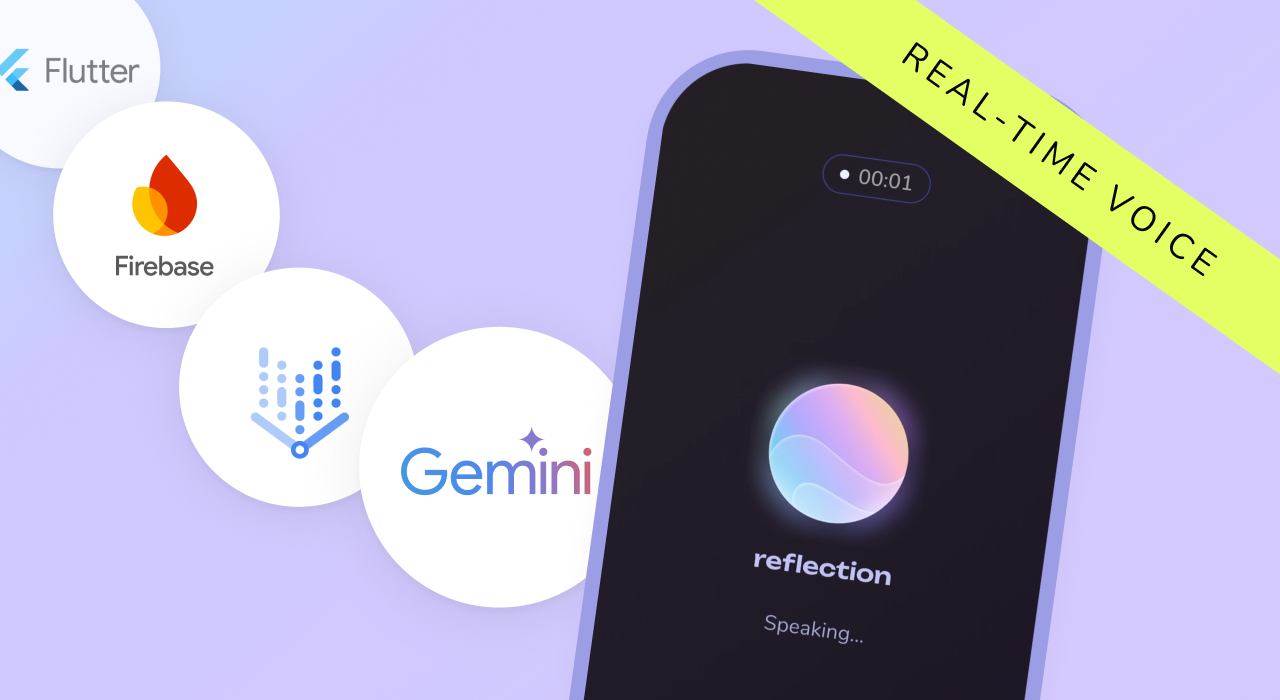
While today's experience revolves around text, our next big release will expand beyond that. First voice based journaling, and beyond that live conversational experience using Gemini’s (newly announced!) Live API. We are excited to share our journey working with it once we finish building!
Try Reflection today and experience the power of Flutter, Firebase and Vertex AI — we can’t wait to hear what you think!
Written by Isaac Adariku, Lead Flutter Developer at Reflection.
Reflection is our AI-powered journaling app designed to help users gain deeper insights into their thoughts and experiences. When we set out to build Reflection, we faced a compelling challenge: how could we transform the traditional journaling experience by making AI interactions both insightful and seamless? Our users wanted to gain deeper understanding from their journal entries without sacrificing privacy or performance.
Our solution: Integrate Google Gemini using Vertex AI in Firebase and Flutter and to create a secure journaling experience that delivers meaningful personalized insights with millisecond response times.
We started by creating an AI-enhanced editor where users can write entries and receive thoughtful questions, guidance, or feedback to help them explore their thoughts more deeply.
After exploring several approaches, we found that Vertex AI in Firebase provided the ideal combination of performance, security, and ease of integration for our Flutter app.
Our current architecture leverages Flutter and Firebase's ecosystem:
• Flutter App: Multi-platform UI built with Flutter
• Firebase App Check: Security layer ensuring only legitimate clients access our AI
• Firebase Remote Config: Dynamic management of prompts and AI settings
• Vertex AI in Firebase: Secure, server-side AI processing with Gemini models
• Depth Service: Core service managing AI interactions and context
Security was a top priority. App Check ensures that only verified clients can access our Vertex AI resources.
We initially encountered an issue where App Check showed 0% verified requests. After consulting with Firebase support, we discovered a critical step was missing: connecting App Check to the Vertex AI model instance.
This small but crucial detail was the key to making our security layer work properly. You can find more details in this Firebase user voice thread.
We expanded our AI capabilities into search to support natural language search, allowing users to ask questions about past entries in conversational language. For example, users can ask "Where did I go on vacation last summer?" or “What are my self-limiting beliefs?” and get relevant insights and source entries from their journal history.
We use Firebase Remote Config to adjust AI behavior without app updates. This allows us to:
• Switch between AI models (Gemini 1.5 Pro, Gemini 2.0 Flash, etc.)
• Update system prompts and templates
• Adjust temperature and other generation parameters
Firebase Remote Config dashboard for AI settings
Our configuration structure:
To achieve our fast response times, we implemented several optimization strategies:
For developers looking to implement similar functionality, here's a simplified guide:
▪ Install the FlutterFire CLI:
▪ Configure Firebase:
▪ Navigate to the Firebase Console
▪ Select your project
▪ Go to Product Categories > AI > Vertex AI in Firebase
▪ Enable the service and select your preferred models
▪ Follow our implementation example above
▪ Don't forget to connect App Check to your Vertex AI instance!
▪ Implement a service class similar to our GeminiService
▪ Use dependency injection for easier testing and maintenance
Here is a quick video showing the new AI implementation in app:
Experience Reflection’s new AI implementation on our Flutter-powered, fully native apps live today on iOS, Android, MacOS, and Web.
Our journey with Vertex AI in Firebase taught us several valuable lessons:
The integration of Vertex AI in Firebase has transformed our user experience. Our users don't know or care that we moved our AI integration from server-side to client, implemented response caching, or managed prompts with Remote Config. What they do care about is speed, quality of responses, and data security. With this latest release, users have been loving the changes - we’ve heard it directly from our users and are also seeing it in the user adoption numbers.
Integrating Vertex AI in Firebase with Flutter has been transformative for Reflection. The combination of Flutter's multi-platform capabilities and Firebase's secure, scalable AI infrastructure has allowed us to deliver a truly modern journaling experience.
We're grateful to the Firebase and Flutter teams for creating tools that enable small development teams like ours to build sophisticated AI-powered applications. As these technologies continue to evolve, we're excited to push the boundaries of what's possible in personal journaling and self-reflection.
While today's experience revolves around text, our next big release will expand beyond that. First voice based journaling, and beyond that live conversational experience using Gemini’s (newly announced!) Live API. We are excited to share our journey working with it once we finish building!
Try Reflection today and experience the power of Flutter, Firebase and Vertex AI — we can’t wait to hear what you think!
Written by Isaac Adariku, Lead Flutter Developer at Reflection.