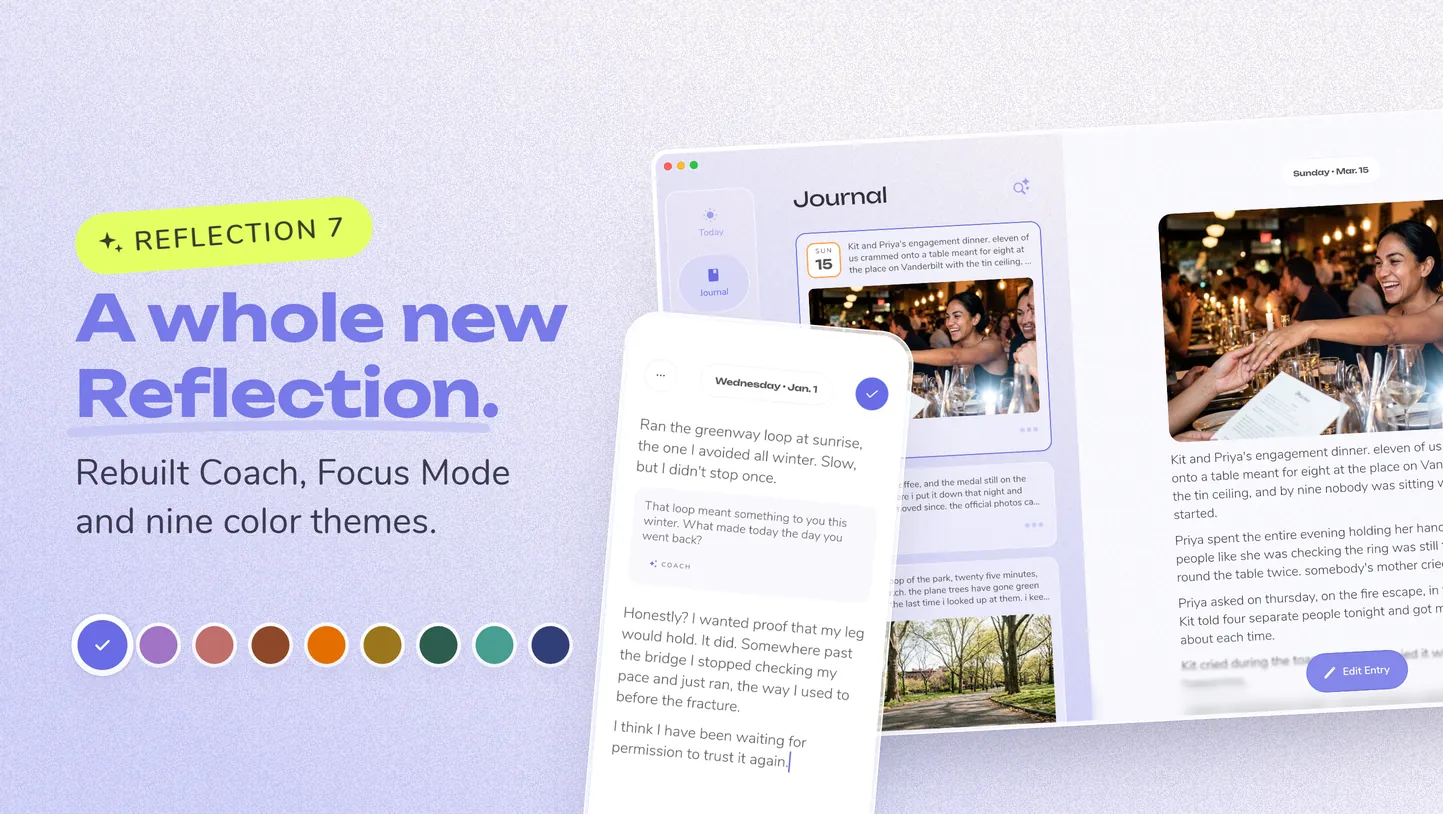
Extended Thinking for Search, What's New in the App, and Copyable Answers
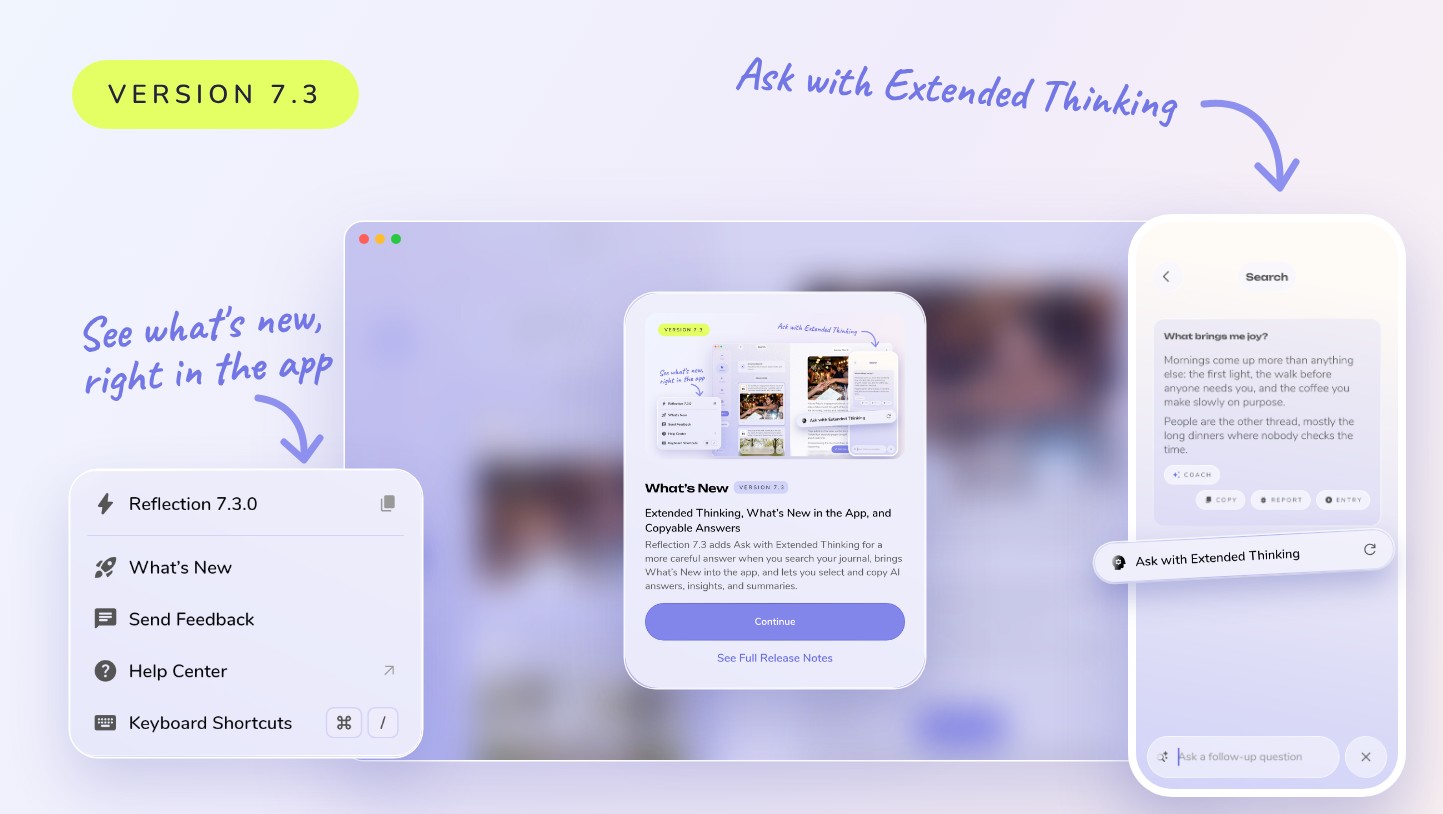
Ask with Extended Thinking — When you ask your journal a question in Search, a new button under the answer asks it again with extended thinking (Premium). It takes a few seconds longer and links to the right entries far more often.
What's New, Right in the App — Release notes now live inside Reflection. Open Settings › What's New to see the latest update and every earlier one, each with its picture or video. A short welcome also appears the first time you open a new version.
Select and Copy AI Answers — Search answers, Coach replies, insights, summaries, and prompts can now be selected and copied: drag across the text or press and hold, then choose Copy. Entry Options › Export also has a new Copy Summary.
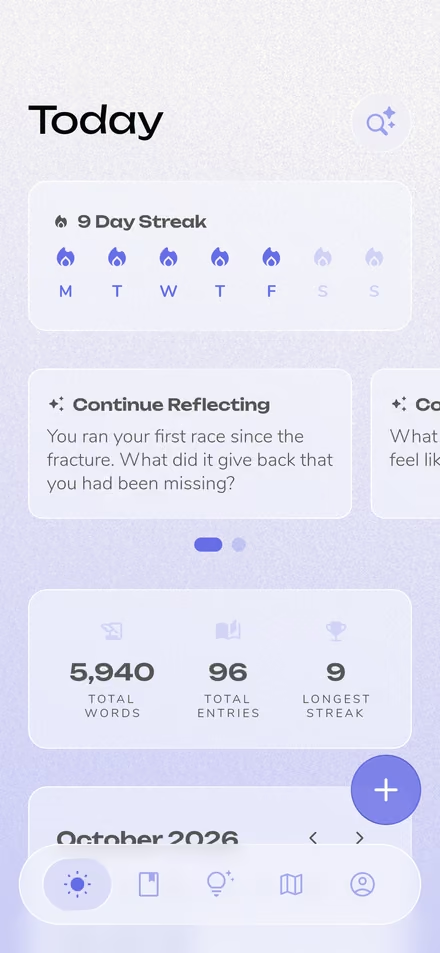
Fresher Prompts, Sharper Insights — Today's prompts change shape each day and no longer repeat yesterday's. Action Items, summaries, and Past Patterns stay closer to what you wrote, and replies stay in the language you journal in.
And more...
- Jump straight to any month or year in the date picker
- Turn off the grain texture behind the app in Settings › Appearance
- On Mac, Keyboard Shortcuts, What's New, Help Center, Send Feedback, and Log Out are now in the menu bar, the sidebar shows your version, and adding a location to an entry now works
- In Focus Mode, tap the lit headphones to change your sounds, and the fireplace now crackles
- Coach quick actions no longer repeat themselves, the voice coach answers after you mute, and an interrupted coaching session can be picked back up
- The time zone picker on the web lists every time zone again, plus bug and crash fixes throughout
More from the Changelog