A Whole New Reflection: Rebuilt Coach, Focus Mode, and Color Themes
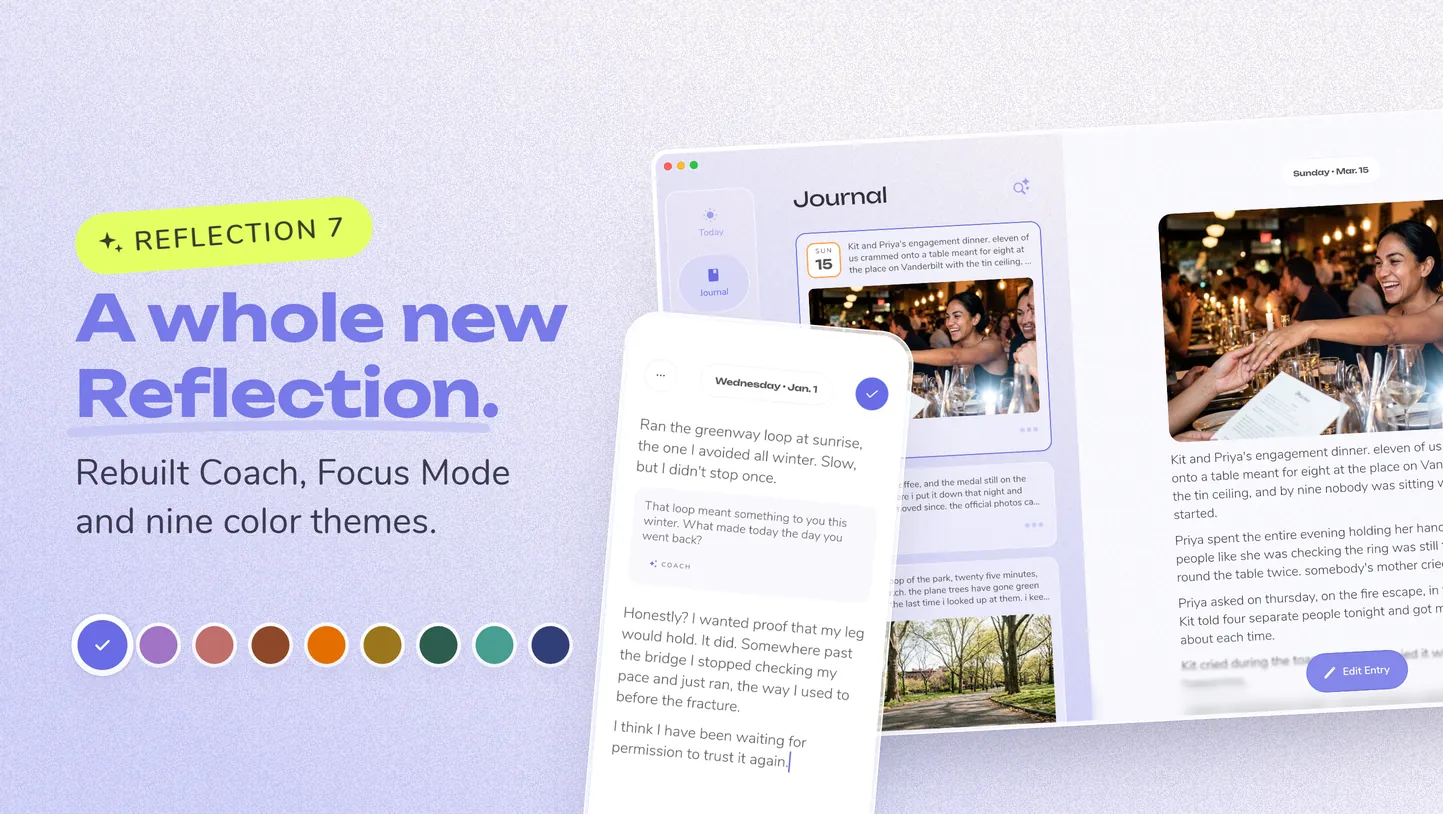
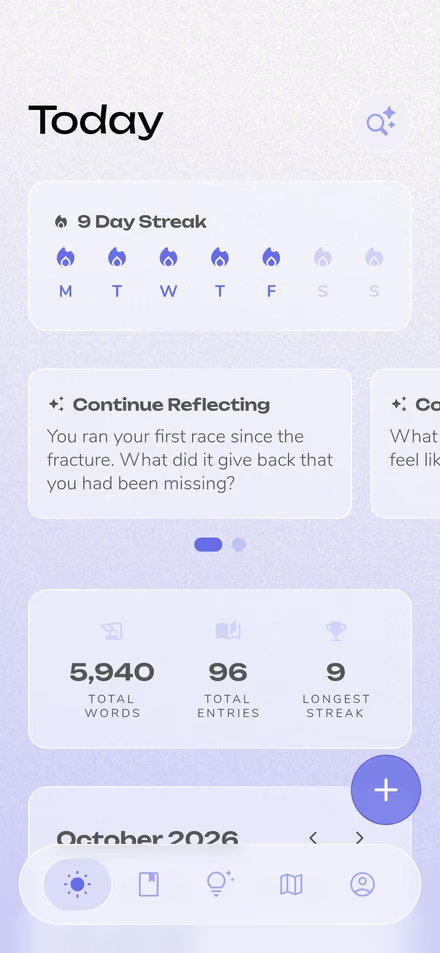
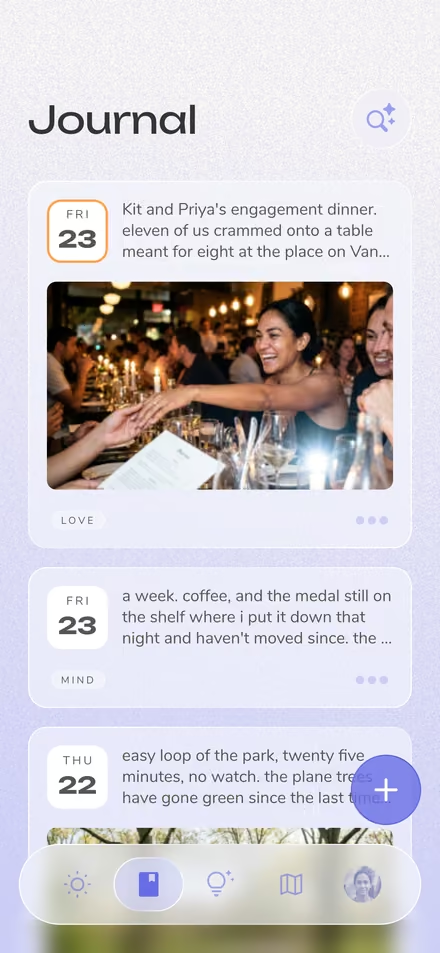
A Fresh New Design — Reflection 7 is our biggest update yet. Every screen moved to translucent glass with a subtle texture behind it, sheets float clear of the edges, and the whole app is noticeably faster, especially on the web and in journals full of photos.
Coach, Rebuilt — Everything that helps you go deeper now lives behind one Coach button. Turn on Instant Chat, press Enter, and the reply appears on the next line of your entry. Or start a Voice Call (Premium) and talk it through.
One + Button for Everything You Add — Photos, voice, scanned handwriting, templates, and prompts all sit behind a single + button. On desktop, press ⌘K to open an action sheet for every editor action.
Catch Up from Your Photos — Missed a few days? Pick photos from your camera roll and Reflection sorts them by the day they were taken, then walks you through each day. Make one entry per day, or add them all to a single entry.
Built for Bigger Screens — On iPad, desktop, and foldables, Reflection now uses the extra room: your journal list stays on one side while an entry opens right beside it, and Guides and Settings open next to their lists too.
Nine Color Themes and Minimalist Mode — Choose Periwinkle, Lavender, Terracotta, Rust, Mandarin, Honey, Forest, Seafoam, or Indigo, and the whole app follows, in light or dark. Prefer a quieter screen? Minimalist Mode swaps the tab bar for a single menu, and you can pick which page Reflection opens to.
Focus Mode — Turn it on and the editor's controls fade back, a soft sound plays under each keystroke, and an ambient room plays behind the page. Choose Cork, Click, or Typewriter keys, and Rainy Day, Beach, Morning, or Fireplace.
Little Delights Everywhere — Save an entry and a calmer insights sheet rises with a short summary and questions to sit with, as your streak flame lights up. Celebrations now settle as soft dust, a new wave loader inspired by our logo replaces a handful of spinners, the nav bar slides into search as you scroll, and gentle haptics mark the moments that matter.
And more...
- Your journal now shows a short summary of every entry instead of its first few lines
- A new timeline scrubber jumps to any month or year in your journal
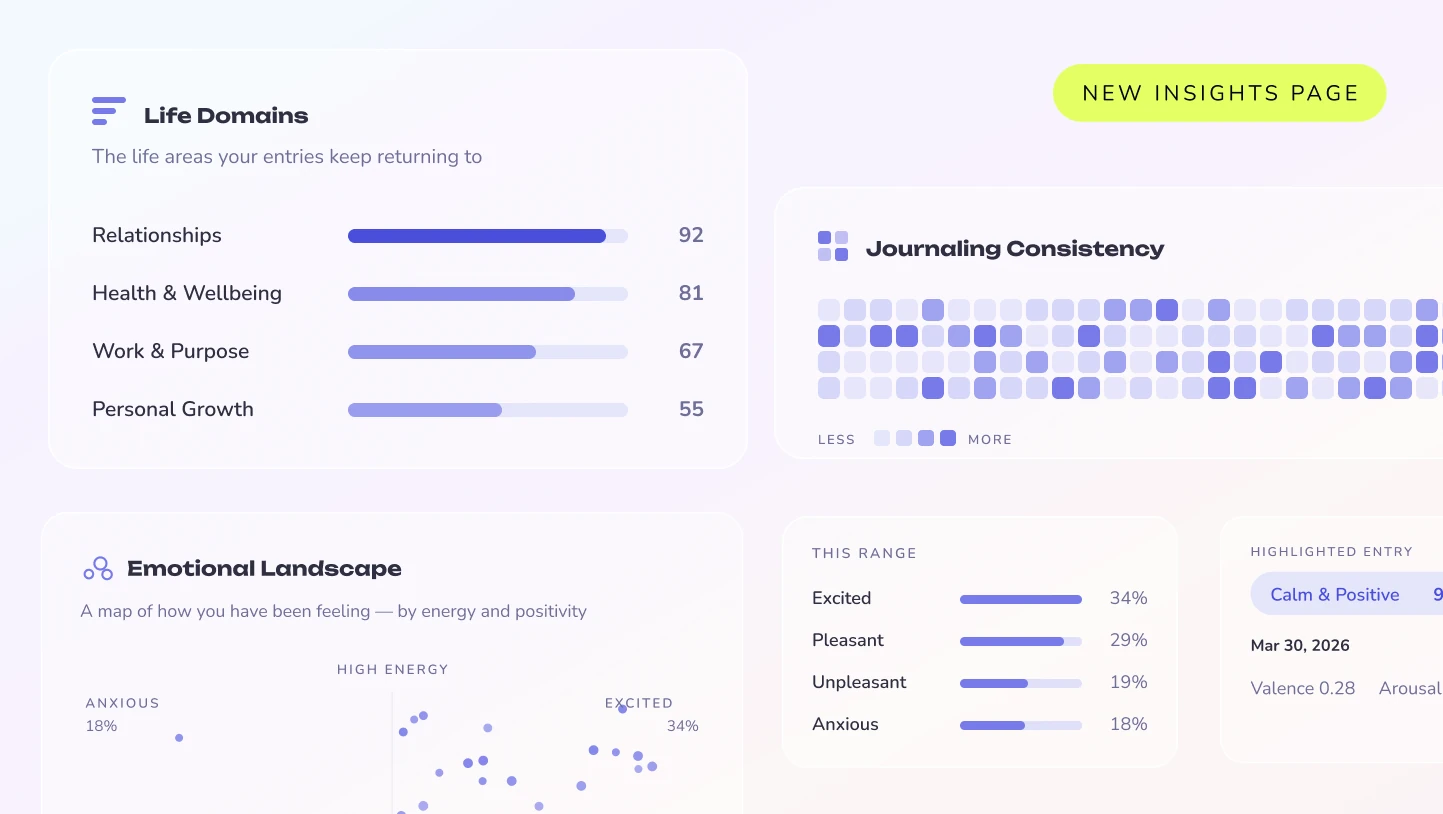
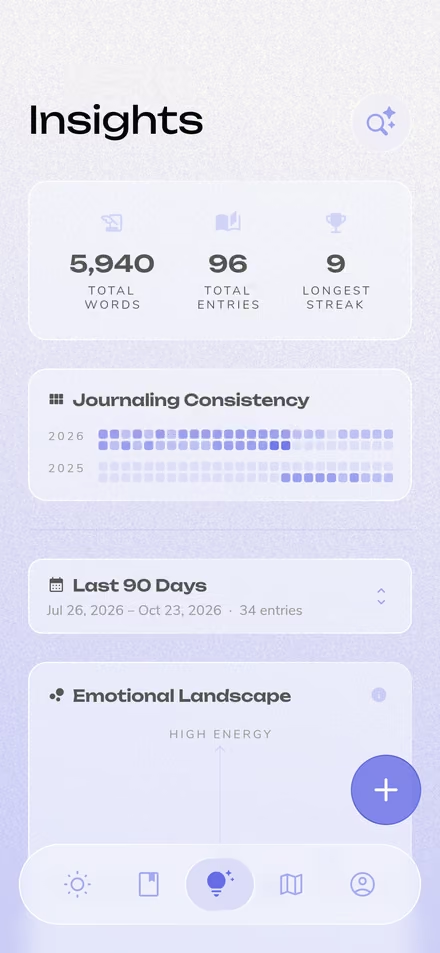
- A refreshed Insights page, with one date range across every card
- Add where you were to any entry, then search or browse your journal by place (off unless you turn it on)
- Settings is now its own tab, regrouped, with every notification in one place
- Steadier Voice Call and voice journaling, plus bug and crash fixes throughout
More from the Changelog